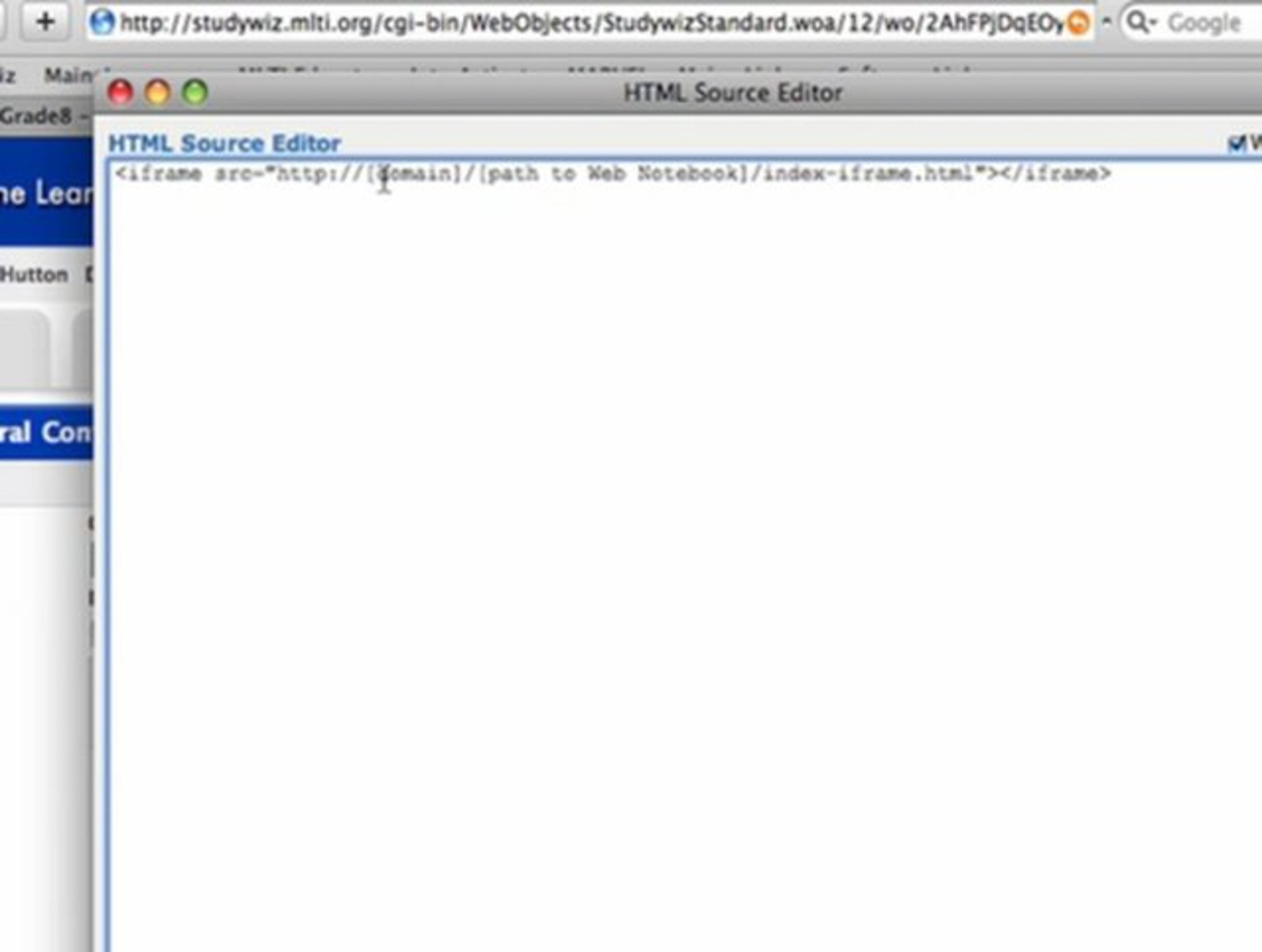
How to embed a NoteShare notebook into Studywiz.

Here I demonstrate embedding an actively updated web notebook running on the NoteShare Server to a Studywiz Learnspace page (one of our school's online learning management systems). By embedding NoteShare's web notebook link, we can now create a powerful learning tool for students where teachers' course and class materials are conveniently available online in one place and always up to date. My screencast will show you how to add your web notebook (like a homework or class notebook) under the information section of the Studywiz Learnspace Launch page. NOTE: There are some technical terms used in this demo but it's very easy to follow the instructions to add the iFrame of the web notebook you're embedding to your Studywiz Learn Space Launch page.
Our school created a shared NoteShare notebook of grade level homework assignments. We then created a web notebook and turned on the RSS feed to the notebook. The teachers post their assignments in the notebook via NoteShare and the students access the assignments via an RSS reader, a web browser or right from their Studywiz account. The parents are also able to access this information. This makes it much easier for both the teachers and the parents to keep the kids on track. It also helps the students manage all of their assignments as they are assessable from one place. Students who are absent can easily find assignments.
Get started for free
24/7 customer support
Our customer support team is available to help 24/7. Enterprise members also receive dedicated account managers and a guaranteed uptime SLA.
© 2026 Vimeo.com, Inc. All rights reserved.
TermsPrivacyYour Privacy ChoicesU.S State PrivacyCopyrightCookies