More
See all Show me
19. BGE Tutorial: Realtime Water(animated normal maps)
11 months ago
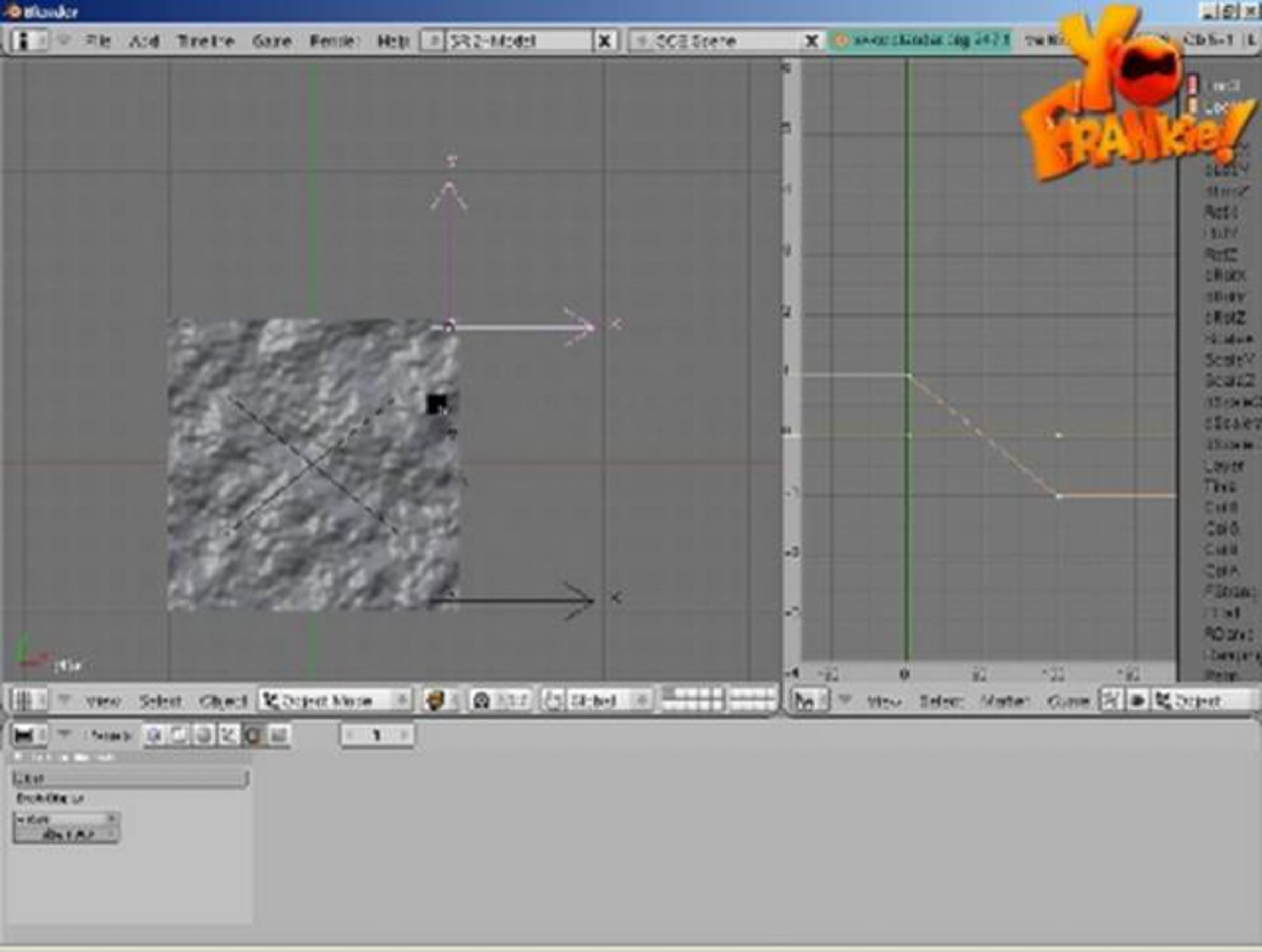
Realtime water videotutorial by Christopher Plush (blengine), as included on the Yo Frankie! DVD.

From start to finish, learn how to create animated normal maps for water in the form of animations maps in blender.

Part of the Apricot Open Game Project.
more info at: yofrankie.org

All the material is available on DVD and by free download, at:
yofrankie.org/download

Credits

42 Likes

  • weilynncg 11 months ago
    Thanks a lot for sharing Pablo & Christopher !

    That's a very neat tutorial ! Good job !
  •  
  • Patrick Mount 11 months ago
    Thankyou very much.

    I've been struggling with real-time water in Blender for some time.

    This has made an enormous difference.
  •  
  • DrAgO 11 months ago
    awsome, thank you so much
  •  
  • PapaSmurf 10 months ago
    great info! btw, Ortho Scale is 2 because the plane is 2 units wide. Ortho scale is another way of saying how many units wide the camera sees.
    Question though: why not just use the procedural cloud texture instead of the image?
  •  
  • Eric Michael Rasnier 10 months ago
    "Write a script if your complaining about it". Or we could just copy yours!
  • James Noeckel 8 months ago
    Huh? What script? I want that script, whatever you're talking about! I hate placing them by hand!!
  •  
  • FilmDude 10 months ago
    Man, you're genius! That's so cool!!!!!
    Thanx so much for this tut.

    (If my English is bad, please apologize, I'm from Austria and I'm using the Google translator ;-)

    Take care
  •  
  • James Noeckel 8 months ago
    Gah, you skipped how you had to arrange them... i think I did it wrong! It jumps a lot in the BGE!! I'm so frustrated now... Is it left to right, then every line it goes back to left, like reading? Or does it go down one and then right to left every other row?!
  •  
  • Hunter Beggs 8 months ago
    I'm doing good all until i have render it! its not rendering into a file. what do i type in the output for the render?

    Please help!!!
  •  
  • Falgor 7 months ago
    Thanks! I noticed that in photoshop the clouds (clouds filter) are seamless when using 128/256/512 etc image sizes.
  • Pablo Vazquez 7 months ago
    good tip,

    In The GIMP you just need to set "tileable" on the clouds filter, no matter the image size (even not 1:1 ones), which comes very handy if you're dealing with 2:1 images like 512x256 or whatever.
  •  
  • Wray Bowling 6 months ago
    07:58 "That's a bit crazy looking" Haha, yeah you said it
  •  
  • Matthew Abaya 4 months ago
    The effect of this tutorial is awsome! Thanks. I am trying to get this exact effect to add for an animation (not a game). Is there way to use what i created with this tutorial towards an animated scene? Thanks.
  •  
  • Arne Döring 3 months ago
    In gimp you can turn on the grid, snap to grid and make the grid size as big as the tile size.
  •  
  • tjb0607 2 months ago
    Whatever I try it won't show the normal maps in blender, only if I render it.
  •  
This conversation is missing your voice. Take five seconds to join Vimeo or log in.

Advertisement

5 Related collections

Statistics

  •  
    plays
    likes
    comments
  • Total
    plays 11.7K
    likes 42
    comments 15
  • Dec 2nd
    plays 16
    likes 0
    comments 0
  • Dec 1st
    plays 25
    likes 0
    comments 0
  • Nov 30th
    plays 23
    likes 0
    comments 0
  • Nov 29th
    plays 29
    likes 0
    comments 0
  • Nov 28th
    plays 25
    likes 0
    comments 0
  • Nov 27th
    plays 33
    likes 0
    comments 0
  • Nov 26th
    plays 31
    likes 0
    comments 0
  • Nov 25th
    plays 30
    likes 0
    comments 0
Previous Week

Downloads

Please join Vimeo or log in to download the original file. It only takes a few seconds.