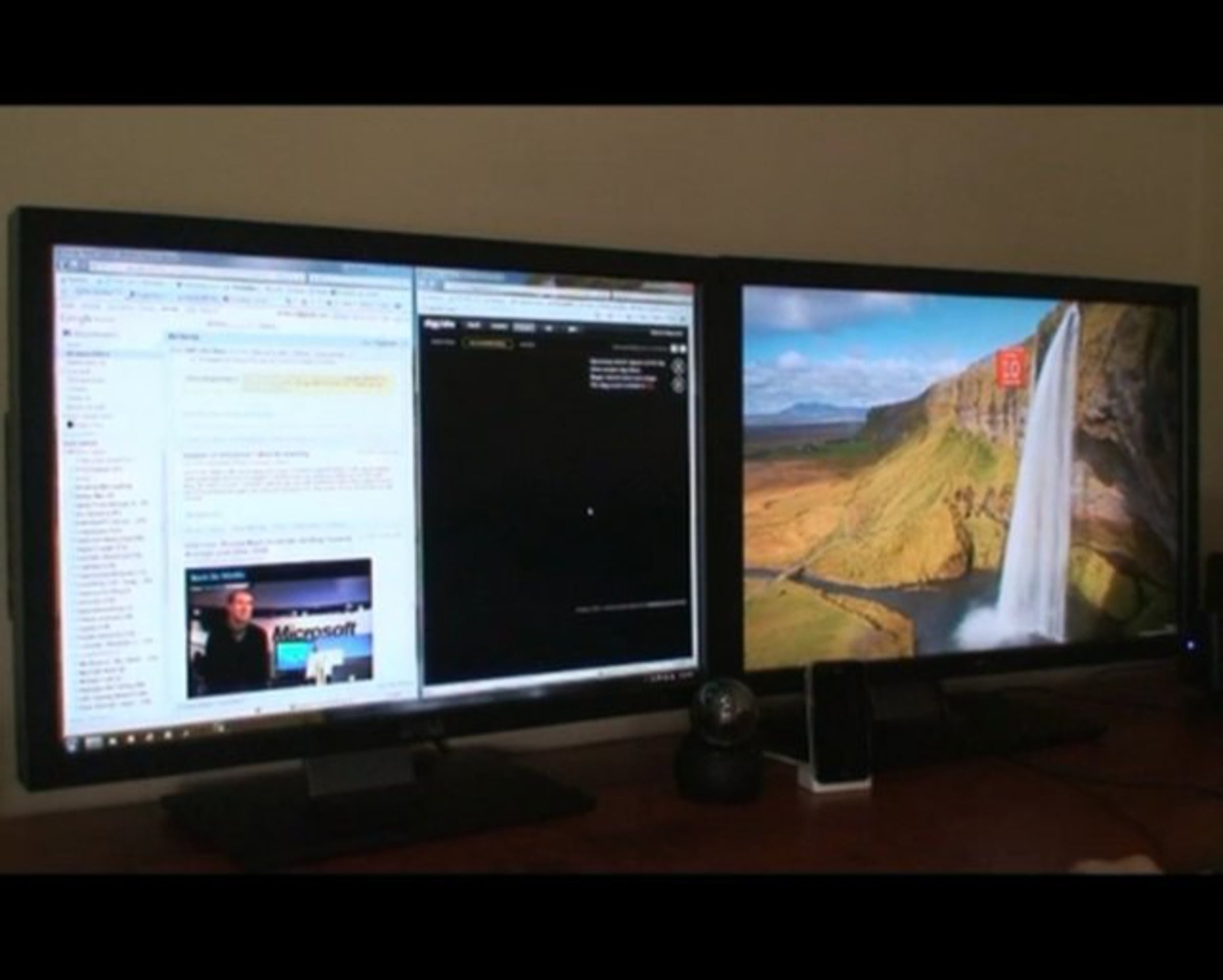
Windows 7 Multi-monitor support
10 months ago
Check out how multiple monitors work in Windows 7.
-
Vimeo: About / Blog / Developers / Jobs / Community Guidelines / Community Forums / Help Center / Site Map / Merchandise
/ Get Vimeo

Previous Week
hit winkey+left/right to hit those positions
I've been using dual displays for over 3 years now and small features like that will be quite handy.
i hope they roll out a patch to allow snapping to divider
I am planning a set-up at my new home office and am considering dual-screen. I've been using 2x 4:3 19" for years at the work, find them indispensible, but am concerned that two widescreen monitors (possibly 22") might be too much screen area, and Aero Snap with a big, wide monitor might be enough.
What do you think?
Thanks!
Just wanted to add a quick link. For those of you that don't know how to setup dual monitors in Windows 7, check out this article I wrote:
skattertech.com/2009/09/setup-dual-monitors-in-windows-7/
that should help!
My question since I can only drive with my HP xb3000 Notebook Expansion Base what options do I have to run the additional monitors Windows 7 is advertising or if I go back to a Desktop what specs does Windows 7 require for the additional 3rd and 4th monitors? Why so many monitors Social Networking, Free-Lance Writing, Blog under construction that I will be moving to Square Space soon. Just to much stuff I need to do that I am tired or doing on two Laptops.
If I am running things I am working on I don't want snapping it to 50%. Just makes no sense to me. But I do want more monitors? the task bar problem can be handled that we used for work with up to six monitors can be found using UltraMon realtimesoft.com/ultramon/.
Comments and/or ideas are appreciated trying to avoid going desktop as I have two other laptops I run along with the HP Desktop Replacement System.
Thanks....