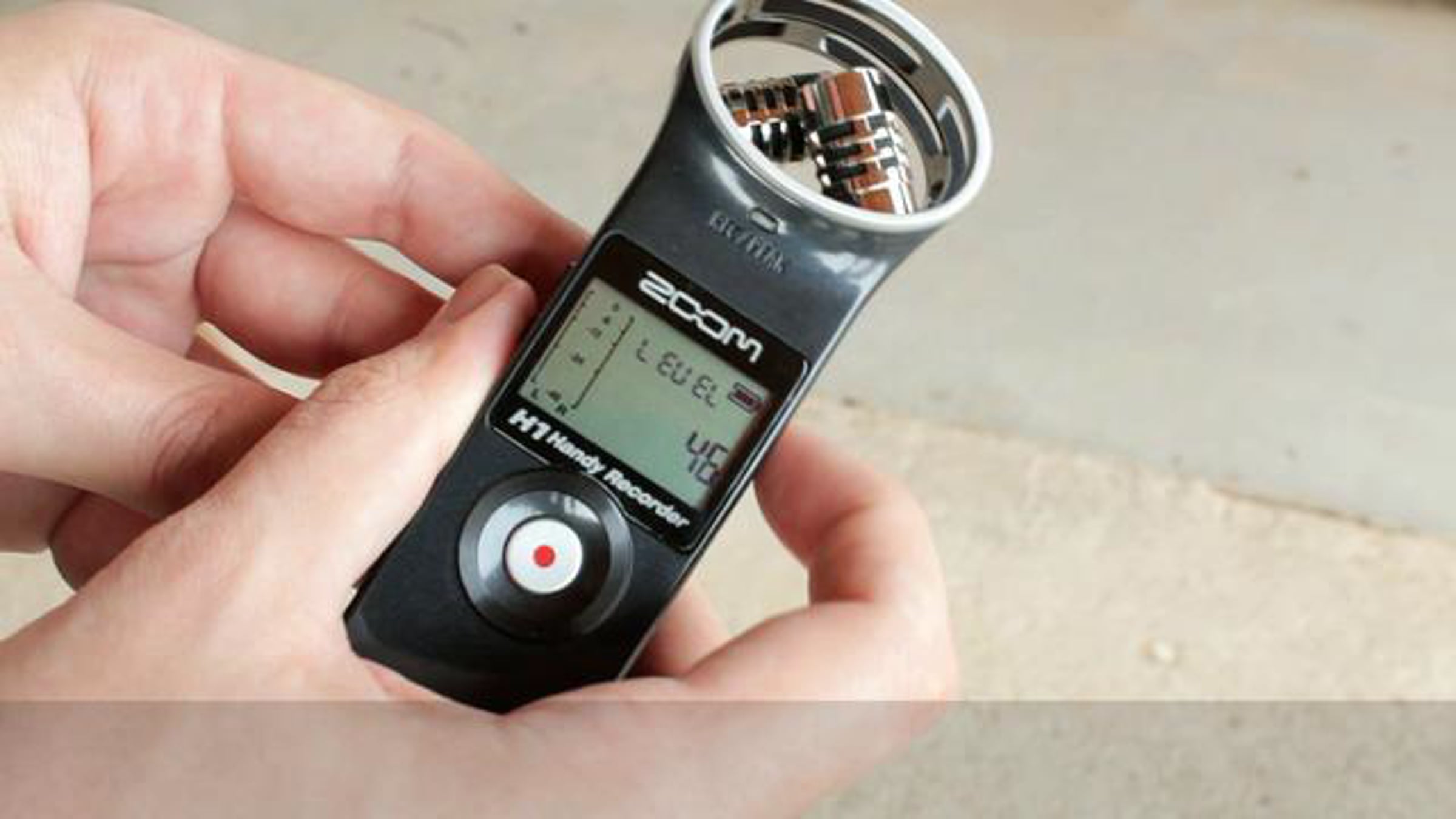
Adobe Audition Voice Editing (Zoom H1 Handy Recorder)

Tutorial on how to edit voice audio in Audition using audio captured from the Zoom H1 handy recorder.
In this tutorial I edit voice audio captured from the Zoom H1 handy recorder in Adobe Audition. This method will work with any handheld audio recorder (like the H2N, etc..) and is perfect for making podcasts or using dual system audio for DSLR video.
You need:
- Audio recording device
- Adobe Audition 3 or CS5.5
-----
Download this video in full HD (mp4 ~250MB):
http://www.synaptictracker.com/tracker/details.php?id=29538816324c4f13454d773a4e01e661add457d5
-----
On YouTube: http://www.youtube.com/watch?v=6gEYLSFtPZI
Video shot with a Canon 600D/T3i.
Screen Captured with Microsoft Expression Encoder 4 SP1.
Get started for free
24/7 customer support
Our customer support team is available to help 24/7. Enterprise members also receive dedicated account managers and a guaranteed uptime SLA.
© 2026 Vimeo.com, Inc. All rights reserved.
TermsPrivacyYour Privacy ChoicesU.S State PrivacyCopyrightCookies