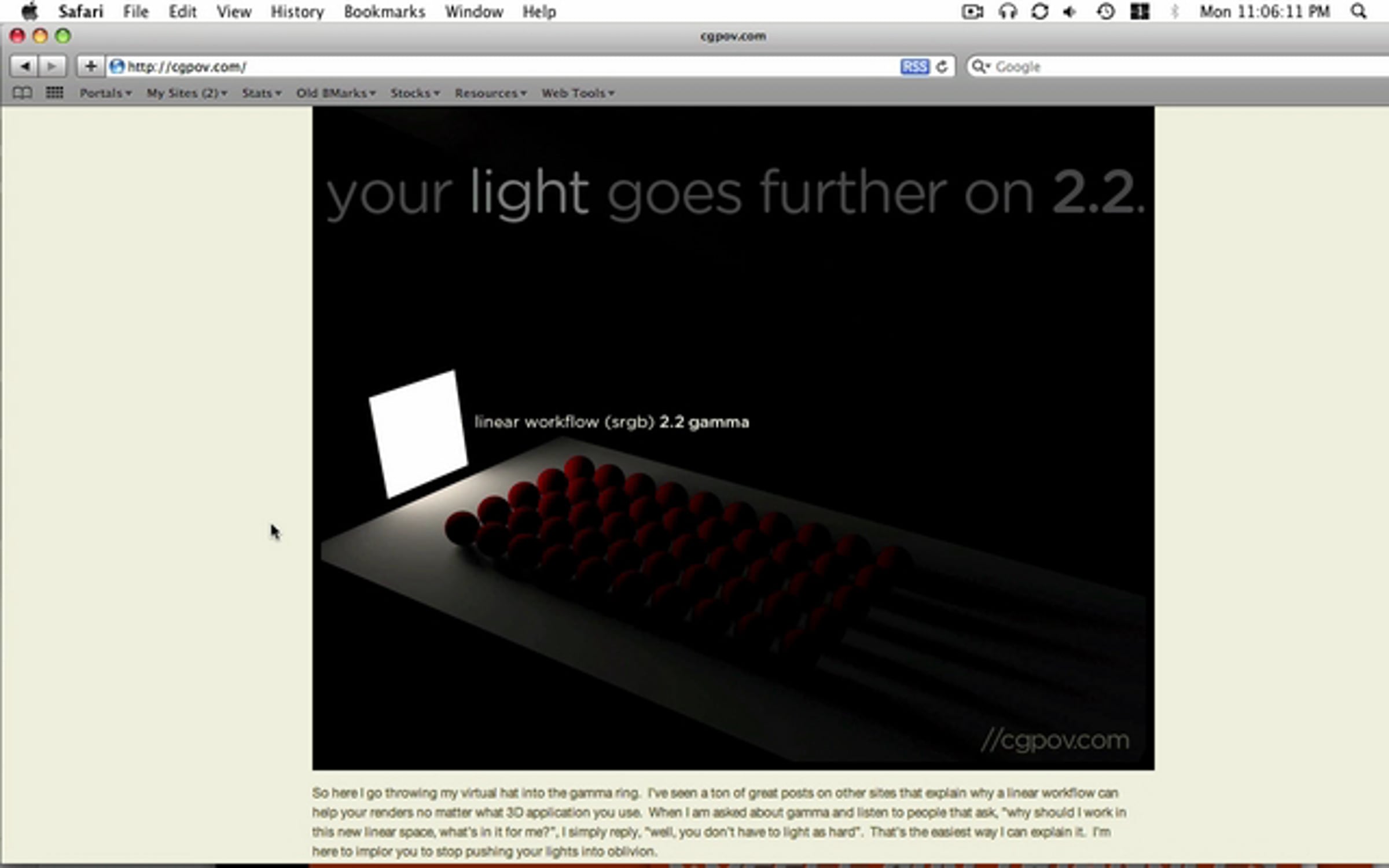
GSG Cast: 2.2 Gamma Correction in Cinema 4D

Thanks to Chad Ashley at CGPOV, I finally understand how working in 2.2 gamma space can help achieve more realistic results. For the story, visit his post on the subject here.
http://cgpov.com/?p=103
More Tutorials From Greyscalegorilla: http://greyscalegorilla.com/blog/category/tutorials/
Get started for free
24/7 customer support
Our customer support team is available to help 24/7. Enterprise members also receive dedicated account managers and a guaranteed uptime SLA.
© 2026 Vimeo.com, Inc. All rights reserved.
TermsPrivacyYour Privacy ChoicesU.S State PrivacyCopyrightCookies