More
See all Show me
11. Quartz Composer Quaternion Julia GPU Ray Tracer with AO
2 months ago
9. Spiky Julia
5 months ago
7. Quad flower
5 months ago
4. Summer Holiday
1 year ago
3. Camcorder test
1 year ago
2. Scribble
2 years ago
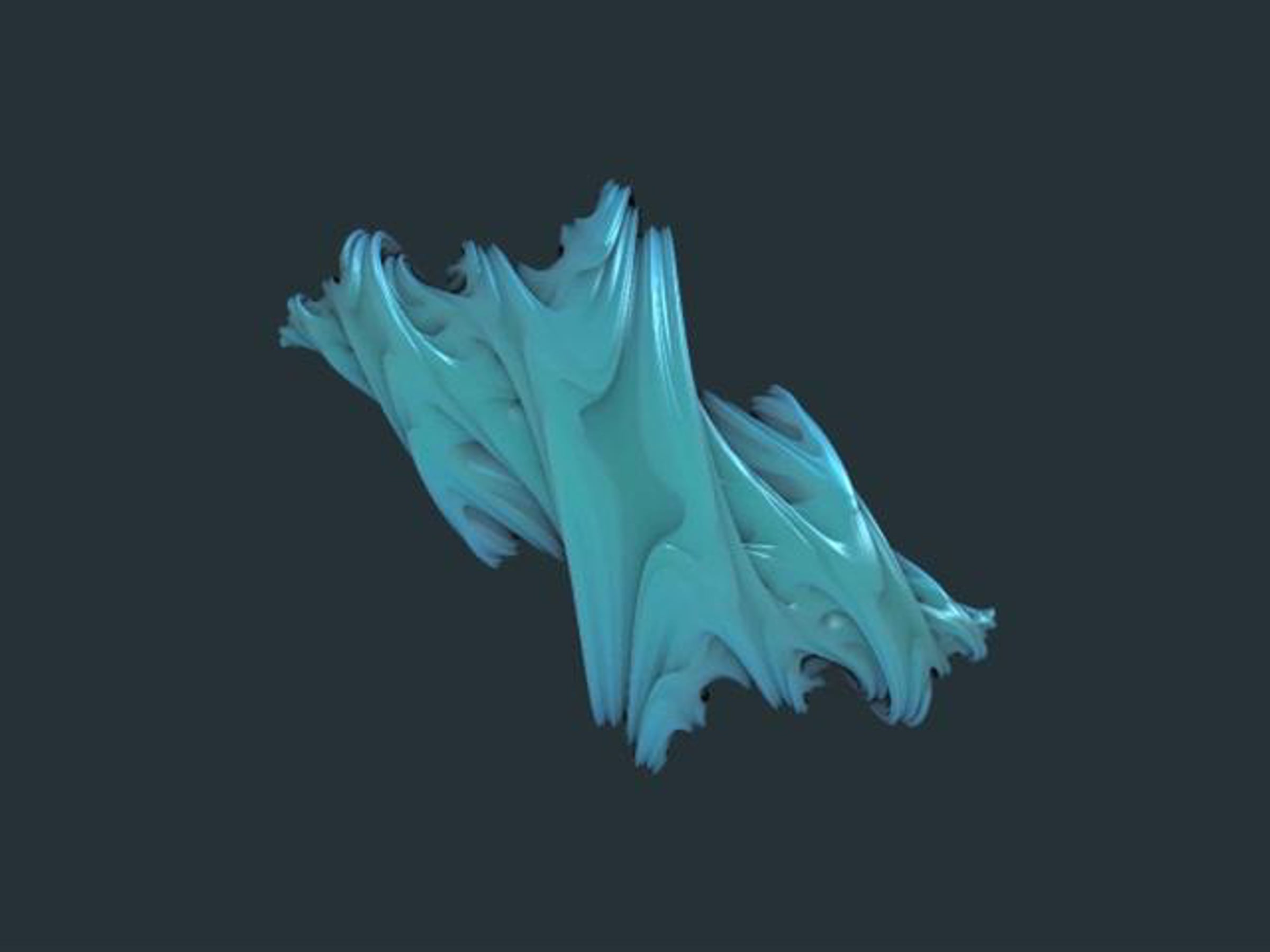
This is a Quartz Composer GLSL shader patch that ray traces a Quaternion Julia set. The shader is ported from Keenan Crane's Cg version described here: devmaster.net/forums/showthread.php?t=4448

I've added a crude Ambient Occlusion addition to the shading as part of the ray tracing process is to calculate the distance to the nearest part of the fractal isosurface and so we can get an AO effect almost for free.

Without 4x super sampling I get up to 30fps @600x400 on my iMac with a NVIDIA 8800GS gfx card.

Update: see the blog post for more details and downloads: subblue.com/blog/2009/9/20/quaternion_julia

Credits

49 Likes

Tags

  • toneburst plus 2 months ago
    Cool!
    Great minds thing alike! I did the same thing a while back, but without the AO.

    machinesdontcare.wordpress.com/2008/05/01/quaternion-julia/

    You should also take a look at Tebjan Halm (tonfilm)'s generalised isosurface raytracer for VVVV. The HLSL code can be easily ported to GLSL

    machinesdontcare.wordpress.com/2008/05/08/vimeo-2/

    I'd love to see if you could apply the same AO effect to this, too. I'll provide the GLSL code, if you're interested.

    Great work, mate!


    a|x
  •  
  • toneburst plus 2 months ago
    The AO is really impressive, actually. Wasn't that already part of Keenan's code though? I can't recall, as I was working from tonfilm's HLSL shader

    youtube.com/watch?v=G39bL31zXus&feature=channel_page

    which has self-shadowing builtin. Maybe he added that himself, too.

    a|x
  •  
  • subBlue 2 months ago
    Cheers a|x.
    Keenan's code has standard raytraced shadows. The AO approximation I added comes from counting the number of steps it takes to hit the isosurface. The step size is calculated as the distance from the current point to the nearest point in the isosurface in any direction, so the areas that are more obscured are going to need more steps as the step size will be smaller. It's by no means physically accurate, but adds a significant visual improvement at practically no additional cost to the rendering.

    I'm in the process of writing it up in a blog post at the moment, which should be online soon.

    I've going to have to spend some time going through your blog archive, I only subscribed to your RSS feed this year so missed all your older good stuff!
  •  
  • toneburst plus 2 months ago
    Ah, I see (re. the AO). I'm not sure that method would necessarily work for a more generalised isosurface raytracer (I seem to remember something in Keenan's code comments about some special mathematical magic to do with knowing how close you were to intersecting the Julia set at any given position that's specific to that particular surface- but I'm hazy to say the least, on the maths involved).

    Re. the machinesdontcare archives, I wouldn't worry too much about trawling through them, to be honest. When it comes to GLSL stuff, I've pretty-much been working blind really- translating various chunks of shader code I've found into GLSL, without really understanding how it's really supposed to work. You'd be much better starting from scratch, as you seem to have a much firmer grasp of the concepts and mathematics involved than I've ever had.

    a|x
  •  
  • toneburst plus 2 months ago
    Incidentally, did you work out how to rotate the surface in space (or orbit the camera around it)? I eventually worked something out using JavaScript to calculate a transformation matrix with I passed into the Vertex Shader, but I was never sure if it was a good (or even sane) method.

    a|x
  •  
  • subBlue 2 months ago
    Indeed, the quaternion julia surface is special in the fact it has the 'distance estimator' function to tell you how far any point is from the surface. My maths isn't good enough to say whether this applies to any surface in quaternion space, but I'm pretty sure it won't work with something outside this.

    Re. the GLSL stuff - I recently invested in new the GL box set. Quite intimidating but it's already proving to be indispensable!
  •  
  • toneburst plus 2 months ago
    I think I've now got pretty-much the whole official OpenGL library, too, though I've only really been through the GLSL Orange Book in any detail. I keep meaning to make a start with Objective-C, so I can write my own QC plugins, but after a few false-starts, haven't really got any nearer to my goal.

    a|x
  •  
  • subBlue 2 months ago
    I'm using standard rotation matrices ( en.wikipedia.org/wiki/Rotation_matrix ) to position the camera eye but also applying this to the light source so that changing the camera rotation parameters has the illusion of the object rotating with a fixed camera and light source. It's all done in the shader.
  •  
  • toneburst plus 2 months ago
    I see. I did something similar, but I found it necessary to rotate both the eye/camera position and the texture-coordinates used as the initial ray positions.

    I also wasn't rotating the light-source, so the effect is more of the surface itself rotating, than of the camera moving around it. Maybe I'll add the option to do one or the other at some point.

    Having said that, your implementation looks more impressive than mine, anyway ;)

    I should probably have done the matrices in the shader, too. I was initially put off trying to do this because I thought it wasteful to do the same calculations per-vertex, rather than just once externally, but given the massive speed-difference between JavaScript running on the CPU and matrix maths on the GPU, I'm sure doing all the required calculations in the VS is by far the better option, even if it then does have to do the exact-same calculations 4 times (once for each vertex of the quad/billboard).

    a|x
  •  
  • subBlue 2 months ago
    You can download the patch now: subblue.com/blog/2009/9/20/quaternion_julia
  •  
  • toneburst plus 2 months ago
    Cool. Runs at about 10fps on my work MacBook Pro with NVIDIA 9400M graphics. Should be faster on my own machine. Nice work!

    I'm intrigued by the way you setup rotation. It's quite different from the way I did it.

    I created a single rotation matrix in a JavaScript patch, then used that in the Vertex Shader to transform the texture coordinates and the camera-position, which I passed to the Fragment Shader as a varying.

    Not sure of the relative merits of each approach. I like the fact yours shader is more self-contained though.
    a|x
  •  
This conversation is missing your voice. Take five seconds to join Vimeo or log in.

Advertisement

2 Related collections

Statistics

  •  
    plays
    likes
    comments
  • Total
    plays 8,455
    likes 49
    comments 11
  • Dec 4th
    plays 36
    likes 0
    comments 0
  • Dec 3rd
    plays 30
    likes 0
    comments 0
  • Dec 2nd
    plays 30
    likes 0
    comments 0
  • Dec 1st
    plays 30
    likes 2
    comments 0
  • Nov 30th
    plays 42
    likes 2
    comments 0
  • Nov 29th
    plays 19
    likes 0
    comments 0
  • Nov 28th
    plays 38
    likes 1
    comments 0
  • Nov 27th
    plays 46
    likes 2
    comments 0
Previous Week

Downloads

Please join Vimeo or log in to download the original file. It only takes a few seconds.