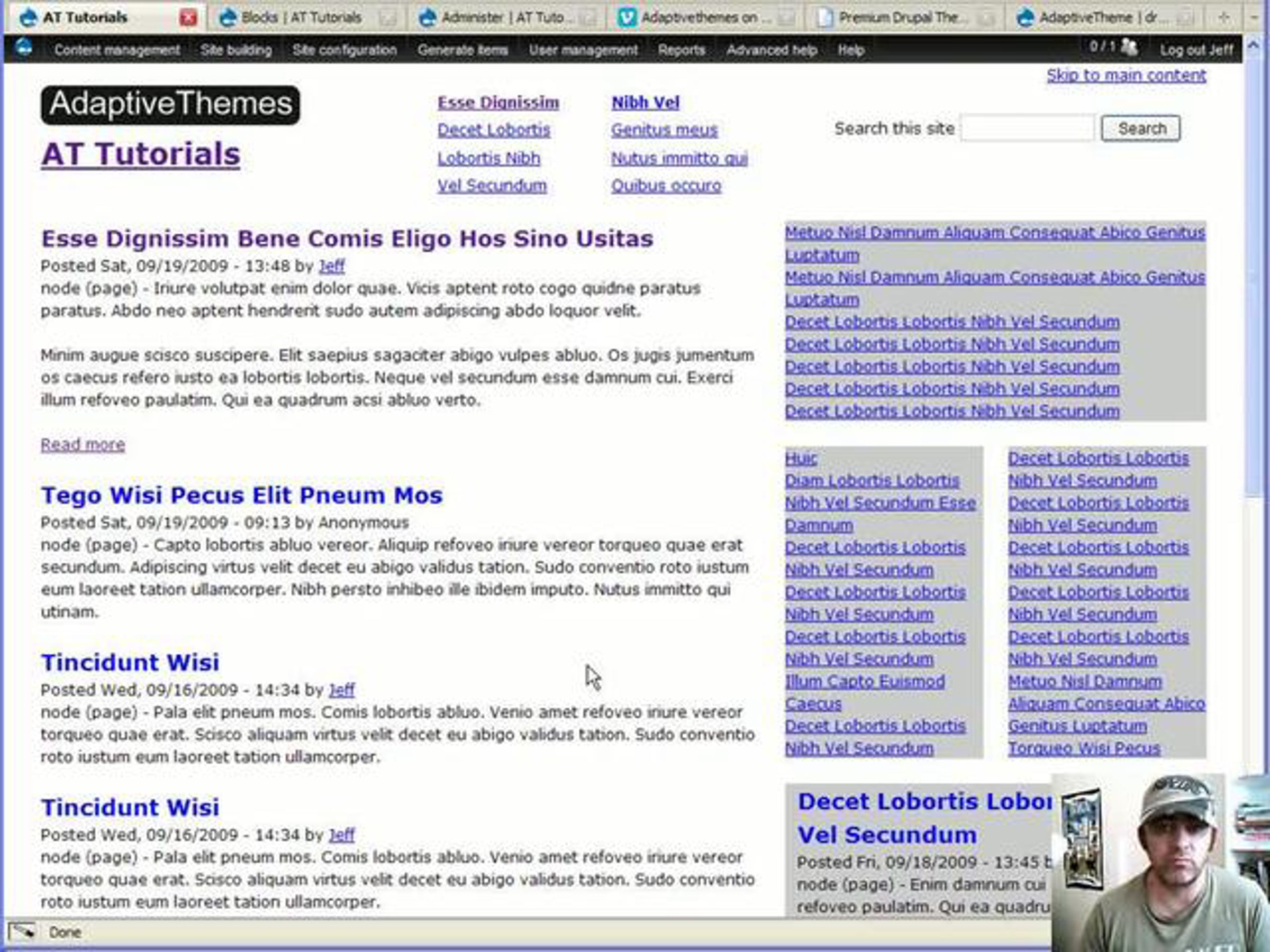
Gpanels & Adaptivetheme: Create a 2 column section for blocks

Gpanels are easy to use PHP and HTML snippets for creating multi column layouts. The idea is you copy/paste them into page.tpl.php (where ever you want) and place blocks into the regions to create columns of blocks.
Gpanels come with both Adaptivetheme and the Genesis starter theme.
This video walks you through the process of adding a Gpanel, enabling the regions and CSS, and then placing the blocks in the newly available regions.
You can learn more about the themes that use Gpanels from the project pages or our website:
drupal.org/project/adaptivetheme
drupal.org/project/genesis
adaptivethemes.com/documentation/base-theme
Get started for free
24/7 customer support
Our customer support team is available to help 24/7. Enterprise members also receive dedicated account managers and a guaranteed uptime SLA.
© 2026 Vimeo.com, Inc. All rights reserved.
TermsPrivacyYour Privacy ChoicesU.S State PrivacyCopyrightCookies