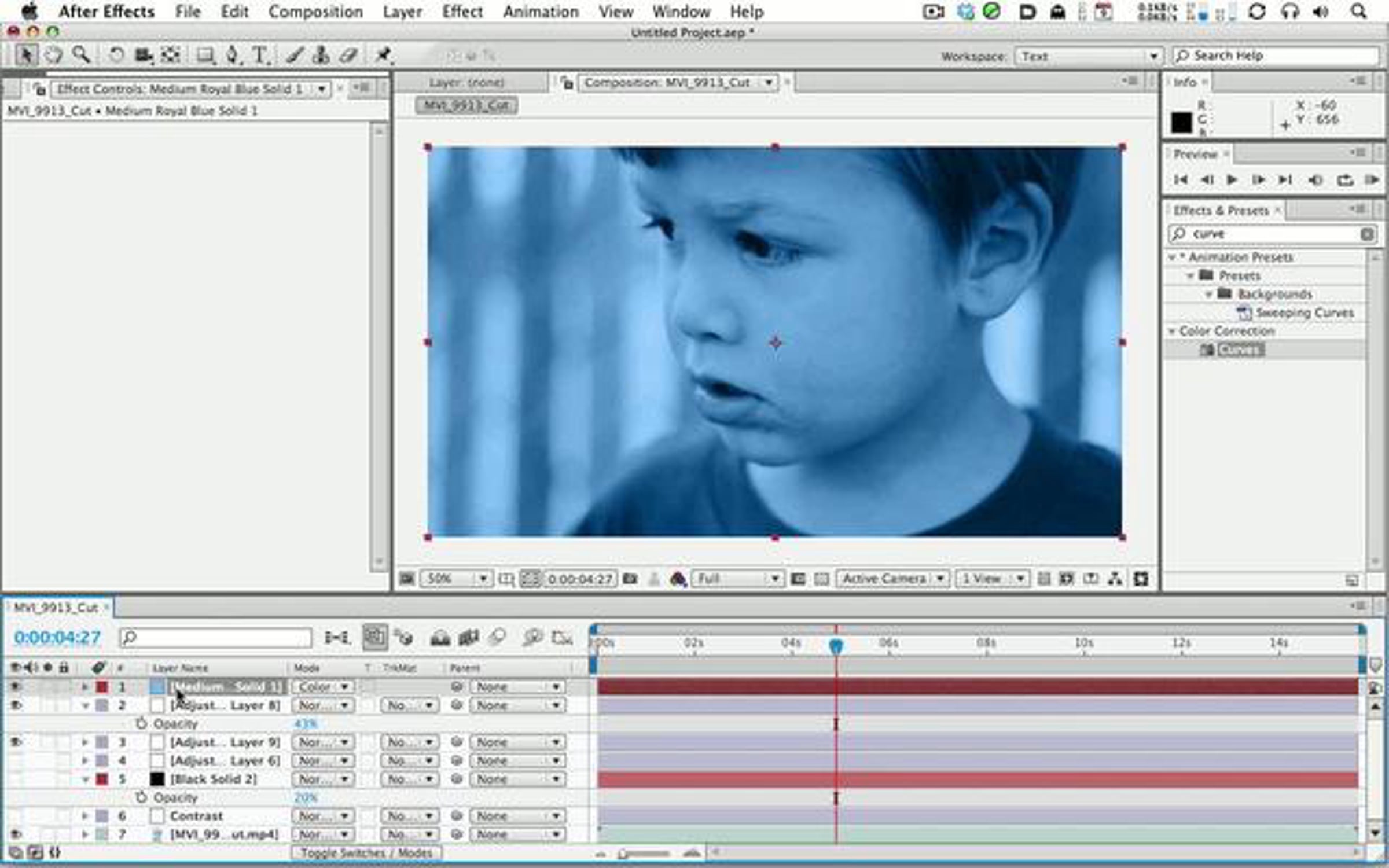
How To Color Correct Video from your 5D or 7D with After Effects
2 years ago
Thanks to Brock Nordstrom type-4.com for the footage.
See the full blog post here: greyscalegorilla.com/blog/2009/11/how-to-color-correct-footage-from-your-5d-or-7d-with-after-effects/
MOV
00:19:09
| Date | Plays | Likes | Comments |
|---|---|---|---|
| Totals | 41.2K | 738 | 23 |
| Feb 14th | 33 | 1 | 0 |
| Feb 13th | 48 | 1 | 0 |
| Feb 12th | 38 | 2 | 0 |
| Feb 11th | 28 | 0 | 0 |
| Feb 10th | 35 | 2 | 0 |
| Feb 9th | 48 | 2 | 0 |
| Feb 8th | 55 | 2 | 0 |
Check out these lessons to learn more about how you can make videos like this one!
-
Vimeo: About / Blog / Developers / Jobs /
Community Guidelines /
Help Center / Video School / Music Store / Site Map
/ Vimeo
or
-
Legal: TM + ©2012 Vimeo, LLC. All rights reserved. / Terms of Service / Privacy Statement / Copyright

Prev week
I love the Dynamic range the camera gives out, but when I first got it, I was wondering why it lacked contrast. Now I know.
Quick question, I want to export the DSLR (7D) footage from after effects untouched (H.264) but the only way it allows me is through quicktimes compressors, which lose detail. Whats the best way of exporting to stuff in Premiere?
I find I am constantly having to take breaks as I lose sight of the color style I am going for during my work flow. I can never decide if I went too far or not far enough with the colors.
I try to use skin tone and eye color as an anchor. Any tips?
Just a question. H.264 is not an editing format, so shouldn't we compress the original file into ProRes (or another editing format) before working in AE?