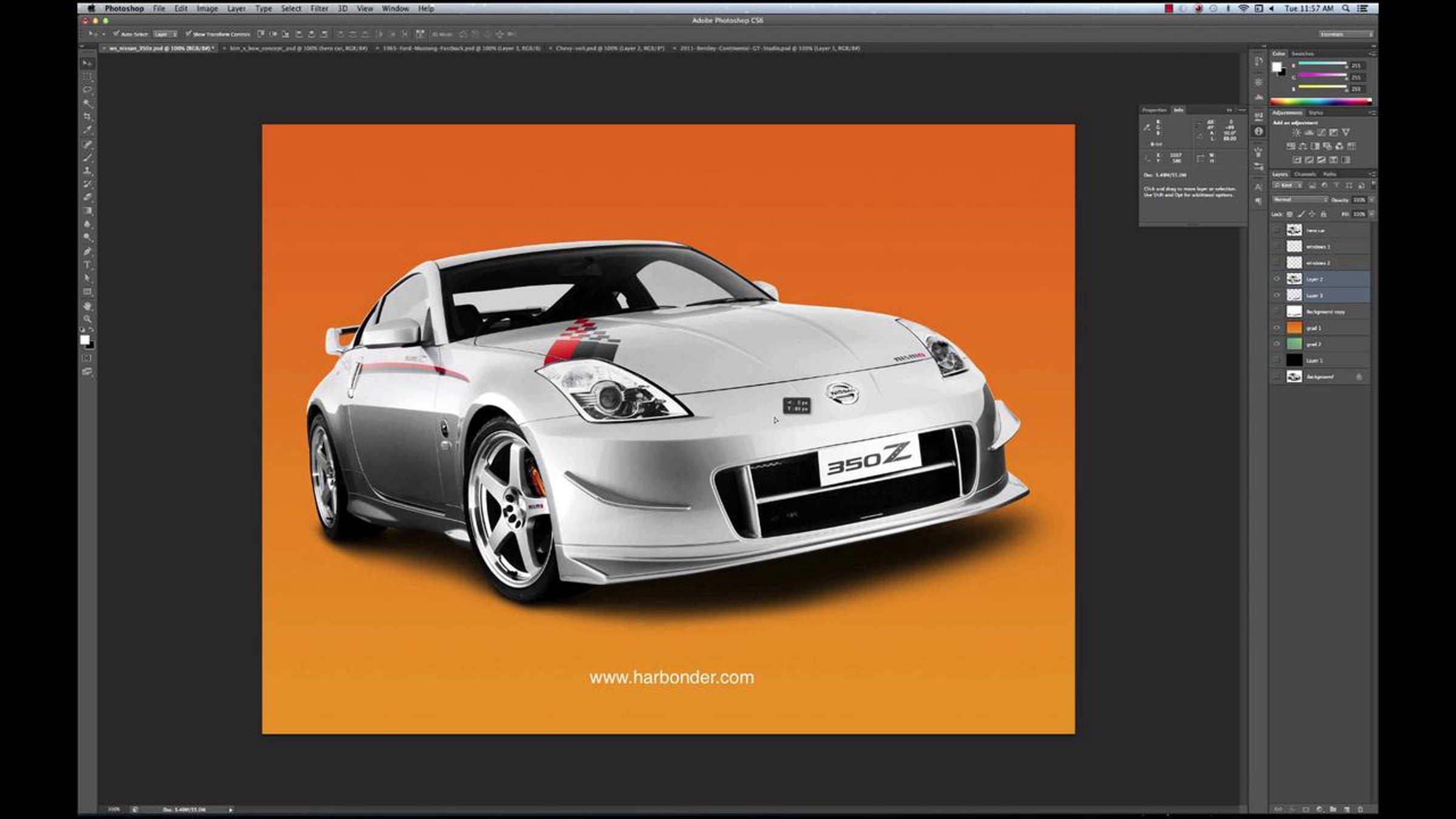
Cutting out soft shadows in Photoshop tutorial

I'm Boyer. I'm in and make all things graphic for a band called Strand.
http://www.harbonder.com
http://www.facebook.com/strand.detroit
This tutorial shows you how to cut out an object in Photoshop and accurately preserve and extract the original soft shadow. It can't be done for every image but works extremely well for objects whose shadows lie on a white or light colored background. I use cars in this video but the process is good for many different objects.
I developed this method about 3 1/2 years ago to solve an issue we faced almost daily where I worked. I find it hard to believe no one thought of this before me but no one I've shown it to had ever seen it before and no one else appears to be talking about it (or doing it, from what I can tell). Either way, I searched and couldn't find any other tutorials on it so this is my contribution on that front.
Get started for free
24/7 customer support
Our customer support team is available to help 24/7. Enterprise members also receive dedicated account managers and a guaranteed uptime SLA.
© 2026 Vimeo.com, Inc. All rights reserved.
TermsPrivacyYour Privacy ChoicesU.S State PrivacyCopyrightCookies