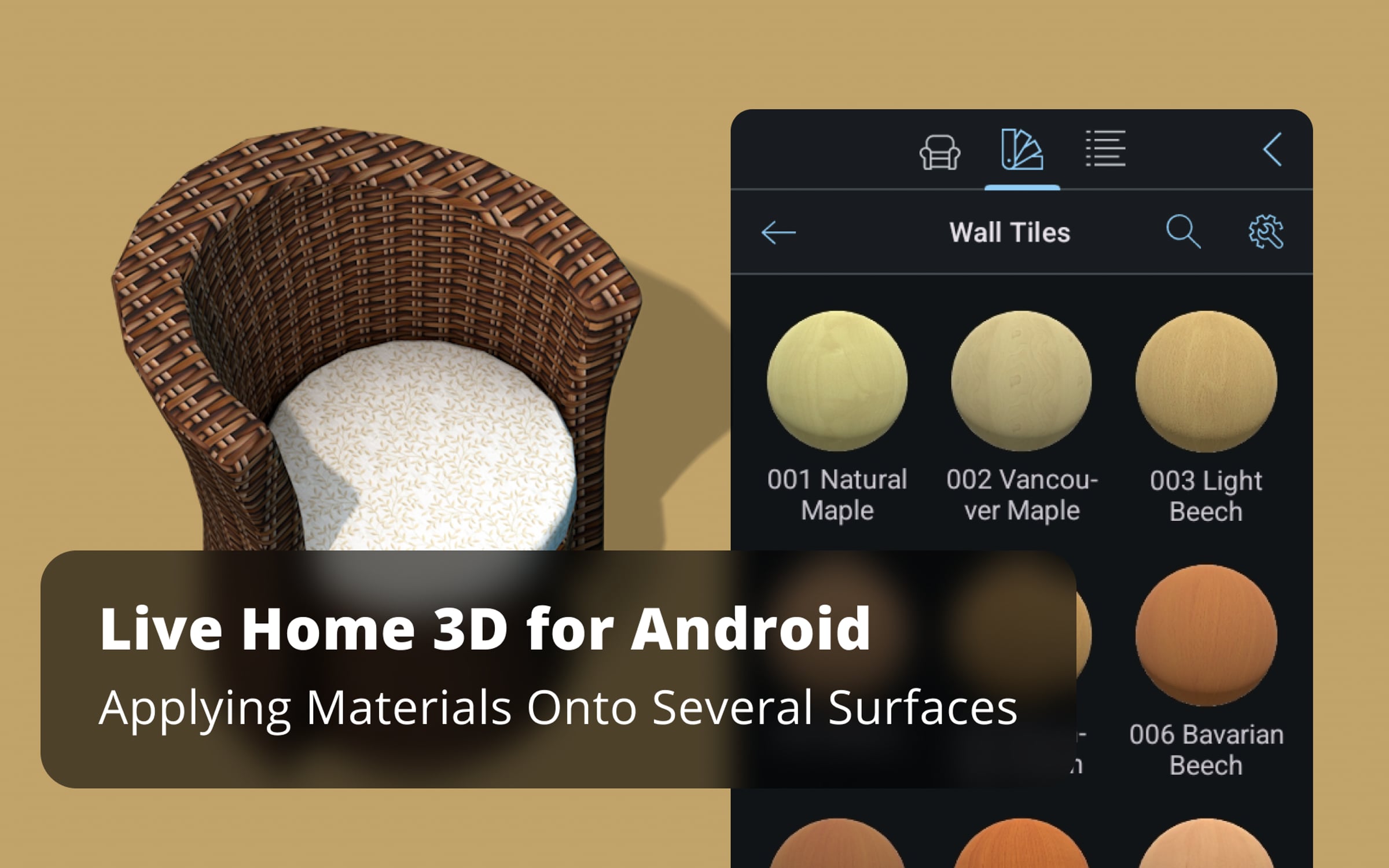
Applying Materials Onto Several Surfaces - Live Home 3D Android Tutorials

Sometimes you may need to apply the same material to several objects. This process can turn into a nightmare if you have to apply it onto many objects one by one. Fortunately, Live Home 3D for Android offers a handy solution for this.
To learn more about Live Home 3D for Android devices, go to:
https://www.livehome3d.com/android/live-home-3d
Timecodes:
0:00 Intro
0:17 Step 1: opening the necessary windows
0:27 Step 2: finding the needed items
0:36 Step 3: selecting the items
0:51 Step 4: changing the material
Get started for free
24/7 customer support
Our customer support team is available to help 24/7. Enterprise members also receive dedicated account managers and a guaranteed uptime SLA.
© 2026 Vimeo.com, Inc. All rights reserved.
TermsPrivacyYour Privacy ChoicesU.S State PrivacyCopyrightCookies