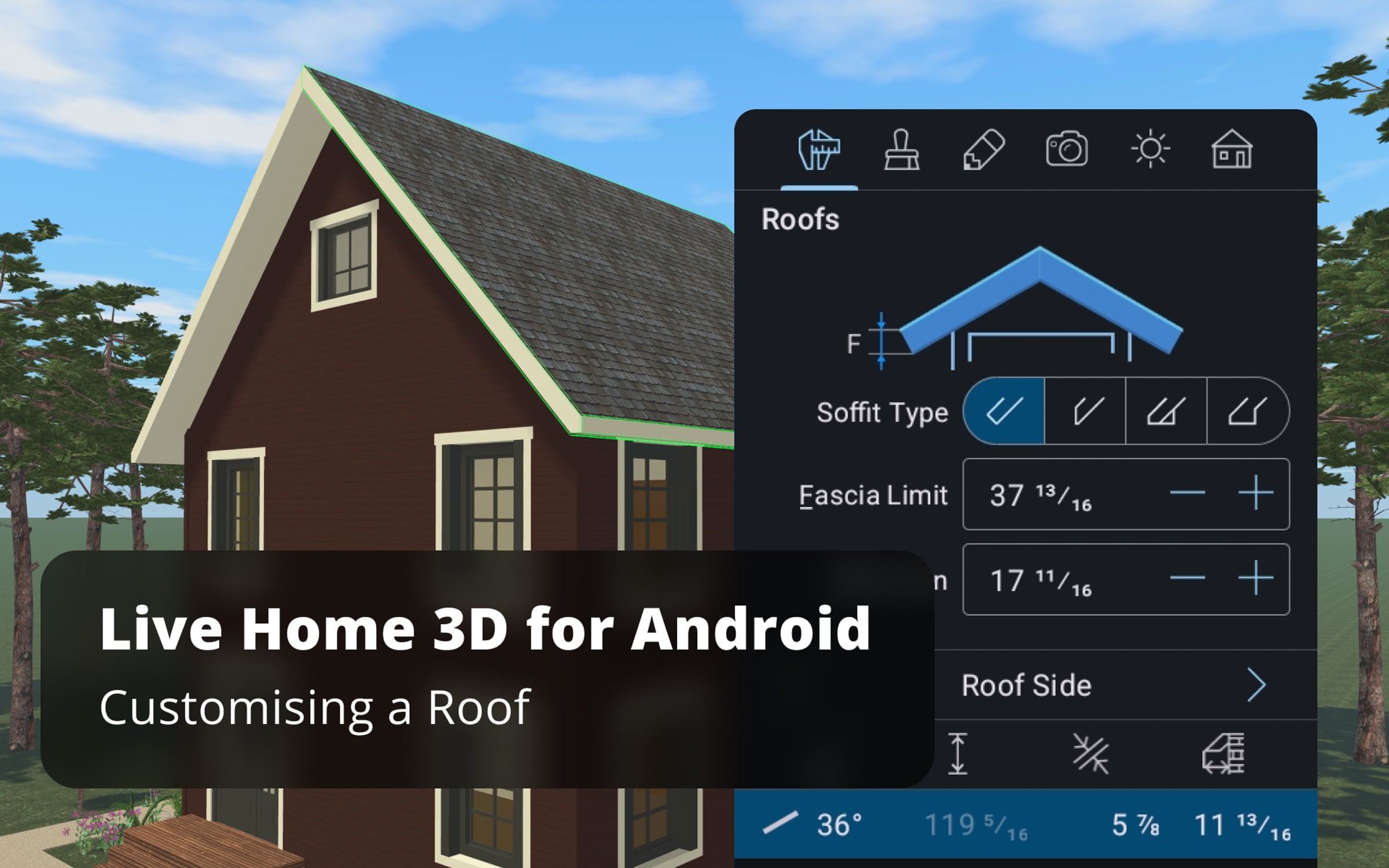
Customizing a Roof - Live Home 3D Pro for Android Tutorials

In this video let's explore roof editing possibilities available in Pro version of Live Home 3D for Android.
Our example is based on one of the templates which can be found in the Sample House section of the Project Gallery. When working with such roofs, it is always better to start with the upper floor roof.
Using techniques described in the video you can create virtually any roof in Live Home 3D Pro.
To learn more about Live Home 3D for Android, go to:
https://www.livehome3d.com/android/live-home-3d
Timecodes:
0:00 Intro
0:27 Starting from the upper floor roof switch to the upper story and select all walls on it
0:49 Change wall type to Loft, add an AutoRoof, choose the Hip roof type
1:06 Switch to the 3D View and select all segments, change the type to Gable
1:27 Switch to the 1st floor, change walls to Loft type, add a roof with Rectangular Roof tool
1:50 Make the roofs of the 1st and 2nd floor coincide
2:11 Hiding the unnecessary elements
2:22 Adding a dormer
3:44 Adding a roof above the garage
4:08 Adding the front door awning
4:40 Creating a porch shed
5:20 Applying the new materials
Get started for free
24/7 customer support
Our customer support team is available to help 24/7. Enterprise members also receive dedicated account managers and a guaranteed uptime SLA.
© 2026 Vimeo.com, Inc. All rights reserved.
TermsPrivacyYour Privacy ChoicesU.S State PrivacyCopyrightCookies