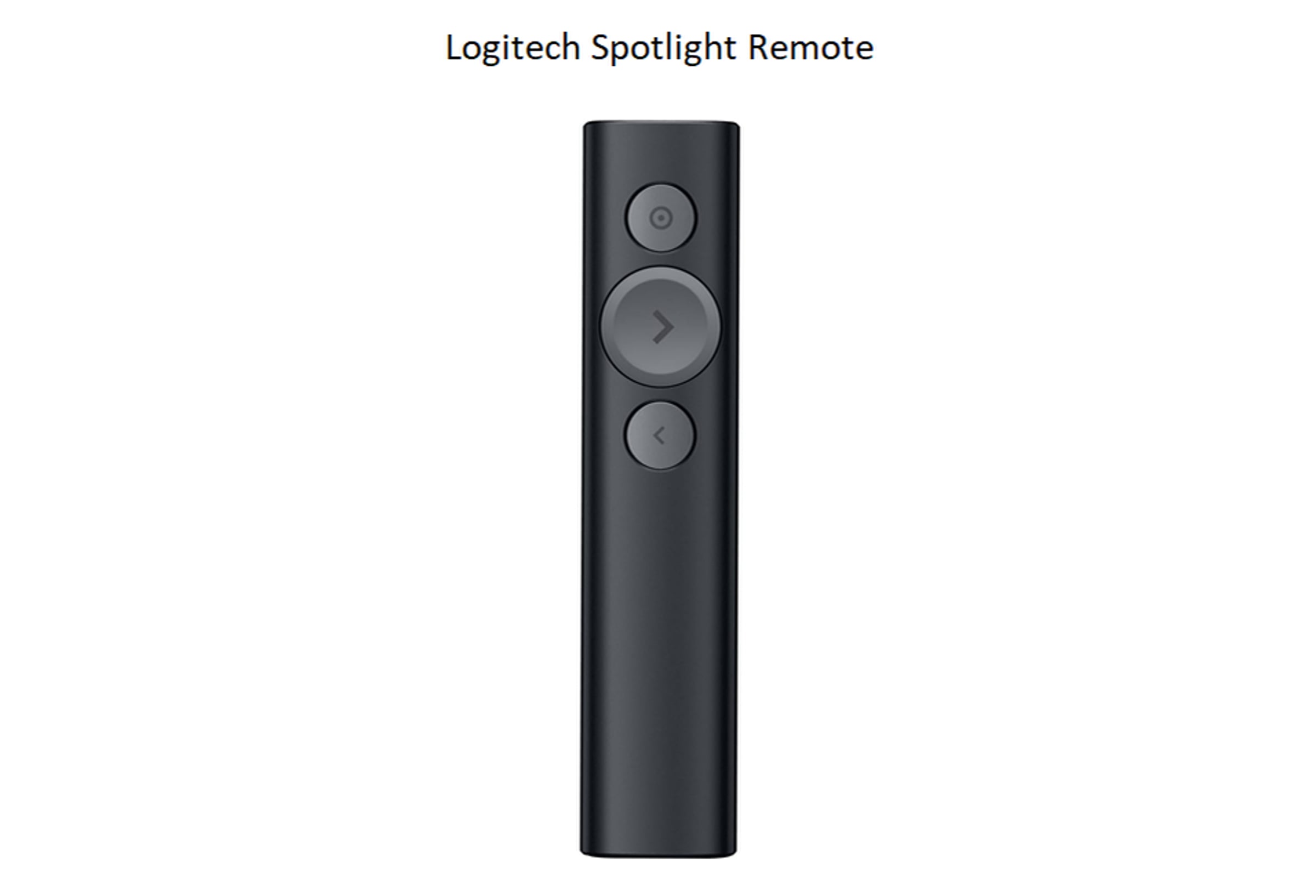
Explanation of the Logitech Spotlight Remote (with Canva)

The remote works with PowerPoint, Canva, and other presentations.
The virtual "Laser Pointer" puts the pointer dot on the computer screen so it will be visible on the large display as well as the recordings and the live stream.
The one challenge is that the pointer will appear wherever the cursor is located (usually on the left screen that is not being displayed). The pointer tracks your hand movements, so when the pointer appears on the computer, it will not be visible on the large screen until you move your hand slightly to the right.
The tracking of hand movements is pretty good, but may take a little getting used to.
Get started for free
24/7 customer support
Our customer support team is available to help 24/7. Enterprise members also receive dedicated account managers and a guaranteed uptime SLA.
© 2026 Vimeo.com, Inc. All rights reserved.
TermsPrivacyYour Privacy ChoicesU.S State PrivacyCopyrightCookies