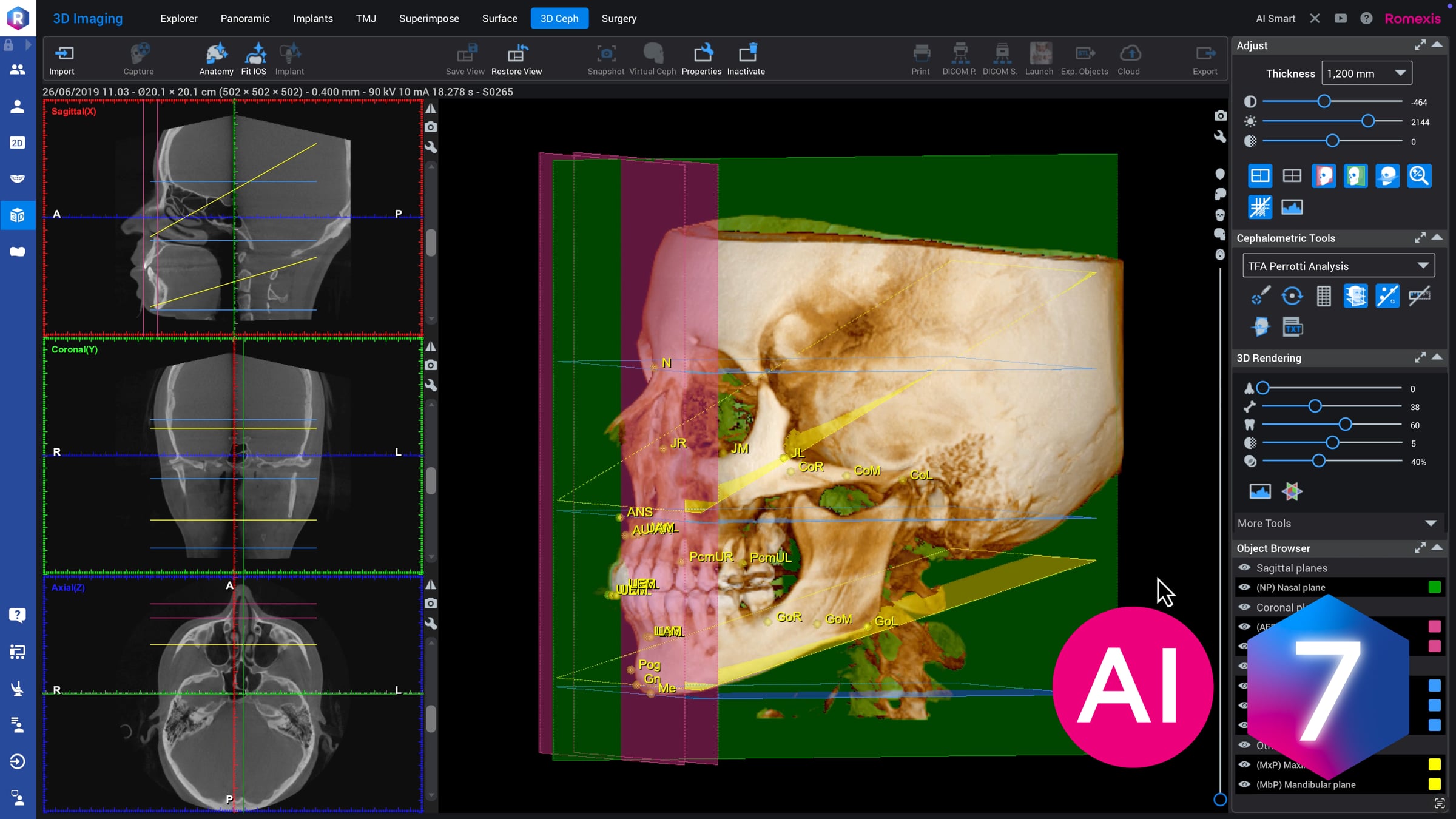
How to – Create automatic 3D cephalometric analyses in Planmeca Romexis

This tutorial video demonstrates how to create a 3D cephalometric analysis from a CBCT image in the 3D cephalometry module of Planmeca Romexis® dental imaging software. This tutorial covers the full workflow – starting with AI-powered landmark detection using the Smart Anatomy tool, followed by how to view and interpret the 3D analysis results. The Planmeca Romexis® 3D Cephalometry module is designed especially for orthodontists and dental professionals, and this tutorial helps streamline the 3D cephalometric assessment process with advanced automation and visualisation tools.
© Planmeca Oy
Get started for free
24/7 customer support
Our customer support team is available to help 24/7. Enterprise members also receive dedicated account managers and a guaranteed uptime SLA.
© 2026 Vimeo.com, Inc. All rights reserved.
TermsPrivacyYour Privacy ChoicesU.S State PrivacyCopyrightCookies