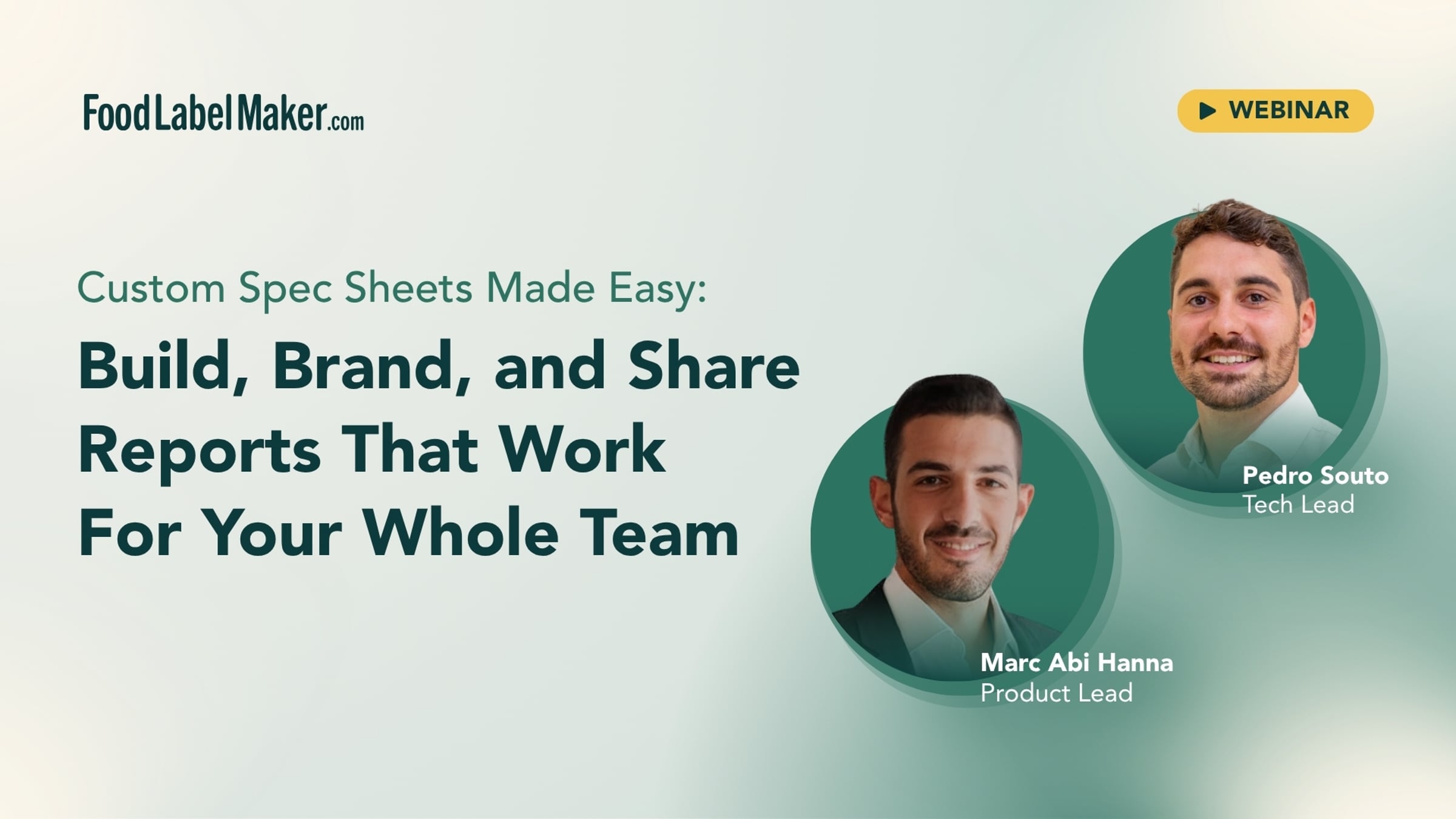
Custom Spec Sheets Made Easy: Build, Brand, and Share Reports That Work For Your Whole Team

Food Label Maker is an AI-driven regulatory platform for nutrition and supplement facts labels.
Serving over 8+ global markets, 10,000 brands and over 400 enterprise teams - Food Label Maker is constantly adapting its technical operations to better suit customer workflow. The regulatory platform is known for making time-consuming tasks smarter and more efficient.
In this first-ever product webinar, learn how to create custom spec sheets, technical data sheets, and product reports directly from your recipe data using Food Label Maker's new Report Builder feature.
Our Tech and Product Leads will walk you through the full Report Builder workflow — from choosing layouts and templates to adding dynamic variables that auto-populate from your live recipes. You'll see how to build branded documents for retailer onboarding, R&D operations, B2B customer sharing, and consumer-facing QR code pages — all from one source of truth.
What you'll learn:
- How to use the new Report Builder (under the Reports tab)
- Choosing section layouts and adding dynamic content blocks
- Using templates: Technical Data Sheet, Product Data Sheet, Master Formula Record, and more
- Adding variables that pull live data from your recipes
- Sharing, downloading, and generating QR codes for your reports
- How Custom Reports serve different teams: retail, R&D, operations, and packaging
Timestamps:
0:00 — Intro & Welcome
3:30 — What Is Food Label Maker?
6:30 — Live Demo: Creating a Recipe with AI
8:30 — Recipe Builder & Nutrition Facts Panel
9:00 — Reports Tab Overview (Nutrition Breakdown, Recipe Card, Report Builder)
10:30 — Report Builder: Layouts, Elements & Content Blocks
14:00 — Dynamic Variables ({recipe_name}, {serving_size}, {calories})
15:30 — Product Specification Sheet Template
16:30 — Previewing & Sharing a Report (Shareable Link)
18:30 — Consumer Shareable Report Template
20:30 — Custom Reports (Menu Label, Ingredient Comparison)
22:30 — Applying Reports Across Multiple Recipes
25:30 — Nutrient Breakdown Element
29:30 — Nutrition Breakdown Tab Deep Dive
30:30 — Use Cases: Retailer Onboarding, R&D, B2B & Consumer QR Codes
32:30 — Closing & QR Code
Visit our website: foodlabelmaker.com
More webinars: foodlabelmaker.com/webinars/
Get started for free
24/7 customer support
Our customer support team is available to help 24/7. Enterprise members also receive dedicated account managers and a guaranteed uptime SLA.
© 2026 Vimeo.com, Inc. All rights reserved.
TermsPrivacyYour Privacy ChoicesU.S State PrivacyCopyrightCookies