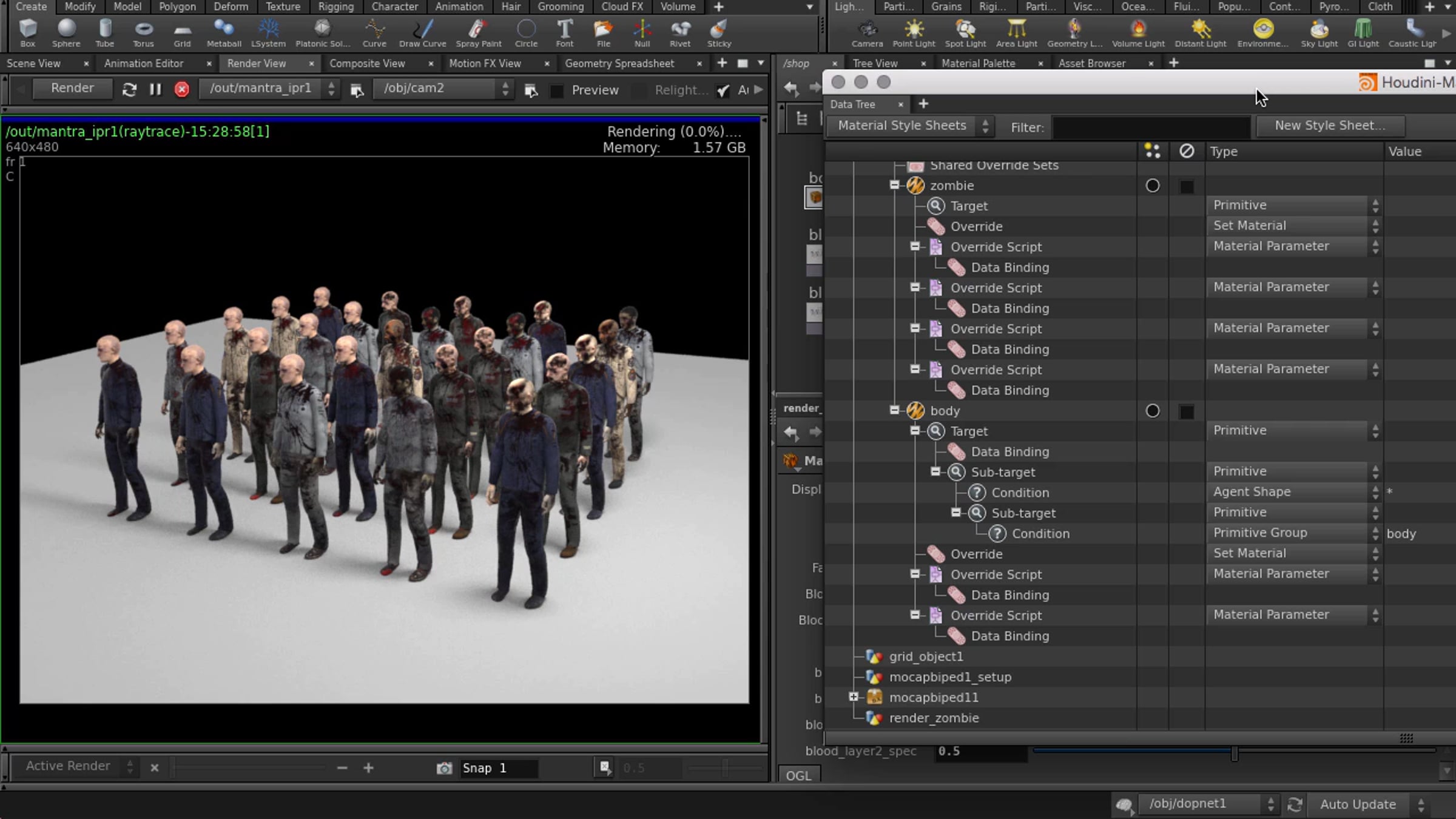
Material Stylesheets

In this video, we're going to apply randomized materials on crowd agents, or zombies, using the Material Style Sheets in Houdini. We start by making a new Style Sheet Parameter, then add an override (this is the material that we're going to do the override on and then randomize different materials with). We can also use Set Target from Viewport Selection to pick which zombie we want to do the override on, or apply the override to all agents. We'll also plug in some CVEX scripts that were prepared earlier, which will randomize our textures.
To learn more and to access a free learning edition, go to http://www.sidefx.com.
Get started for free
24/7 customer support
Our customer support team is available to help 24/7. Enterprise members also receive dedicated account managers and a guaranteed uptime SLA.
© 2026 Vimeo.com, Inc. All rights reserved.
TermsPrivacyYour Privacy ChoicesU.S State PrivacyCopyrightCookies