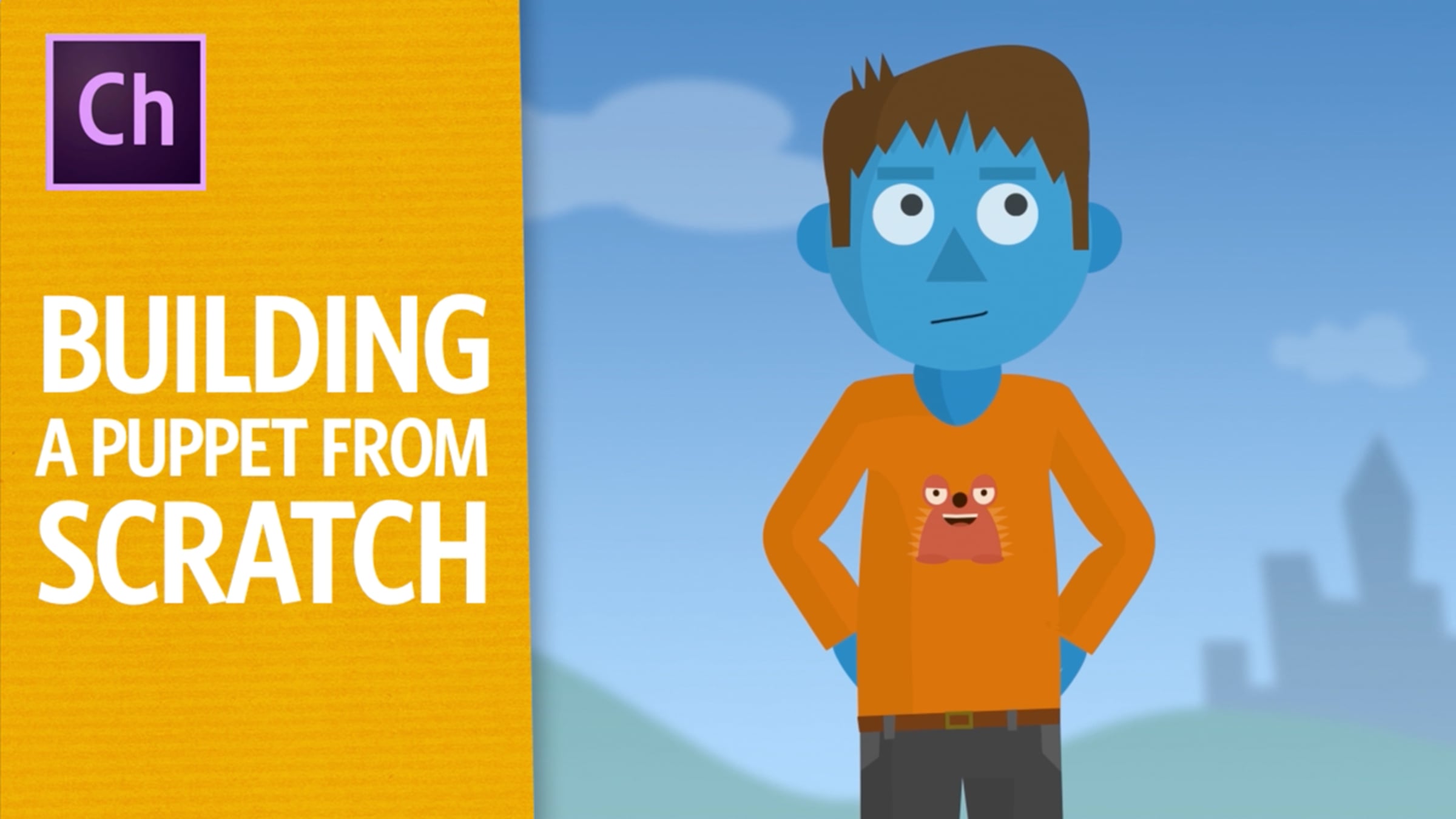
Building A Puppet From Scratch (Adobe Character Animator Tutorial)

Learn how to build a puppet in Photoshop from scratch and watch it come to life in Adobe Character Animator. This step-by-step guide shows how to create the head, eyes, nose, mouth, and body in a Photoshop PSD, and how to customize everything to get the quality of animation that you want. You'll learn about when and why to mark something as "warp independently," how head tracking and auto lip sync works, and why dragger and stick handles help you make bendable arms. You can follow these steps to make your own animated characters, or download the free example files to see how several complex characters were made.
Download the free example project and puppets here: adobe.ly/1K89iBD
Check out more tutorials here: adobe.com/go/chtutorials
Download a free trial of Adobe After Effects & Character Animator here: adobe.com/aftereffects
Get started for free
24/7 customer support
Our customer support team is available to help 24/7. Enterprise members also receive dedicated account managers and a guaranteed uptime SLA.
© 2026 Vimeo.com, Inc. All rights reserved.
TermsPrivacyYour Privacy ChoicesU.S State PrivacyCopyrightCookies