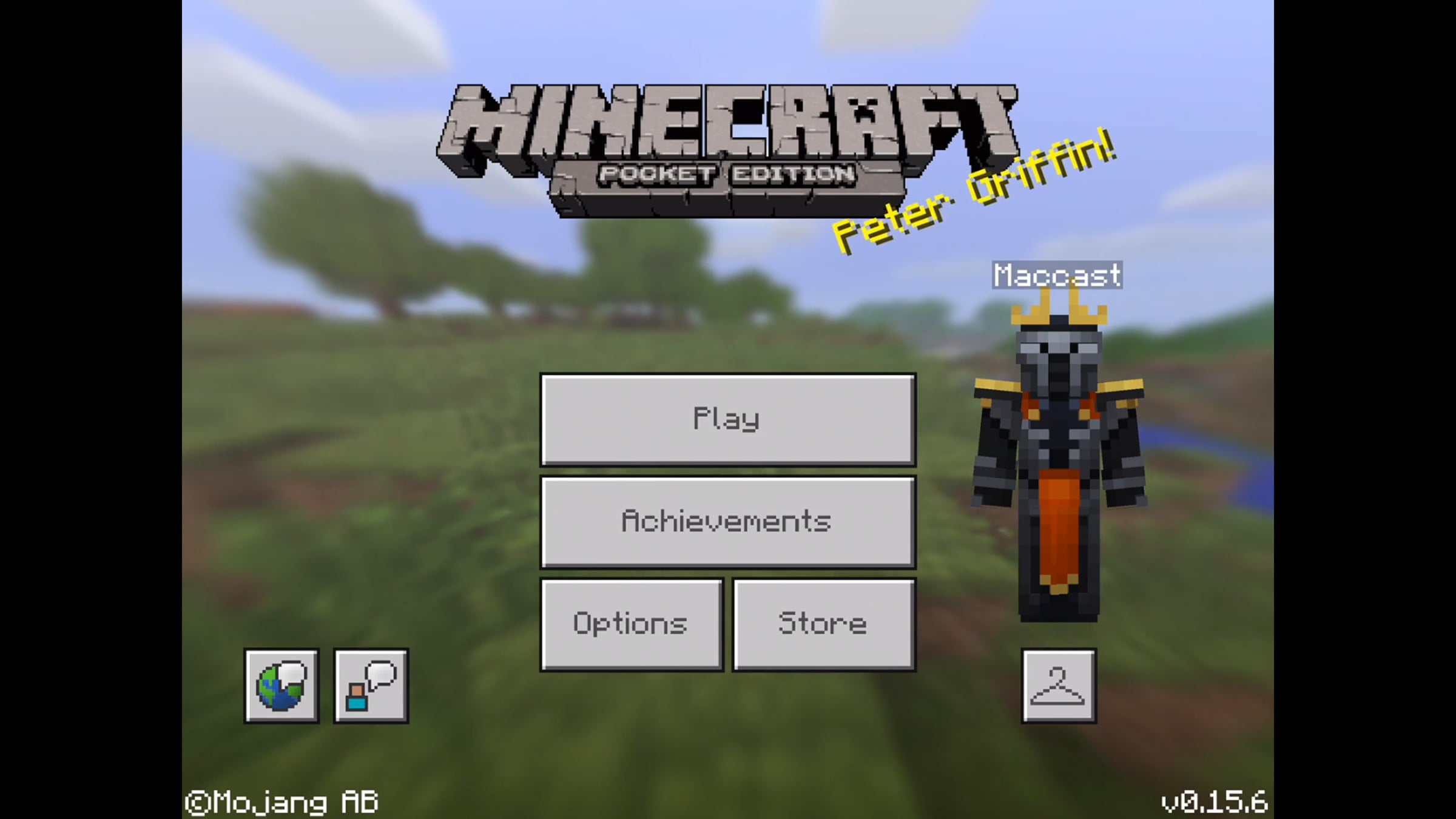
Maccast Minecraft iMazing Tutorial

On a recent Maccast episode I mentioned that I often will use the iMazing, http://imazing.com, app to manage and transfer Minecraft Pocket Edition maps onto or between my iOS devices without a jailbreak. After I made those comments many of you emailed to ask exactly how you do that. This is a quick how-to showing how I transfer levels between and iPhone and an iPad using iMazing. It also shows how to install a map download from http://minecraftmaps.com directly onto an iOS device using iMazing.
Get started for free
24/7 customer support
Our customer support team is available to help 24/7. Enterprise members also receive dedicated account managers and a guaranteed uptime SLA.
© 2026 Vimeo.com, Inc. All rights reserved.
TermsPrivacyYour Privacy ChoicesU.S State PrivacyCopyrightCookies