Vexus - In Depth Project Walkthrough

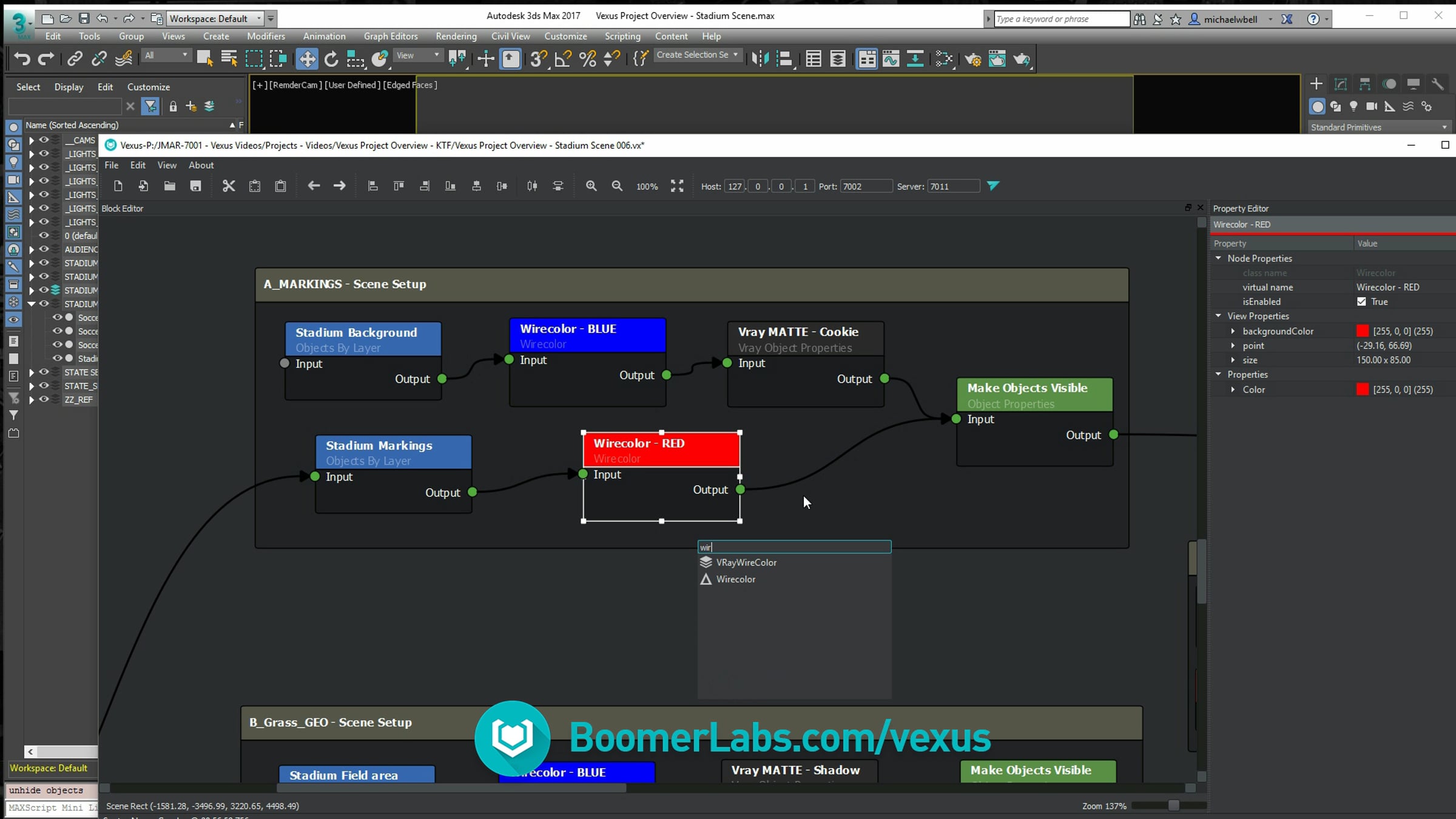
In this video we follow along with Michael W-B. as he takes us through his workflow and setup for a Museum project. Use the table of contents below to view specific parts of the video.
Table of Contents
00:00 Project Introduction
00:42 Overview of Scene Passes
01:26 Overview of 3ds Max scene
03:00 Overview of Vexus Graph
05:46 Pass A - walkthrough
- Pass A Contains "Preset" nodes
11:53 Pass B - Walkthrough
- Pass B shares render settings with the Pass A
13:25 Pass C - Walkthrough
- Pass C demonstrates the performance. many nodes being modified and render engine setup in just 1 second.
15:22 Pass D - Walkthrough
- Using Wildcards and "Subtract" to build a collection of layers.
16:48 Render Output
-R endering Flexibility script. Deadline submitter.
17:41 Conclusion - My favourite things
- Vexus has incredible speed
- Vexus is extremely flexible
Get started for free
24/7 customer support
Our customer support team is available to help 24/7. Enterprise members also receive dedicated account managers and a guaranteed uptime SLA.
© 2026 Vimeo.com, Inc. All rights reserved.
TermsPrivacyYour Privacy ChoicesU.S State PrivacyCopyrightCookies