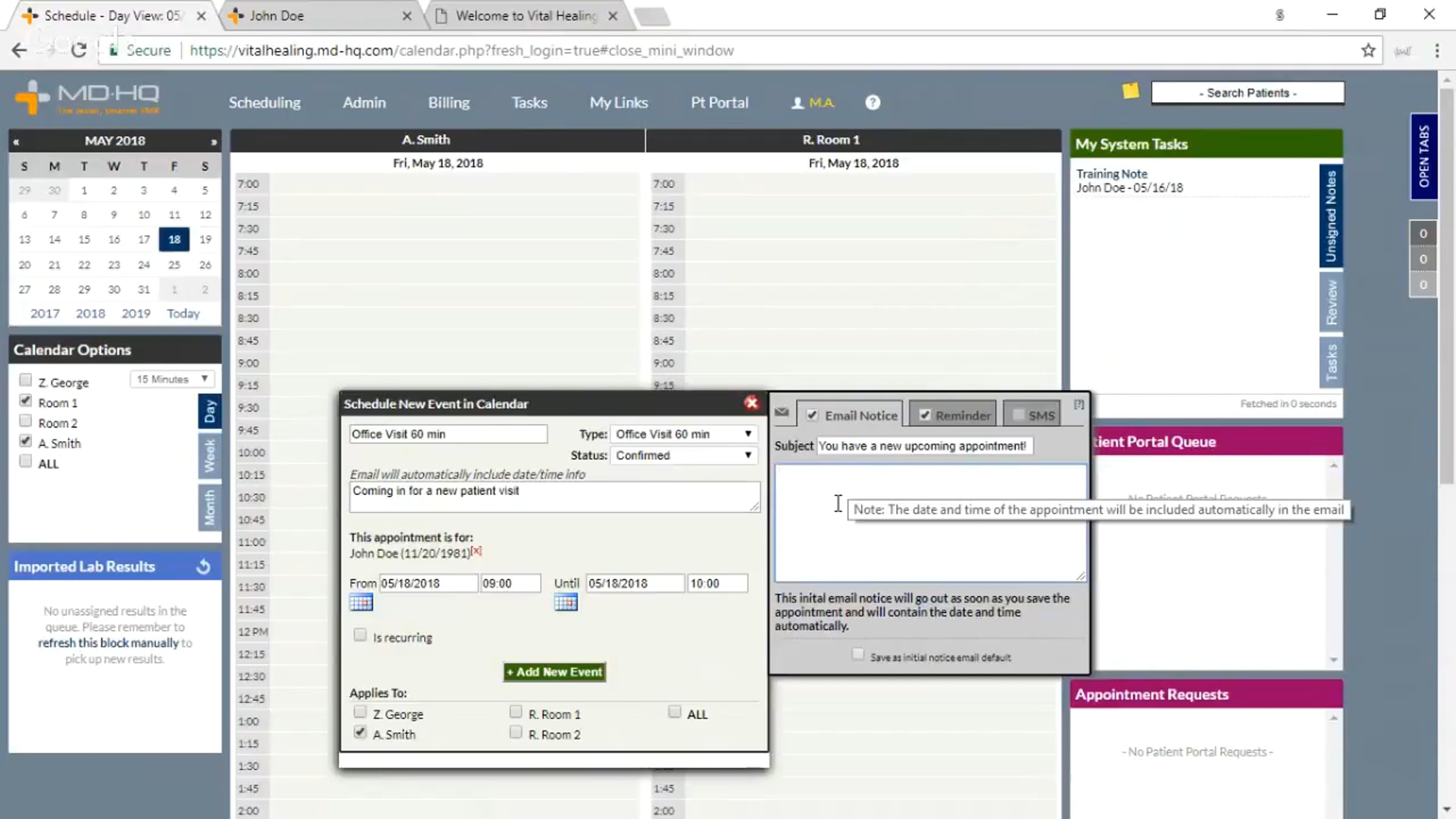
Introduction to Cerbo Scheduling, Patient Portal, Patient Portal Queue and Tasks

Cerbo Walkthrough of Scheduling, Patient Portal, Patient Portal Queue, and Tasks
1:10 - Schedule Page explanation, How to set up your Appointment / Schedule types
4:00 - Add an appointment - Set default general notifications for appointments
7:45 - Reschedule / Cancel an appointment
8:40 - Message Chart Part Templates*
12:25 - Set work schedules to enable online scheduling - online scheduling from the patient side, receiving the request in Cerbo
20:30 - Patient Portal Overview
30:25 - Patient Portal Queue
35:50 - Tasks
41:00 - Add a new patient (add in Cerbo or through the patient portal)
45:50 - Adding new users to Cerbo
*Slightly out of date - you can now create messages on a schedule types basis - help here: https://mdhq.freshdesk.com/solution/articles/8000009259-setting-up-your-appointment-types, message Chart Parts might still be useful as you can pull in patient specific information using variables
Get started for free
24/7 customer support
Our customer support team is available to help 24/7. Enterprise members also receive dedicated account managers and a guaranteed uptime SLA.
© 2026 Vimeo.com, Inc. All rights reserved.
TermsPrivacyYour Privacy ChoicesU.S State PrivacyCopyrightCookies