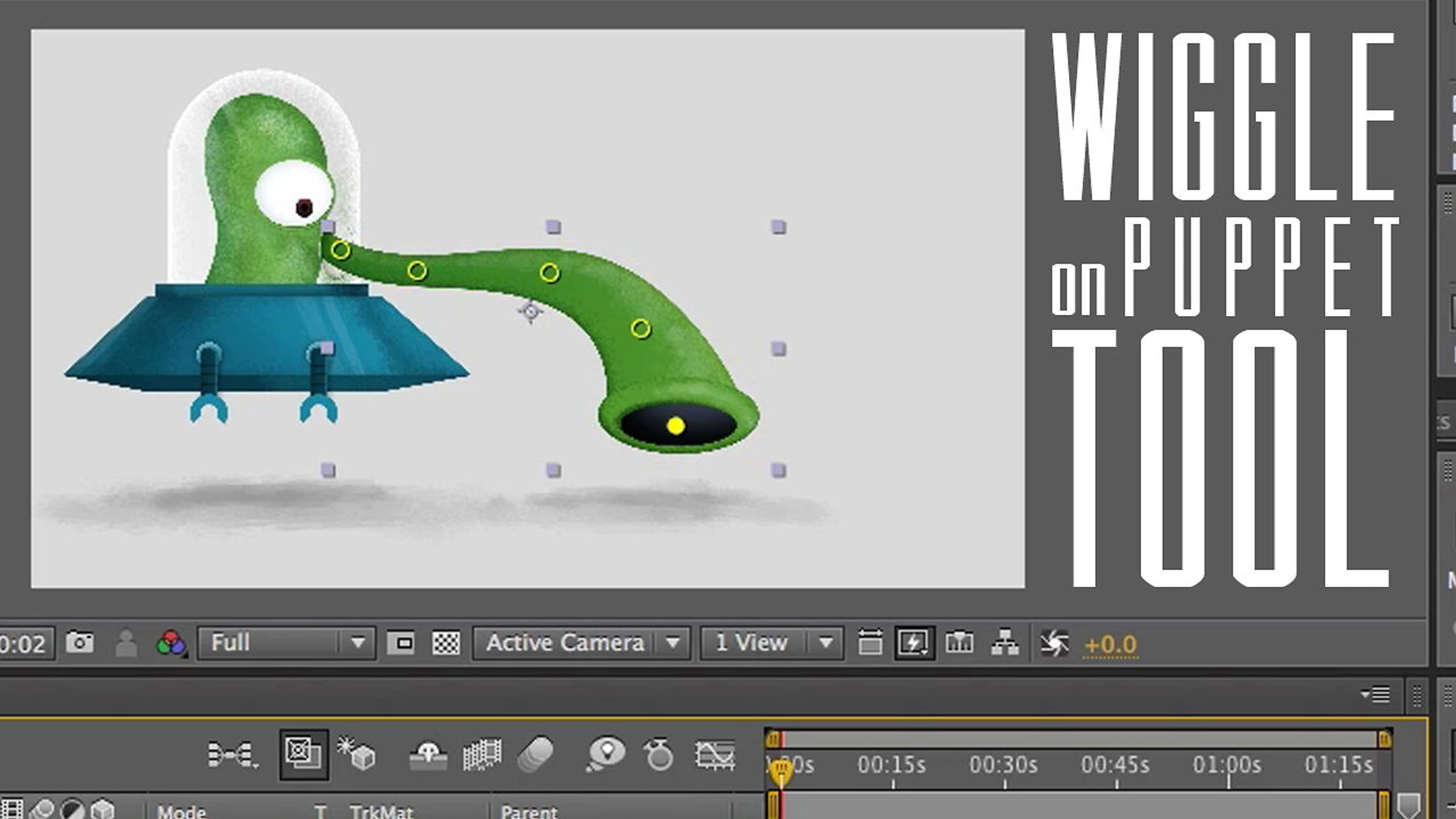
Wiggle on Position for the Puppet Tool

This tutorial covers how to apply expressions to the x and y positions separately in the puppet tool. In the previous tutorial, Wiggle on Position, I showed you how to apply a wiggle position to x and y separately using the Separate Dimensions option. The puppet tool in After Effects doesn't have this option so we have to use an expression to achieve the same effect.
In this tutorial we use the following expression:
w= wiggle(3,25);
[w[0],value[1]]
Wiggle (5,10) means wiggle 5 times a second 10 pixels. In After Effects [0] is the x position, [1] is the y position, and [2] is the z position. When you use the "value" expression it keeps the value editable and doesn't effect or break the expression if you change it.
Get started for free
24/7 customer support
Our customer support team is available to help 24/7. Enterprise members also receive dedicated account managers and a guaranteed uptime SLA.
© 2026 Vimeo.com, Inc. All rights reserved.
TermsPrivacyYour Privacy ChoicesU.S State PrivacyCopyrightCookies