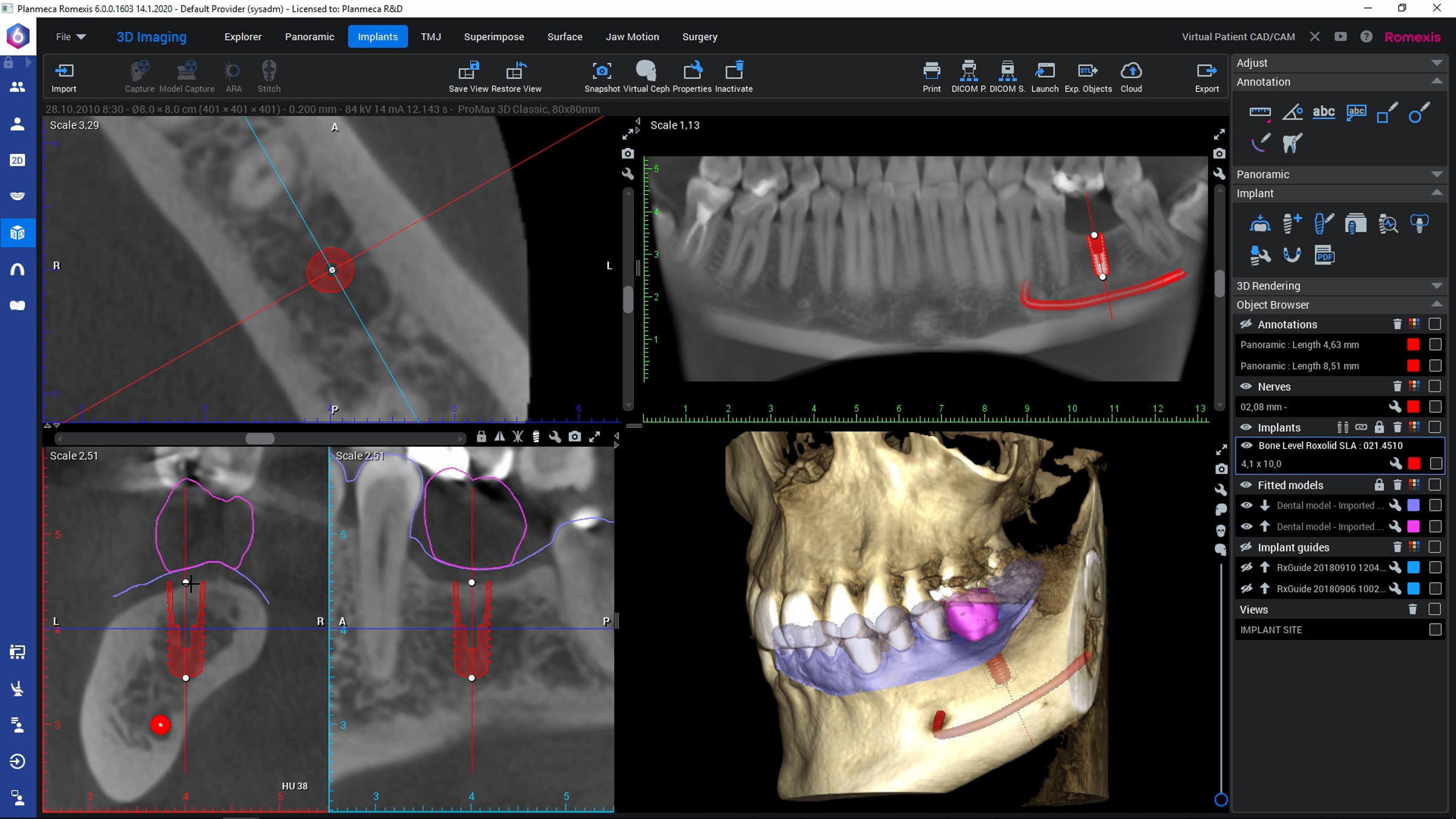
How to – Plan implants in Planmeca Romexis

Learn how to manually perform implant planning in Planmeca Romexis® dental imaging software. This tutorial video shows how to use measurement tools and a generic implant to help to evaluate the space for an implant, how to verify the implant's position by using the implant-centered view and the 3D-rendered view and how to create implant report after implant planning is done. The tutorial also shows how to set the most used implants as default.
© Planmeca Oy
Get started for free
24/7 customer support
Our customer support team is available to help 24/7. Enterprise members also receive dedicated account managers and a guaranteed uptime SLA.
© 2026 Vimeo.com, Inc. All rights reserved.
TermsPrivacyYour Privacy ChoicesU.S State PrivacyCopyrightCookies