How to Perform GT-3 Periodic Maintenance for Carriage Related Components

00:08 - Supplies and Setting the Printer in the Proper Mode
01:35 – Part 2: Cleaning the Front Rail and Rollers
04:07 – Part 3: Cleaning & Greasing the CR Motor & Driver Gears
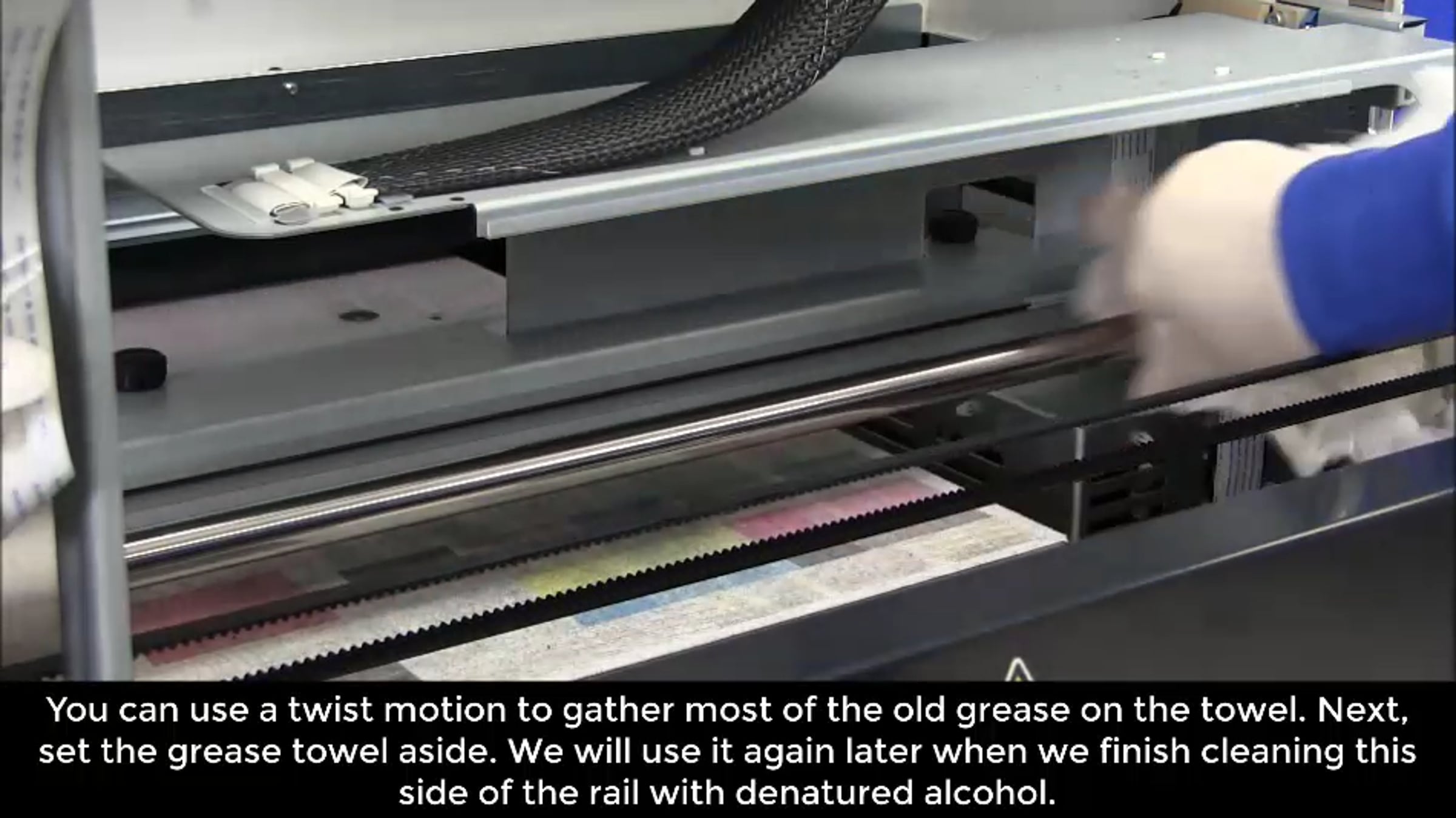
06:22 – Part 4: Cleaning & Greasing the Carriage Shaft
09:42 – Part 5: Greasing & Packing the Bearings
17:07 – Part 6: Closing the Printer and Running Adjustments After Cleaning
Description
This video shows the periodic maintenance for the printer that should be performed when mist is built up in the printer. This method is also used in troubleshooting when carriage slow down occurs or breaking issue type errors occur. If the process cannot be completed within 20 minutes as the video states please turn the printer back on and program a normal cleaning for all heads then resume the cleaning/greasing process you are working on. Do not leave the printer with the heads undocked for more than 20 minutes. After any cleaning or greasing process you will need to perform the adjustments performed in Part 6.
Get started for free
24/7 customer support
Our customer support team is available to help 24/7. Enterprise members also receive dedicated account managers and a guaranteed uptime SLA.
© 2026 Vimeo.com, Inc. All rights reserved.
TermsPrivacyYour Privacy ChoicesU.S State PrivacyCopyrightCookies