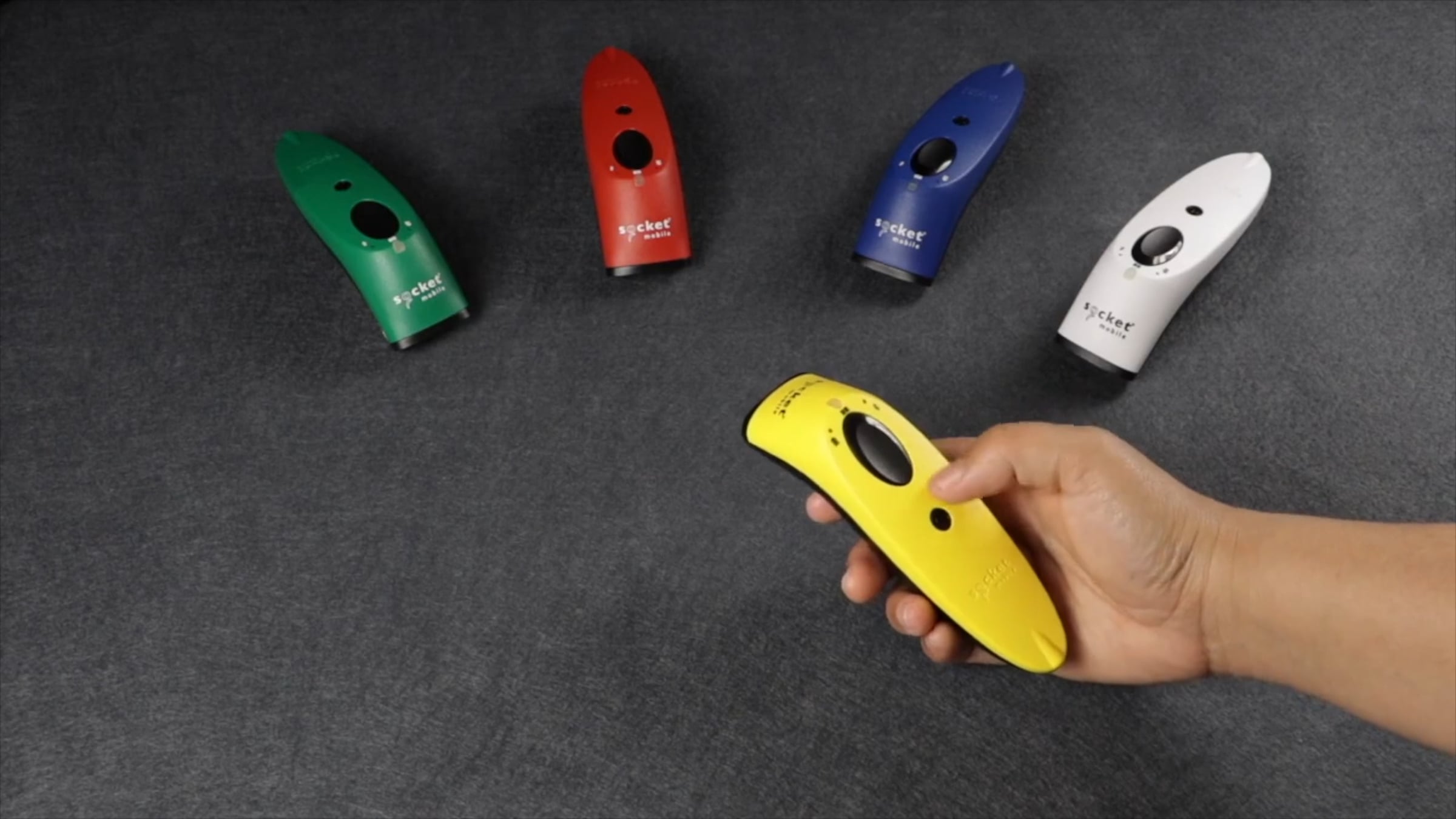
How to Perform Factory Reset

Factory Reset will restore Socket Mobile scanner and D600 RFID reader/writer to factory default settings (configured as shipped).
1. Power ON the scanner.
2. Press and hold the scan button.
3. Tap the power button once while continuing to press the scan button.
4. Keep holding the scan button until you hear a beep and then release (about15 seconds). Your scanner will beep 5 times and power off.
Join our Developer community: https://www.socketmobile.com/developers
Contact support: https://www.socketmobile.com/support
Visit us: https://www.socketmobile.com/
Get started for free
24/7 customer support
Our customer support team is available to help 24/7. Enterprise members also receive dedicated account managers and a guaranteed uptime SLA.
© 2026 Vimeo.com, Inc. All rights reserved.
TermsPrivacyYour Privacy ChoicesU.S State PrivacyCopyrightCookies