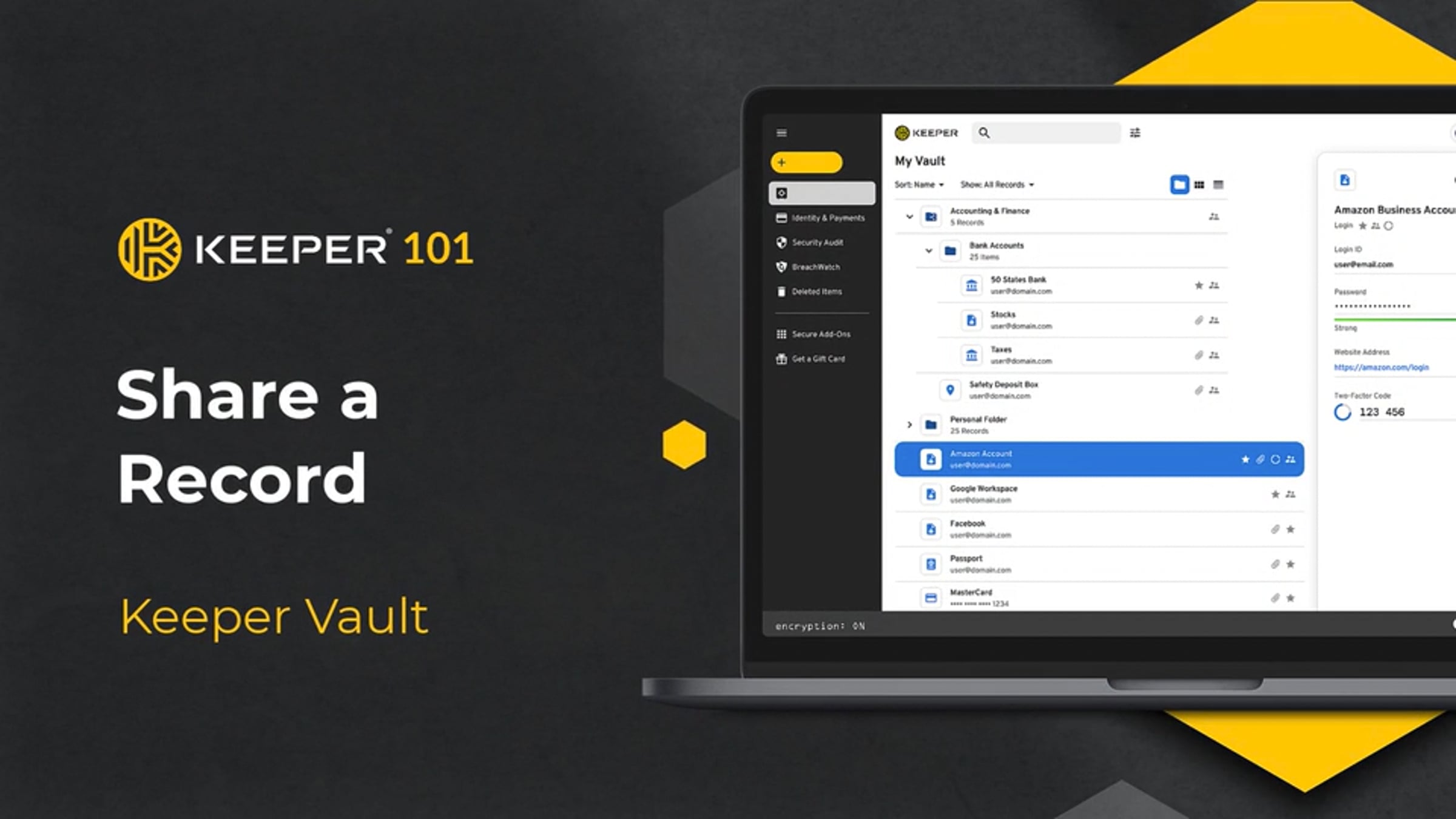
Keeper 101 - Share a Record

Do you need to share confidential documents with a family member? Or maybe you want to share your Wi-Fi password with a friend. Sharing is one of the most common use cases of password managers. Keeper makes it easy to share a record with another Keeper user and choose from various permission types to control access.
To begin, select the record you want to share from your vault. A detail pane will appear on the right side of the screen, click Share.
From the "Add People" tab, enter the email of the Keeper user you would like to share the record with. Next, click the dropdown arrow to set their permission level and click Add.
User permissions are designed to control the permissions a user has over the record that is shared with them.
If this is the first time you are sharing with this person, you will need to establish a "sharing relationship". The user will receive an email prompting them to login to Keeper and accept the share request. Once you are notified the user has accepted your request, they will automatically appear within the email dropdown list of the sharing screen and you can proceed with the share.
If you attempt to share a record with someone who is not an existing Keeper user, they will receive an email inviting them to sign-up for Keeper
You can make changes to a record’s user permissions at any time by clicking on the dropdown arrow next to the user's email.
Want to share a record with someone who doesn’t have a Keeper account? Keeper’s One-Time Share feature provides time-limited, secure sharing of a record to anyone, even if they don't have a Keeper account.
Keeper One-Time Share: https://docs.keeper.io/user-guides/sharing#one-time-share
Learn more about Keeper at:
https://keepersecurity.com
View our Keeper End-User Guides here:
https://docs.keeper.io/user-guides/
Get started for free
24/7 customer support
Our customer support team is available to help 24/7. Enterprise members also receive dedicated account managers and a guaranteed uptime SLA.
© 2026 Vimeo.com, Inc. All rights reserved.
TermsPrivacyYour Privacy ChoicesU.S State PrivacyCopyrightCookies