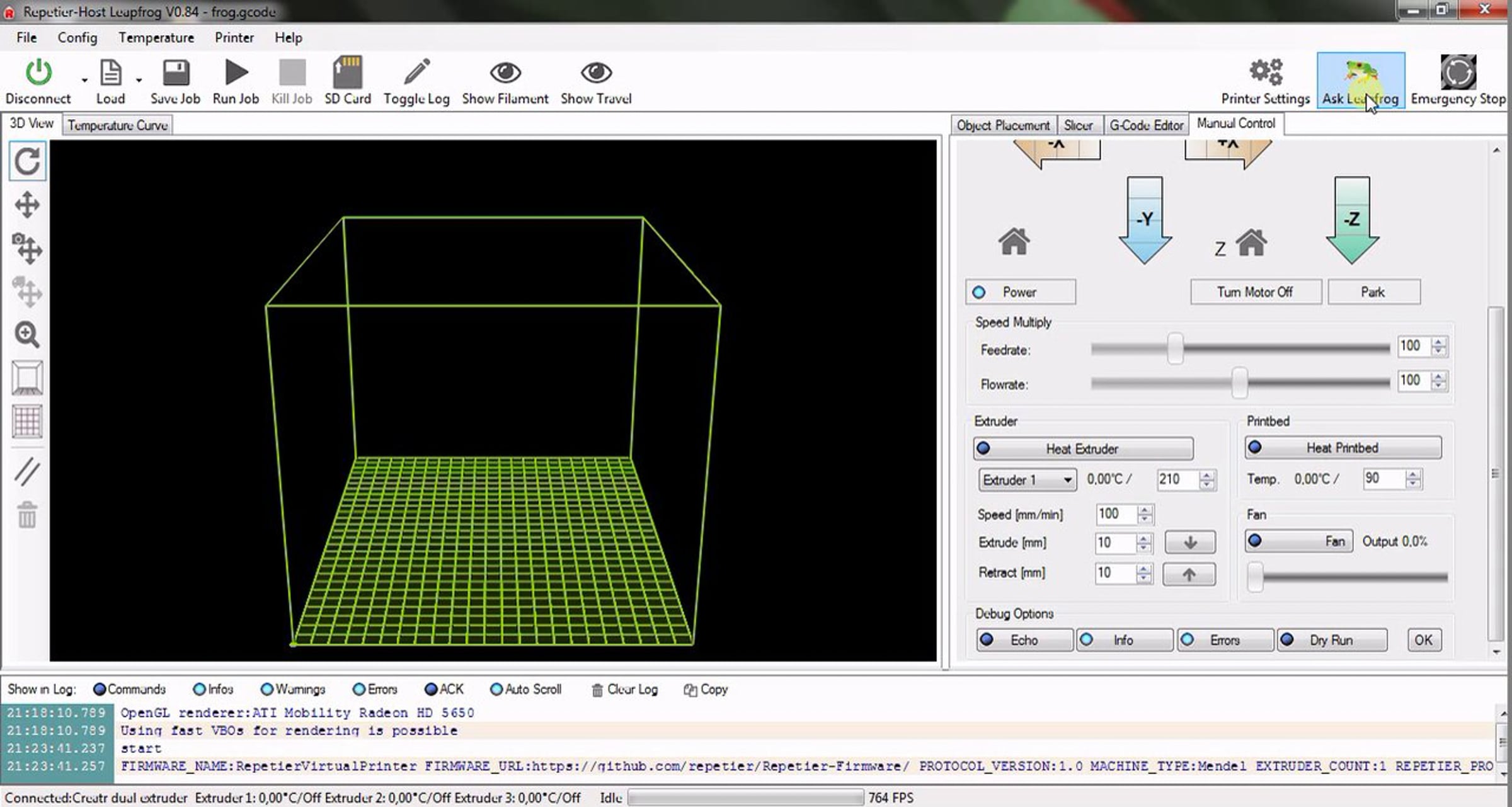
Leapfrog Repetier tutorial

In this movie, we will show you how to install the necessary software. The first step is to download and install Arduino software to make it possible for your computer to communicate with your printer. The next step is to download the Leapfrog Repetier Software. This software allows you to convert your 3D software file [STL for example] to a printable file [G-Code] and allows you to control your printer. The Leapfrog Repetier software contains standard Creatr Print Profiles.Just select the extruder, the filament material & color and Repetier will automatically select the ideal print temperature providing you the best print quality possible. Next to this, a direct Leapfrog support button is implemented in the software.
Get started for free
24/7 customer support
Our customer support team is available to help 24/7. Enterprise members also receive dedicated account managers and a guaranteed uptime SLA.
© 2026 Vimeo.com, Inc. All rights reserved.
TermsPrivacyYour Privacy ChoicesU.S State PrivacyCopyrightCookies