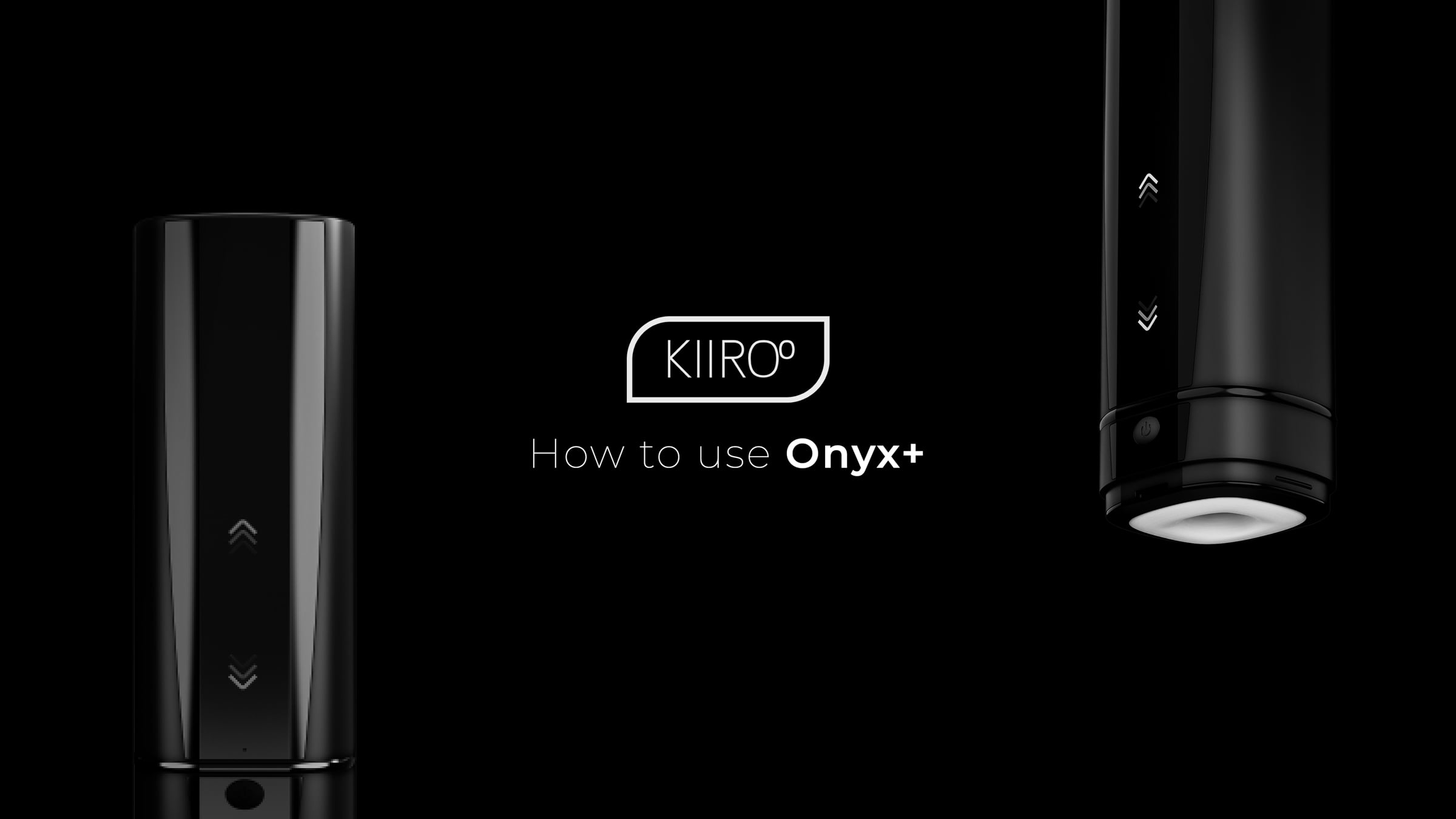
How to use the KIIROO Onyx+

Here is a Step by Step Guide on how to set up your brand new KIIROO Onyx+
1. Connect to interactive content on mobile with the FeelConnect App: https://youtu.be/J6PYKessCM4
2. Connect to your partner's device with the FeelConnect App: https://youtu.be/5X_2zCXB6NE
To connect to 2 or more devices or connect to VR Content, please view the FeelConnect Manual here: http://bit.ly/FeelConnectApp
Video details
0:00 How to use your Onyx+
0:10 Charging
0:39 Getting Started
1:23 Modes
Learn more about the Onyx+ here: https://bit.ly/3JhaMf4
________________________________________________________________________________________________
Follow us on social media:
Twitter: https://twitter.com/Kiiroo
Facebook: https://www.facebook.com/KiirooAmsterdam
Instagram: https://www.instagram.com/kiirooamste...
Pinterest: https://nl.pinterest.com/kiirooams/
#Onyx+ #Interactive #Teledildonics
Get started for free
24/7 customer support
Our customer support team is available to help 24/7. Enterprise members also receive dedicated account managers and a guaranteed uptime SLA.
© 2026 Vimeo.com, Inc. All rights reserved.
TermsPrivacyYour Privacy ChoicesU.S State PrivacyCopyrightCookies