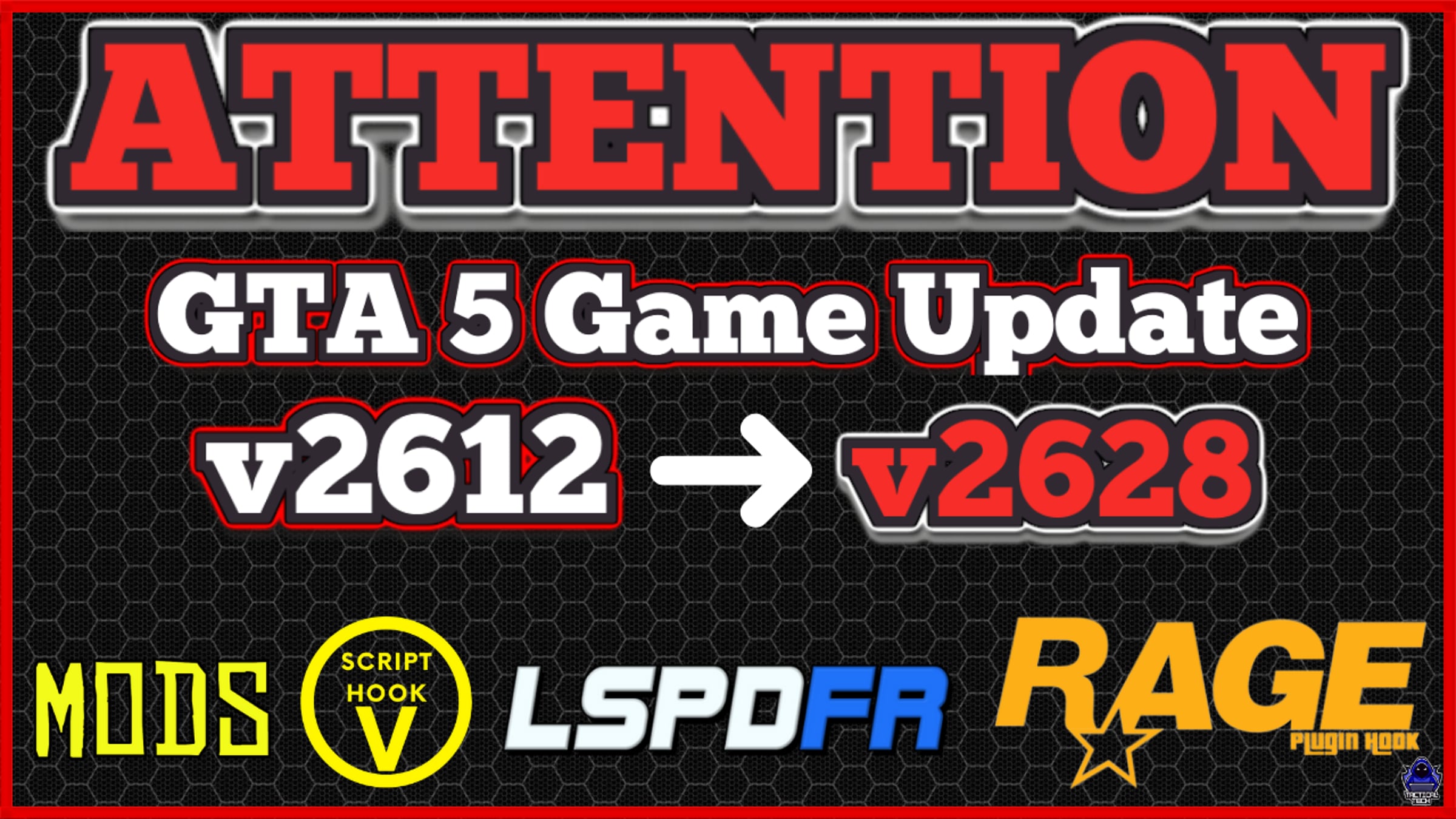
TacticalTechs GTA 5 v2628 to v2612 Downgrade Video (TacticalTechYT Discord Server)

How to Disable Steam Updates: https://appuals.com/how-to-disable-steam-auto-updates/
How to Disbale Epic Updates:
https://www.quora.com/How-do-I-stop-epic-games-launcher-from-auto-updating-GTA-5-when-I-launch-it-I-have-a-limited-bandwidth-so-I-want-to-play-the-game-without-updating-it-or-else-if-it-is-a-big-update-it-will-take-2-days-or-more-because
How to Disable Rockstar Launcher Updates: Sign in/Boot Rockstar Launher. PAUSE/CANCEL Update then go to Settings, go to GTA 5 under installed Games and then Uncheck AUTOMATIC UPDATES.
TacticalTech Youtube Channel: https://YouTube.Com/c/TacticalTechYT
TacticalTechYT Discord Server: https://discord.gg/TacticalTechYT
Get started for free
24/7 customer support
Our customer support team is available to help 24/7. Enterprise members also receive dedicated account managers and a guaranteed uptime SLA.
© 2026 Vimeo.com, Inc. All rights reserved.
TermsPrivacyYour Privacy ChoicesU.S State PrivacyCopyrightCookies