Xelation - WooCommerce Xero Bridge

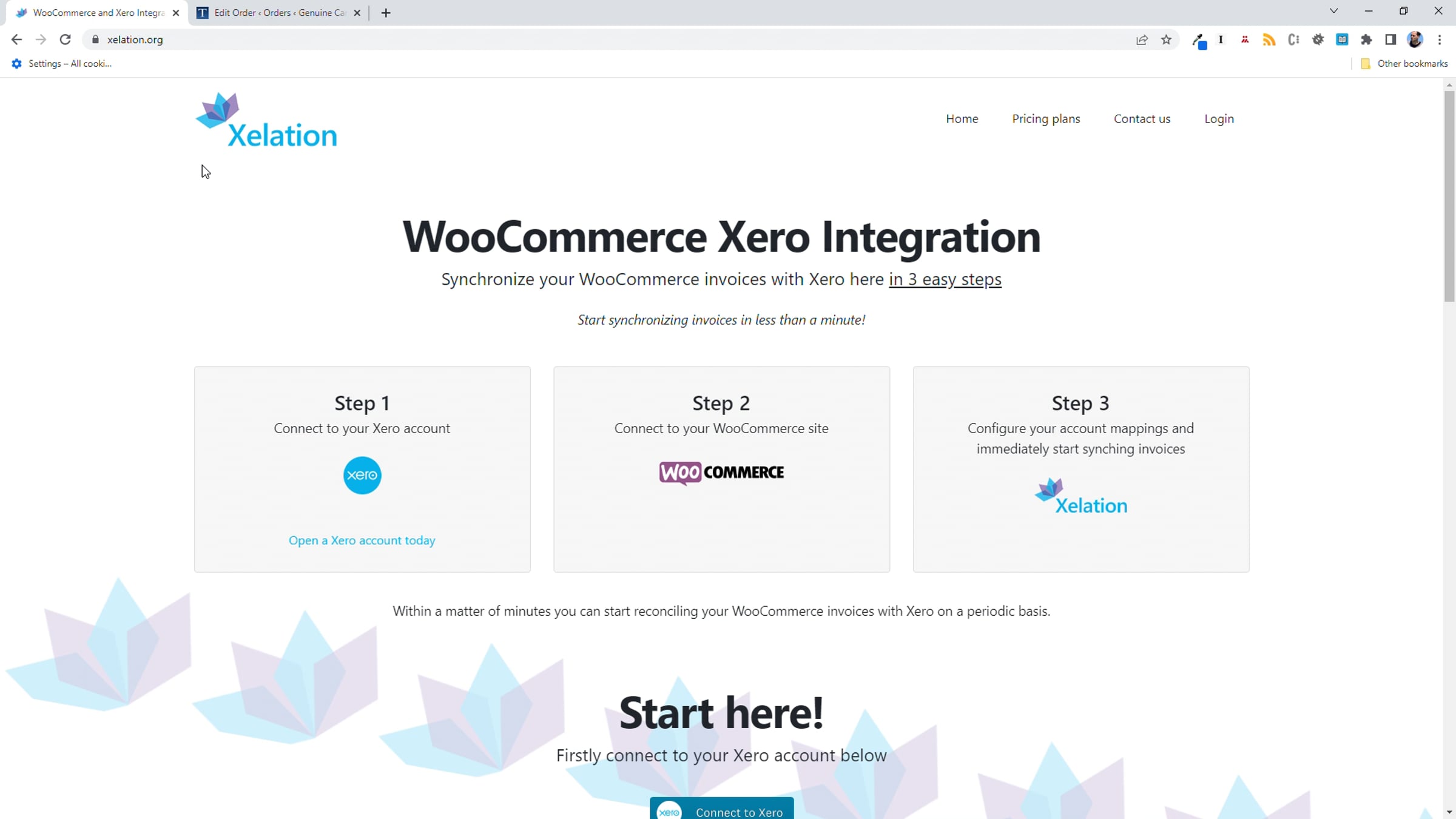
Synchronize your WooCommerce invoices with Xero here in 3 easy steps:
Step 1. Connect to your Xero account
Step 2. Connect to your WooCommerce site
Step 3. Configure your account mappings and immediately start synching invoices
Start synchronizing invoices in less than a minute!
Once connected WooCommerce orders will automatically reconcile themselves as invoices in Xero on an ongoing basis.
Get started for free
24/7 customer support
Our customer support team is available to help 24/7. Enterprise members also receive dedicated account managers and a guaranteed uptime SLA.
© 2026 Vimeo.com, Inc. All rights reserved.
TermsPrivacyYour Privacy ChoicesU.S State PrivacyCopyrightCookies