Kafka-Druid

In this video, we are going to show you how to use Apache Druid with Apache Kafka. Apache Druid is a real-time analytics database designed for fast slice-and-dice analytics on large data sets. Most often, Druid powers use cases where real-time ingestion, fast query performance, and high uptime are important.
So, What we have done is we have installed the latest version of apache druid, that is 26.0.0. Since Apache druid can not be installed in windows, we have installed it in ubuntu where kafka is already running in single node cluster.
Apache druid has dependency on Zookeeper, hence it comes combined with zookeeper when you download and setup Apache Druid.
So, now lets have a look as how we are going to start the Apache Druid.
After installing the Apache Druid, we can navigate to its bin directory and locate start-druid.sh file. So here i am doing start-druid.sh. All the internal services will start accordingly. And, once it is started, we need to go to the browser and check if we are able to access the UI or not. So to access te Apache Druid, which is running on a single node cluster, you have to access through port 8888 by opeing the url http://localhost:8888, and yes, as you can Duid is up and running.
So now what we are going to do while apache druid is running is we will start Kafka and from Kafka we are going to stream the data and that data will be sent to Apache druid where we can visualise it. And as we mentioned, Apache ruid comes with zookeeper inbuilt, the same zoopeeper we will club with the apache kafka by configuring kakfka broker with apache druid's zoo keeper.
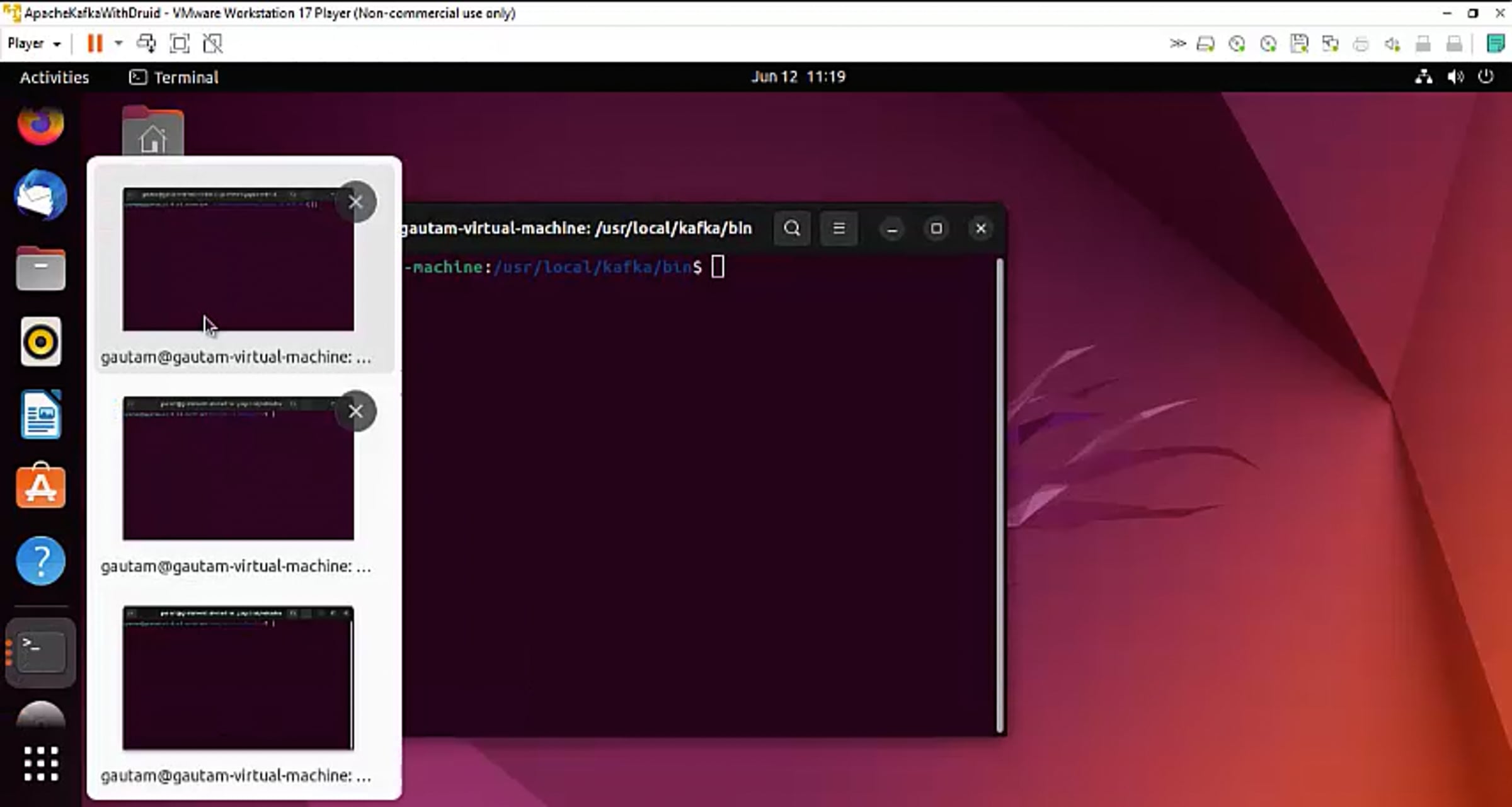
Now we are going to start the Kafka broker. Here is how we are staring the kafka broker.
Looks like Kafka broker is started, so now we are going to connect the druid with single node kafka cluster. and take out the data from kafka streaming to apache druid using this option. To connect to apache kafka, here we need to enter details of bootstarp server which is nothing but the single node cluster IP address. Then we will enter the kakfa topic name from where Druid will consume the data.
These are some previously consumed data from the topic, so what we will do to see th elive demo of the data streaming, is we will start the console producer which is available with Kafka by default and send some data which should be then readily available in the apache druid.
So here we are publishing some data to the kafka topic hmm lets say "Sending again to Kafka Topic" "Very Happy that data is streaming from kafka to apache druid"
Now start the stream and now as you can see data which was pulled out from apache kafka topic is visible here in apache druid database.
The beauty of Apache Druid is that we are not using any connector, or schema registry, and without writing a single line of code, data is directly being streamed from apache kafka topic to Apache Druid.
Druid has its dashboard for streaming data visualization which can be used to see the data picked from any kafka topic at real time. Apart from Kafka, Apache Druid has inbuilt connectors for other real time data streaming sources like amazon and Azure.
We can also query the existing data present in Druid database and visualise it in its dashboard using query feature. For example if we are connected with a data stream related to weather, it will keep storing the data in the druid analytical database and using query, we can fetch the data for previous few hours to visualise the hourly changes in humadity or temparature.
Get started for free
24/7 customer support
Our customer support team is available to help 24/7. Enterprise members also receive dedicated account managers and a guaranteed uptime SLA.
© 2026 Vimeo.com, Inc. All rights reserved.
TermsPrivacyYour Privacy ChoicesU.S State PrivacyCopyrightCookies