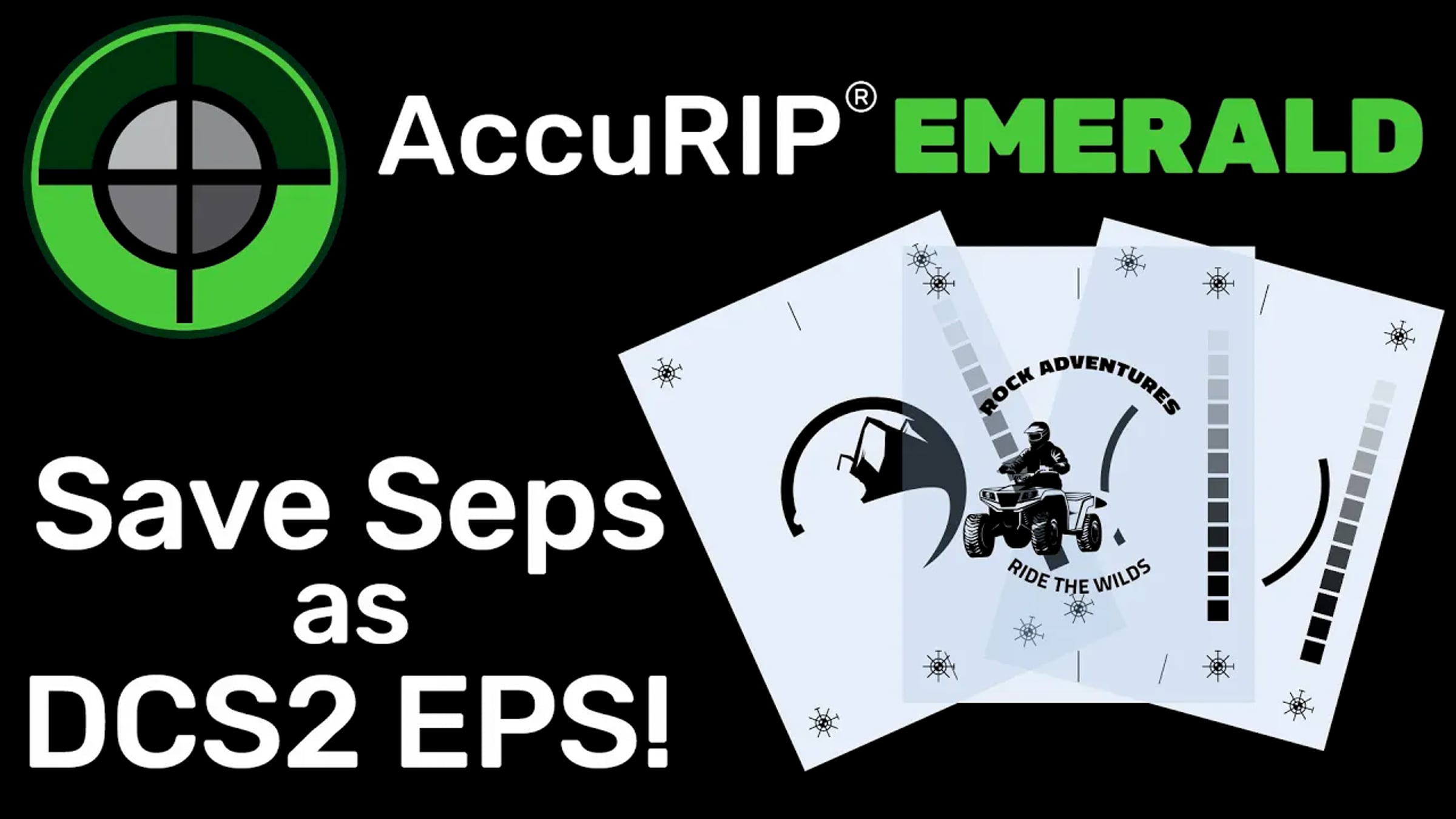
AccuRIP Emerald - Save Separations as a DCS2 EPS File

Learn More about AccuRIP Emerald here: https://solutionsforscreenprinters.com/accurip-emerald/
AccuRIP Emerald has the ability to save print files to a DCS2.eps file format. This feature is great for users with direct to screen machines, freelance artists servicing remote screen print clients, and more. Just click the Save button, name your file, and select a location to save it to. That’s it. Import your file into CorelDraw, Adobe Illustrator, a direct to screen RIP, or any mainstream program that supports the DCS2 format. Even send the file to clients for output that use a laser printer or an inkjet with NO RIP. Each separation is available as single color black spot color properly labeled to be managed as you need. At Freehand we get it an we keep making things better. Freehand and you, together we got this.
Music:
Too Cool by Kevin MacLeod
Link: https://incompetech.filmmusic.io/song/4534-too-cool
License: https://filmmusic.io/standard-license
Get started for free
24/7 customer support
Our customer support team is available to help 24/7. Enterprise members also receive dedicated account managers and a guaranteed uptime SLA.
© 2026 Vimeo.com, Inc. All rights reserved.
TermsPrivacyYour Privacy ChoicesU.S State PrivacyCopyrightCookies