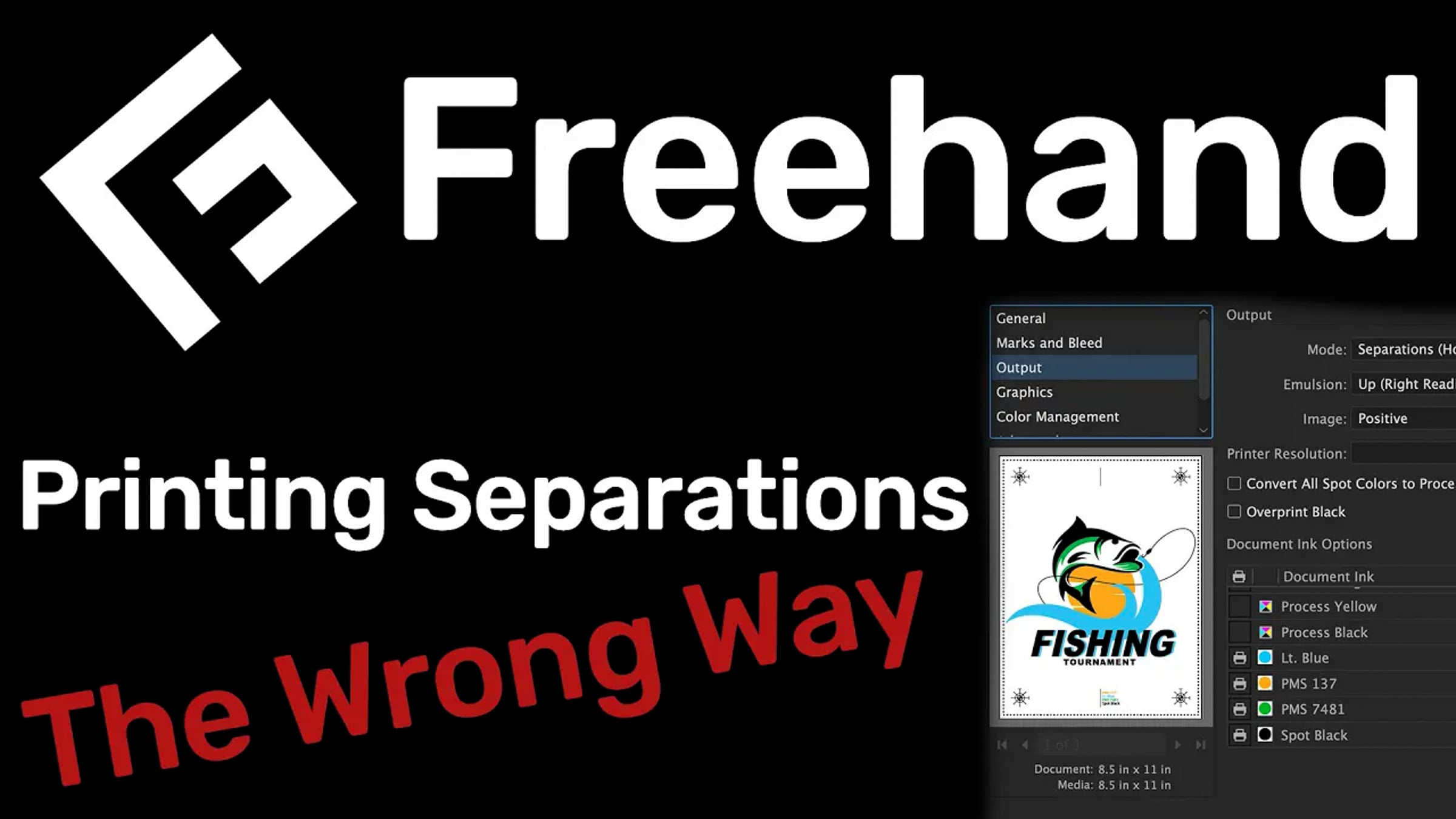
The Wrong Way to Print Separations – Freehand Graphics™

Learn more about solutions for screen printing here: https://solutionsforscreenprinters.com/
“Once our design is finished each color must be separated and turned 100% black. Now, one by one I’ll simply come over here and click File, Print, and click Print again. This is going to send each one of my films to the printer. I’ll drag this one off, bring my next one over, and do the same exact thing over and over and over and over...” Does this look familiar? Is this the way you’ve been printing your films, wasting time and money? If so I’m going to give you some advice. Stop. And start printing your separations the right way. There’s been a better, more efficient, and more profitable way of making films since 1988. Yes, I said 1988. That’s when Adobe and Corel revolutionized the task of printing separations by automating the process for those that use a RIP software. Take a look at our design. Every color is made using a spot color. This is the key step in printing our films. Once your spot colors have been assigned to the image go to the Print Window, choose the AccuRIP™ printer driver, select the colors you wish to print, separations, and you’re done. You won't have access to all these abilities to print solid or halftone separations by selecting the standard inkjet printer driver. You must have a RIP. If you’re using CorelDRAW it’s the same process. Using spot colors properly accomplishes two tasks at one time. You’ll be designing and preparing the file for separation at the same time. You only need to enter the Print Window one time to print all your separations. Whether you’re using Adobe or Corel Products both have the same streamlined, accurate ability to print separations. There you have it. Start printing your films faster with greater accuracy the correct way since 1988.
Music:
"Amazing Plan - Distressed"
Kevin MacLeod (incompetech.com)
Licensed under Creative Commons: By Attribution 3.0
http://creativecommons.org/licenses/by/3.0/
Get started for free
24/7 customer support
Our customer support team is available to help 24/7. Enterprise members also receive dedicated account managers and a guaranteed uptime SLA.
© 2026 Vimeo.com, Inc. All rights reserved.
TermsPrivacyYour Privacy ChoicesU.S State PrivacyCopyrightCookies