Creating Immersive Spaces with PLAN 3D - Part 1

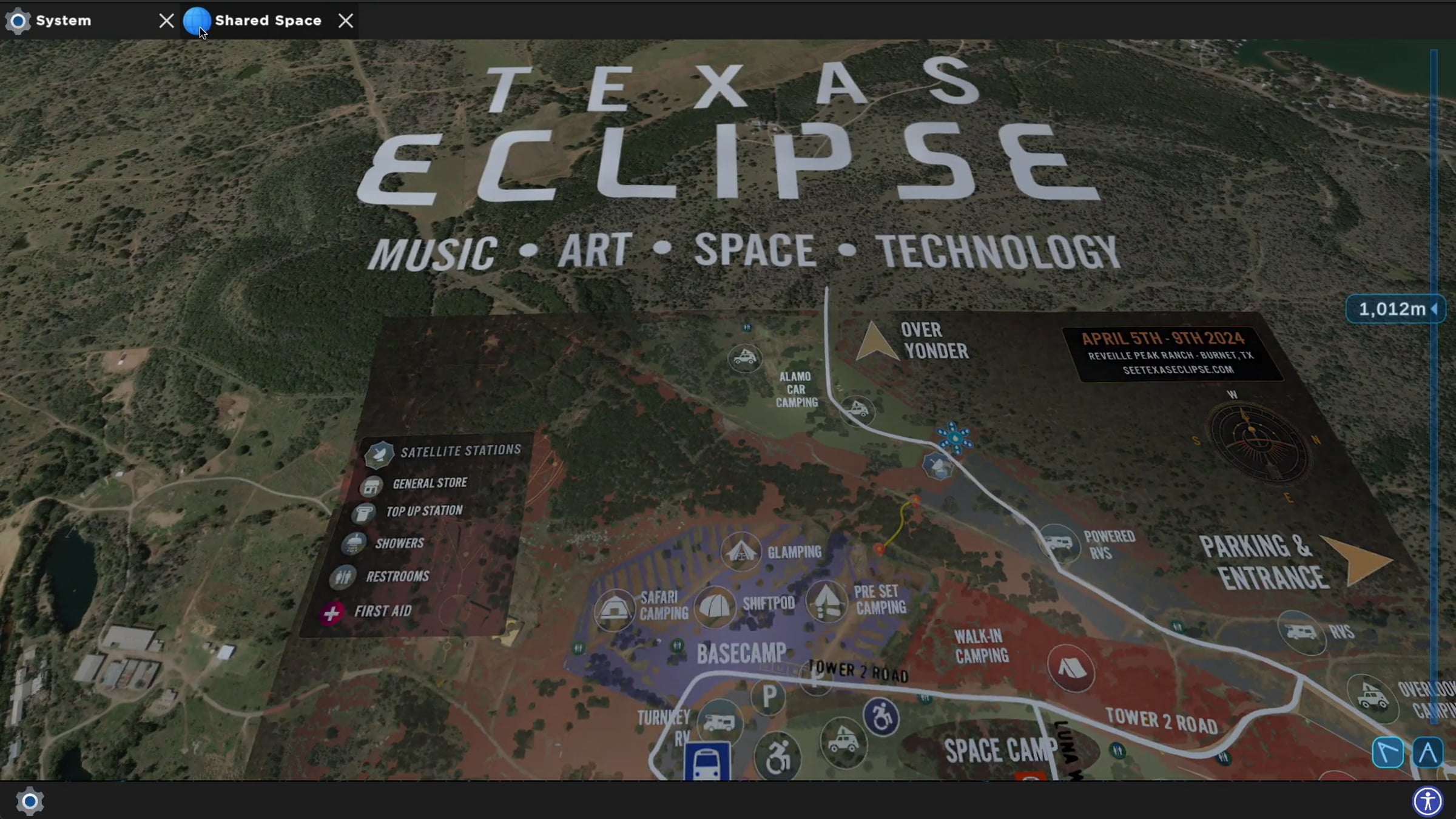
This is the first part of Creating Immersive Spaces with PLAN 3D, a next-gen 3D application developed for realtime spatial collaboration. In this demonstration, we'll cover how to add content and interact with 3D models using the PLAN 3D client application. The featured 3D map was created for a near once in a lifetime event, the Texas Eclipse Festival 2024, based on the festival area and transportation maps combined into a 3D terrain tile. The 3D tile and additional content are packaged into the PLAN 3D client application.
PLAN 3D by PLAN Systems: plan-systems.org/#download
- Download PLAN 3D, get the in-app content via Crates, make a collaborative Space
- Click the Crate icon, and download the Situation Buider, Models & Glyphs, and other Crates
- Open a new Space, click the floor in the Space and navigate to the following: Place Glyph > Situation Builder > Festival Maps > Texas Eclipse Festival
Contact us to find out how to get your own event grounds, festival, or geo-spatial 3D map: [email protected]
Part 1 - vimeo.com/934620667?share=copy
Part 2 - vimeo.com/934984451?share=copy
Get started for free
24/7 customer support
Our customer support team is available to help 24/7. Enterprise members also receive dedicated account managers and a guaranteed uptime SLA.
© 2026 Vimeo.com, Inc. All rights reserved.
TermsPrivacyYour Privacy ChoicesU.S State PrivacyCopyrightCookies