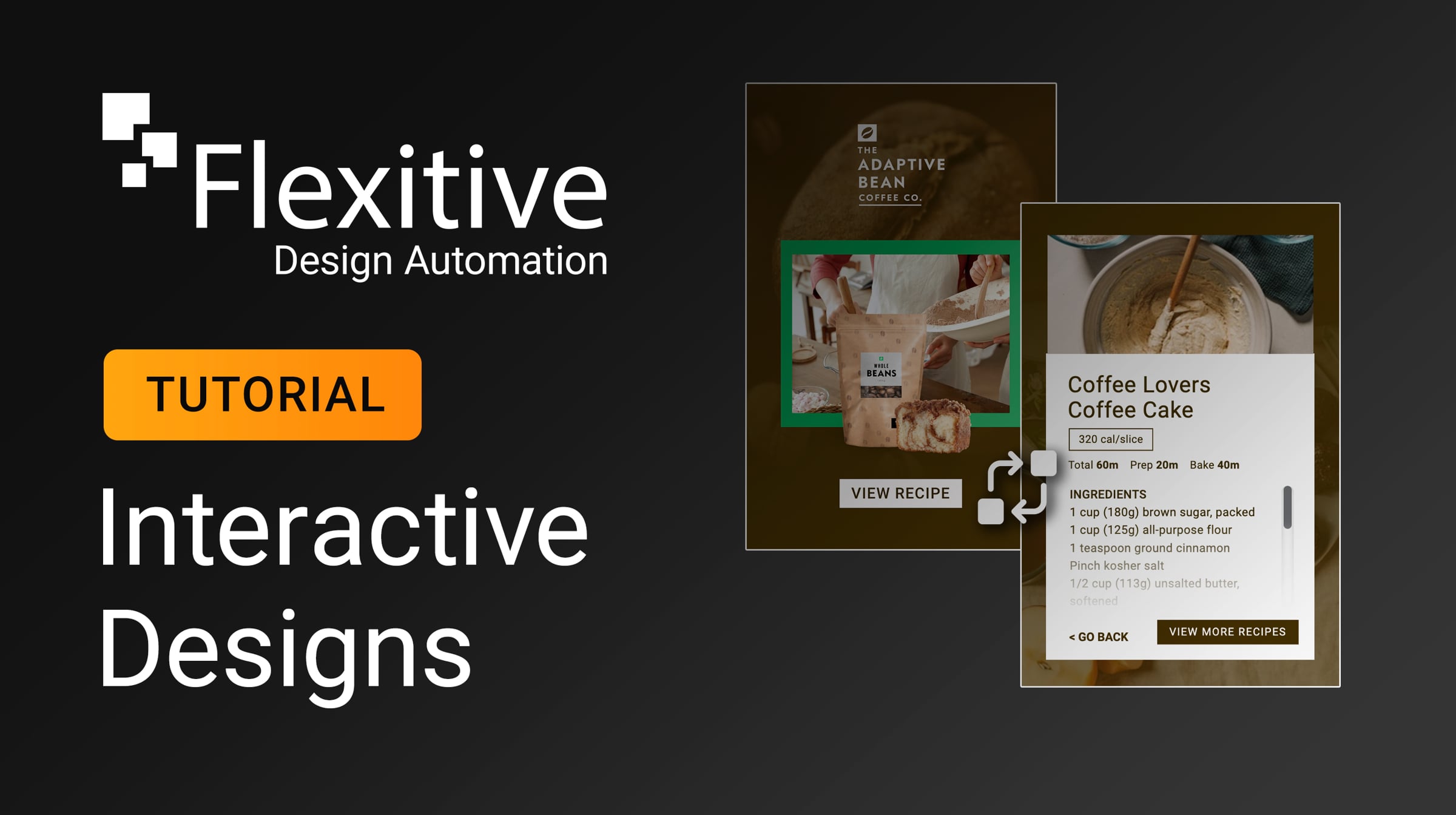
Interactive Designs - Flexitive Tutorial

In Flexitive, you can easily create interactive designs to help improve user engagement with your ads. Interactive designs can be built for websites (through iframes) or Display Ads as live tags.
To navigate to a specific topic, please use the timestamps below:
0:00 - Introduction
1:10 - Clearly Naming Your Designs
2:20 - Adding Click-Through URLs (Same Frame)
3:15 - Adding Background Click-Through URLs (New Tab)
5:16 - Exporting Interactive Click-Through Designs
Flexitive Support Links and information referenced in the training video:
Ad Servers - Ad Servers and DSPs Supported by Flexitive: support.flexitive.com/support/solutions/articles/12000009101-ad-servers-ad-servers-and-dsps-supported-by-flexitive
Element Click URL Link: view.flexitive.com/DesignID
_______
For the Essentials - Flexitive Tutorials Playlist, visit: https://bit.ly/3NkrP5k
For the Deeper Dives - Flexitive Tutorials Playlist, visit: https://bit.ly/428Zy5W
Get started for free
24/7 customer support
Our customer support team is available to help 24/7. Enterprise members also receive dedicated account managers and a guaranteed uptime SLA.
© 2026 Vimeo.com, Inc. All rights reserved.
TermsPrivacyYour Privacy ChoicesU.S State PrivacyCopyrightCookies