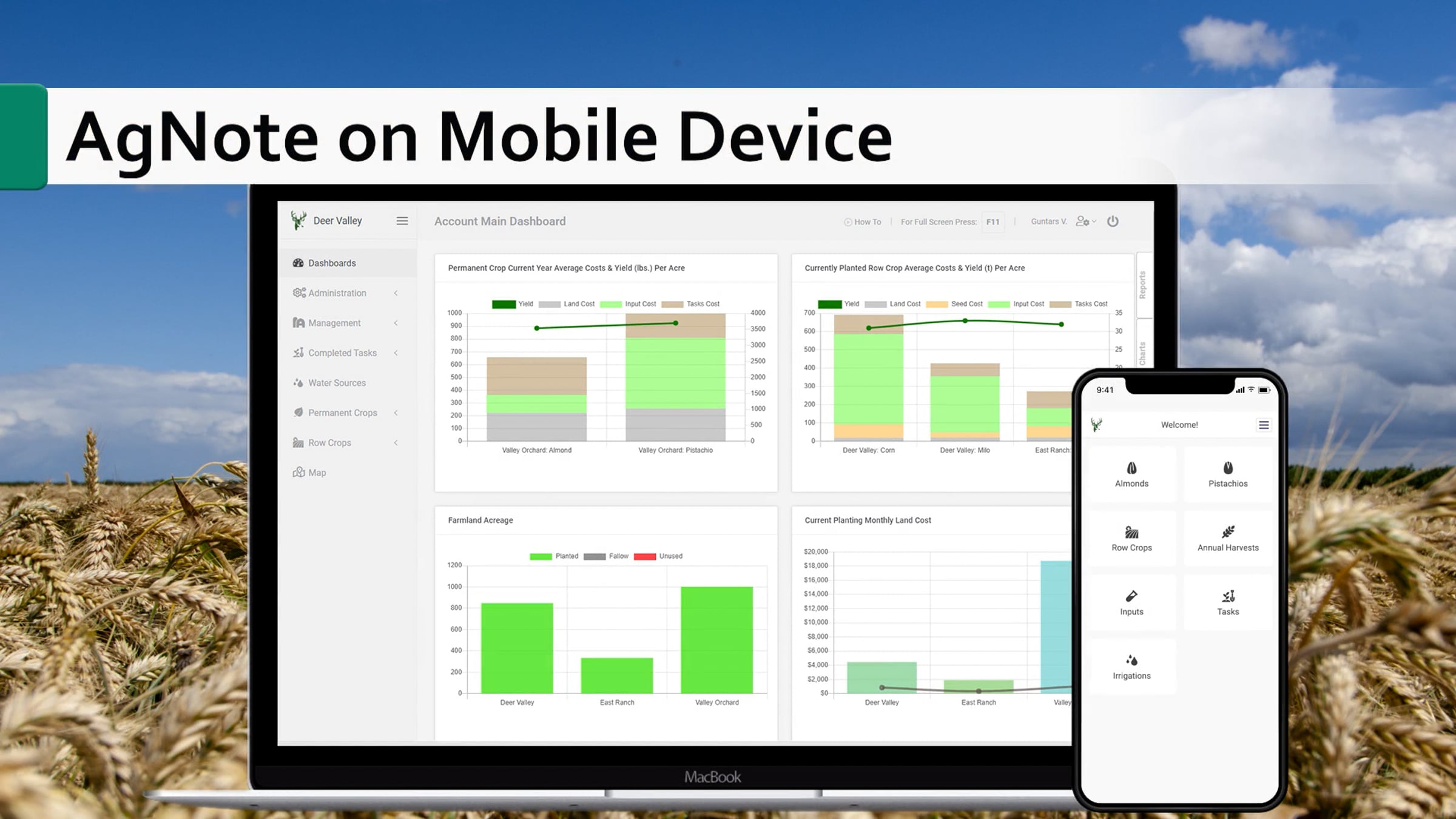
AgNote on Mobile Device

To use AgNote on mobile device (cell phone) is super simple!
After account setup, simply log into your AgNote’s account using the browser on your mobile device.
When you log into your AgNote’s account using mobile phone, AgNote will automatically detect that you are using mobile device and will present you AgNote’s mobile version.
To add AgNote’s shortcut to your smartphone’s home screen, for iPhone fallow these steps:
1. Use iPhone's browser, go to AgNote.com and log into your account.
2. Tap on Pull-Up icon at the bottom of the screen and pull up the menu until you see Add to Home Screen option and tap on it.
3. That’s all you need to do! Now you can access AgNote’s mobile (PWA) application on your iPhone.
On android devices fallow these steps:
1. Open your android’s browser (e.g. Chrome), navigate to AgNote.com and login to your account.
2. After few moments you will see a banner appearing at the bottom of the screen, prompting you to Add AgNote to Home screen. Just tap on that banner and confirm that you would like to install AgNote.
3. That’s all! AgNote has been installed on your android phone.
What you just added on your phones Home Screen, is called PWA (Progressive Web Application). Once PWA is added / installed on your phone, it will look and feel just like any other native mobile phone application.
Many popular companies like Twitter, Starbucks, Uber, Kubota are using PWA mobile application instead of native phone application. All these companies experienced significant increase of new users, conversion rates, page view and time that user spent on their PWA page.
There also notable benefits for you, the app's user. Just use your phone's browser to access PWA website and install it. Behind the scenes it is just a website's shortcut with few additional functionality enhancements. No need to download and install native app from the app store, which could be several hundreds of megabytes use-up your phone’s storage.
Here are few links where you can learn more about companies which use PWA and how it works for them
https://www.divante.com/blog/companies-that-use-pwa
https://www.biggerpicture.agency/insights/9-examples-of-brilliant-progressive-web-apps-pwas
To learn more about AgNote please visit https://www.agnote.com
Get started for free
24/7 customer support
Our customer support team is available to help 24/7. Enterprise members also receive dedicated account managers and a guaranteed uptime SLA.
© 2026 Vimeo.com, Inc. All rights reserved.
TermsPrivacyYour Privacy ChoicesU.S State PrivacyCopyrightCookies