If a webinar falls in the forest, and no one is there to watch it, did it even really happen? Whether you’re throwing or attending virtual events, the demand for digital is real. Sometimes, though — okay, a lot of the time — hosting an event can feel like going through the motions, or worse, yelling into the void. Do people even really, well, enjoy the content you’re offering them?
We reached out to our community to answer that question. We found the insights so intriguing (and surprising), we had to share them with you. To help you get the most mileage out of your next virtual event, here are three actionable insights that you can take to the bank — or at least, to your next live stream.
1. No one wants to attend your all-day event
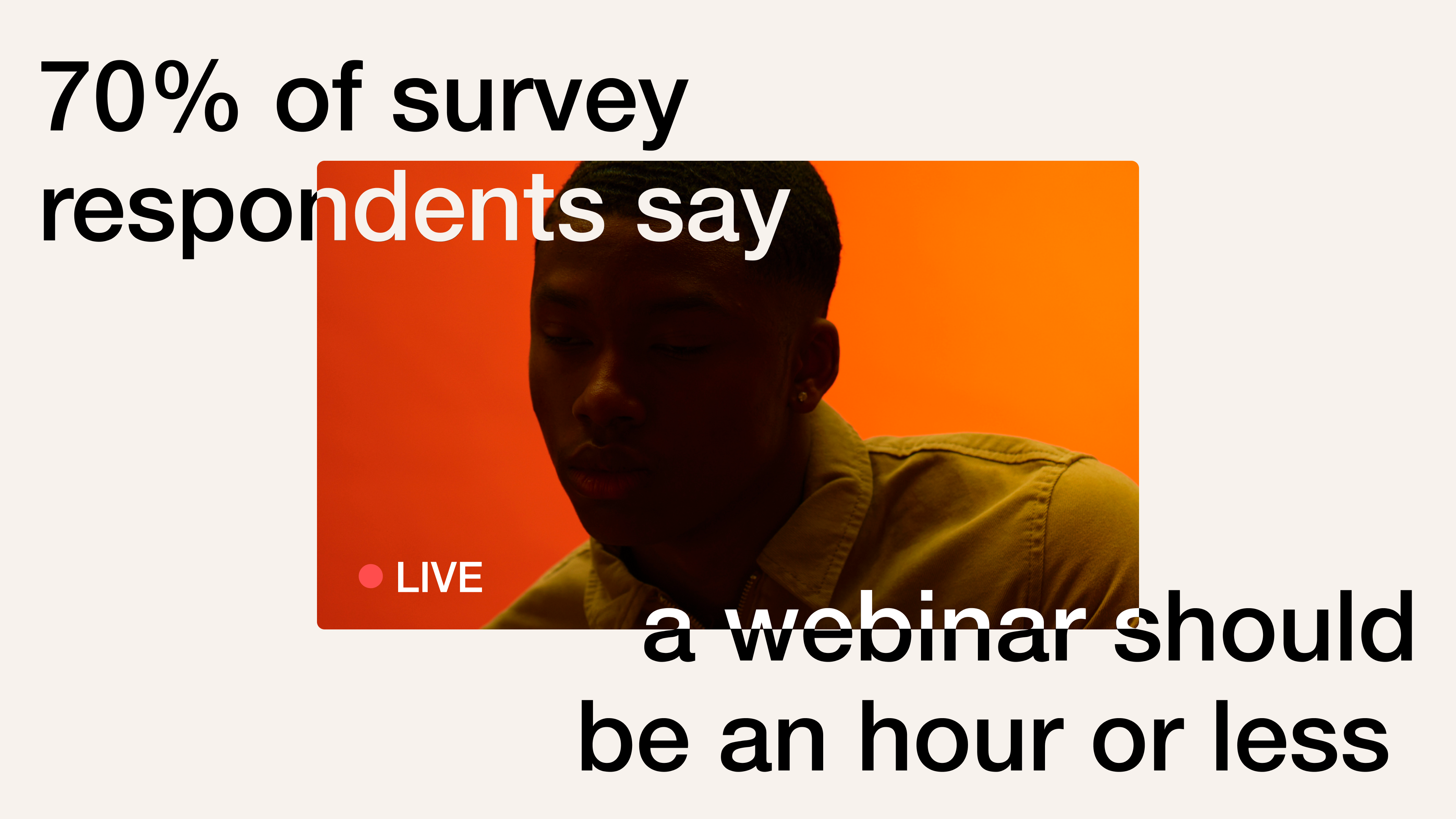
...And honestly, it shouldn’t even be longer than a lunch break. 70% of viewers believe an event should be just an hour or less — two-thirds of respondents said they’d be put off even registering for an event because of its length.
Sure, you’ve put a lot of work into your content, you’re an expert in your field, but in order to keep people engaged, you need to be able to distill what you have to communicate in just a few minutes. Be ruthless in your planning to give your audience nothing but the good stuff.
2. So many people (like, so many!) will rewatch your event
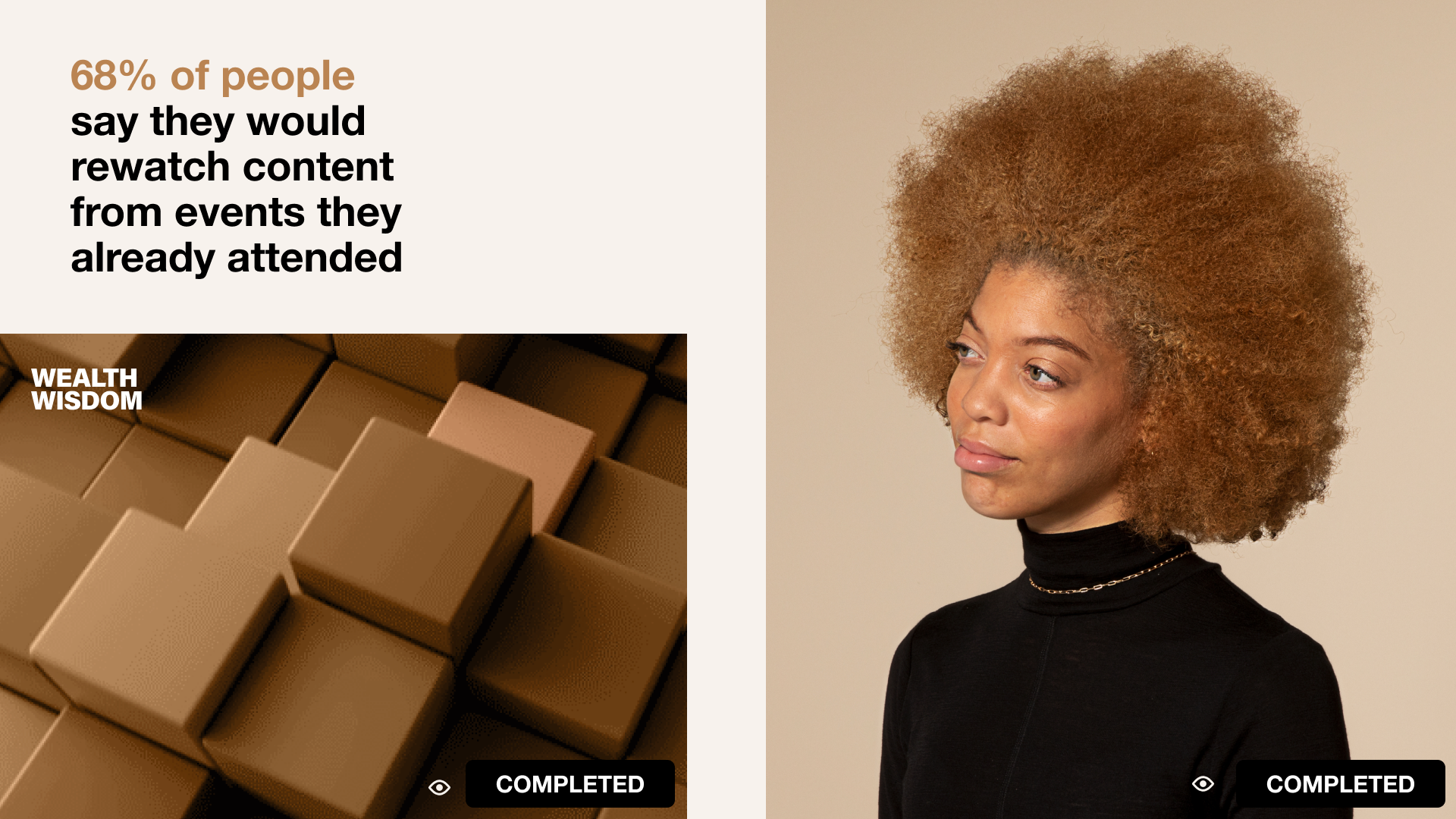
If you thought your live event was only valuable on the day, think again. We found that nearly three-quarters of potential viewers said they’d rewatch your event later if they missed it live. Not only that, but a little over two-thirds of people said they’d even rewatch an event they’d already been to. (That kind of dedication is impressive.)
Your assignment: make your post-event VOD easy to use and easy to find. Shoot all RSVPs a watch link via email straight after you’re done to really cover your bases.
3. Q&As? Yes. Breakout rooms? Meh.
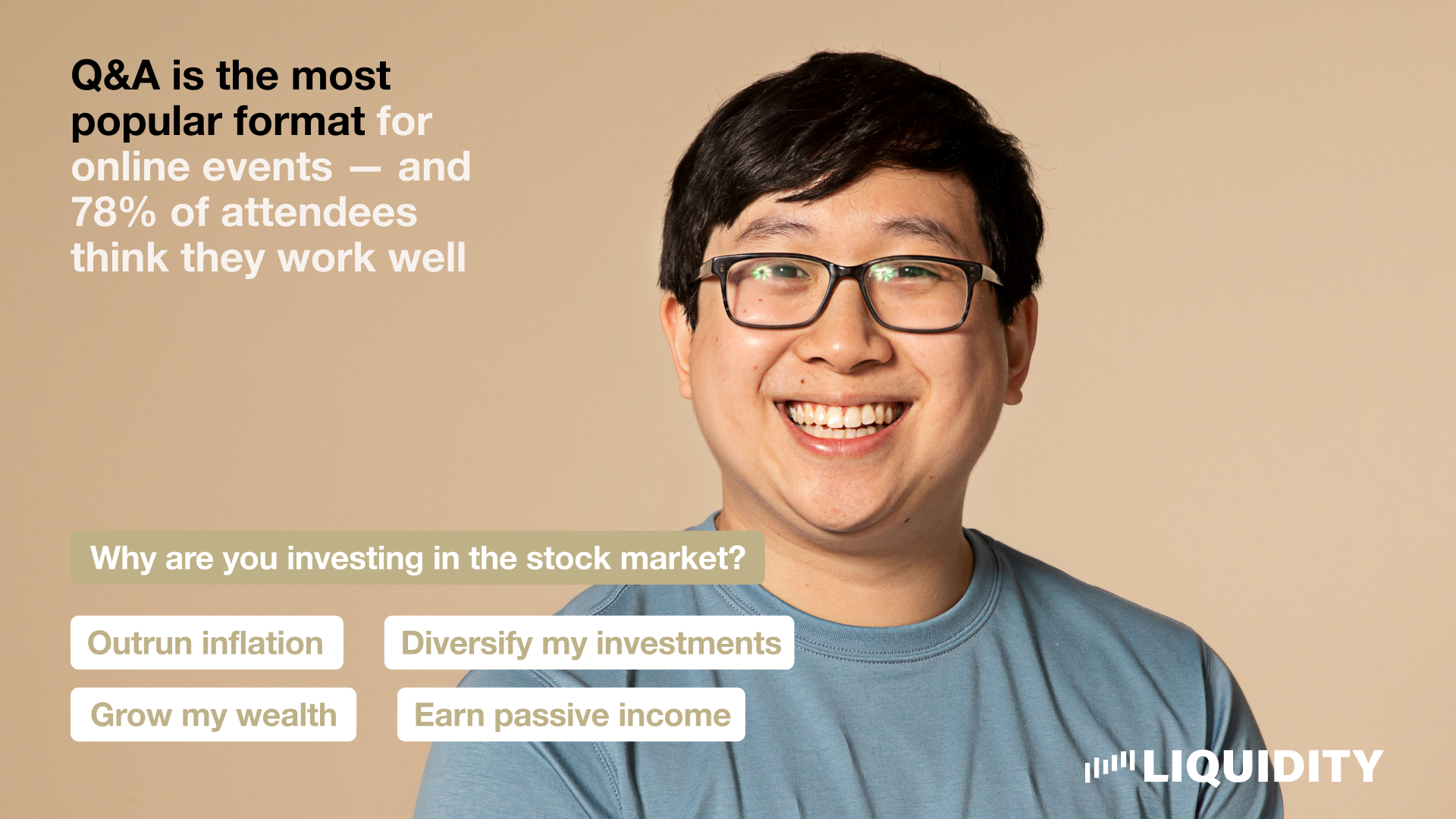
We love a little interactivity in our events — but don’t overestimate your audience’s interest. We found that Q&As are by far the most popular format for live events, but not every tool at your disposal is welcomed with open arms.
Breakout rooms, beloved by the vast majority (83%!) of organizers, are actually one of event viewers’ least favorites. In fact, over one-third of respondents said they don’t think they work well. Our advice? Keep your interactive elements low-lift to keep people happy and avoid dreaded drop-offs.
The future is virtual
If you’re thinking “Great insights, but aren’t we getting back into IRL events pretty soon?” We’d like to respectfully disagree. Even post-pandemic, 72% of survey respondents said they expected to attend the same number (or even more!) online events as they are now. So, when considering IRL components, try embracing a hybrid structure to capture the widest audience possible.
We know virtual events aren’t without their struggles. We found that tech issues, for example, are the live event’s #1 boogeyman for hosts and attendees alike. To keep those worries at bay, you can peruse our deep library of live event wisdom. Here are a few of our faves:
We also suggest checking out Vimeo Events for an end-to-end solution that’s designed to help marketers of every skill level easily produce stunning and engaging virtual events that deliver ongoing impact for your business — making it simple for you to nail everything from your programming to those post-event emails.