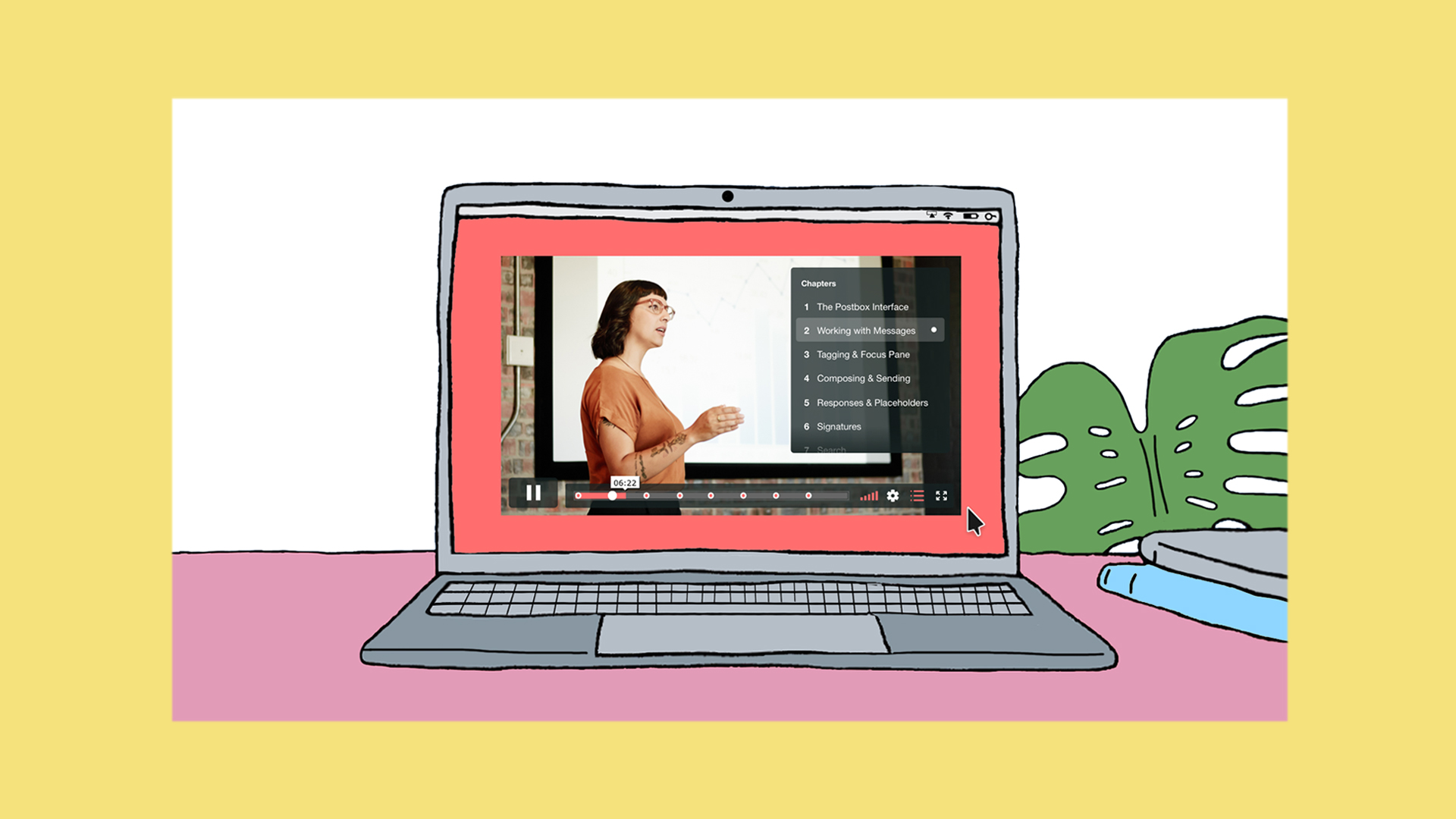
Online education is on the rise. And not just with online universities and institutions, online educational content is now a popular way to discover and learn about a vast array of subjects. Whether it be academic, hobbies or other life skills, there are tons of avenues for creating online educational content that can be both fun and lucrative.
For online educational content creators, while the idea can be simple, the challenges can be many. You have to research, plan and create sometimes hours of content. Which you then need to find creative ways to present it in a manner which is both informative and entertaining.
So, before you get too bogged down in your online educational content, here are some helpful insights to optimize your content.
1. Provide clear value
Once you actually start outlining and creating your online educational content, ask yourself some questions that will help you along the way. What is it that you’re trying to educate people on? And, why is this information valuable?
While these shouldn’t be hard questions to answer, they will help you keep your content’s value proposition at the forefront as you spend the time creating your content. Keep these answers in mind throughout your content creation process!
2. Outline your table of contents
When first sitting down to plan out your educational content, what do you usually do? Well, you make an outline of course! Just like you would if you were creating an old school textbook from scratch, you’ll most likely begin by outlining a table of contents to help you get started.
Not only will this help you in your outlining and planning stages, but it will also give your content the backbone it needs to help your students or viewers understand where they’re at and what to expect from the totality of your content.
3. Clearly define your Chapters
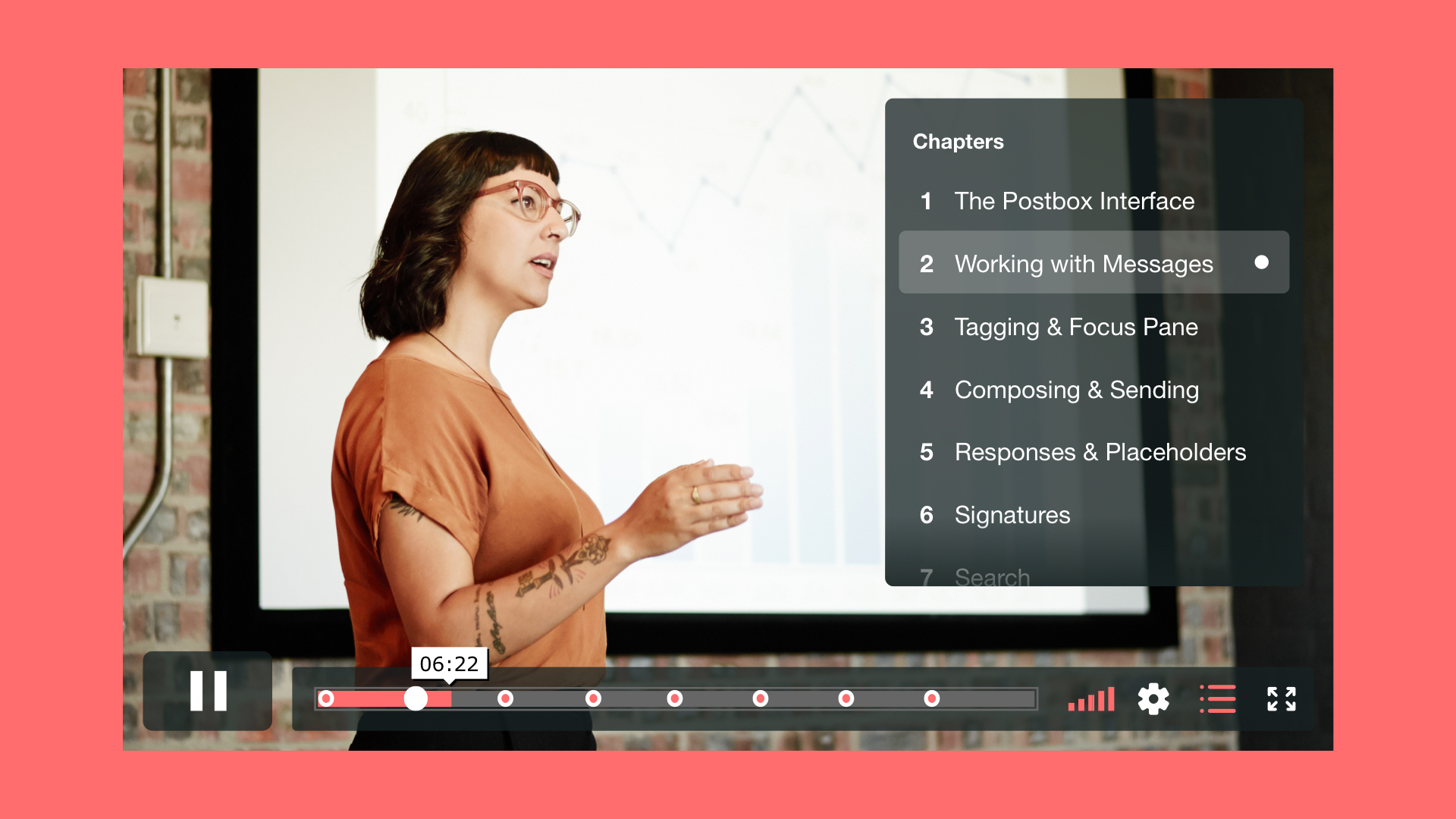
Once you have your outline and table of contents in place, you can really dive into the individual chapters. We just launched Chapters on Vimeo to make skipping to different parts of your lesson fast, fluid, and easy. Like any textbook or course curriculum, each chapter should be designed to pick up where the last chapter left off as well as lead into the next.
Having strongly defined chapters is also helpful if you plan to have students or viewers break up the content over multiple sittings. They can go section by section if they’d like, or at least know where they left off the last time they engaged with your content.
4. Keep it exciting
Like most schoolwork or classes, one of the biggest issues educational content creators wrestle with is fighting off the boredom. Yes, some subjects might be naturally drier than others. But that just means you’ll need to take more time and care to keep things engaging and entertaining.
Once your online e-learning content is live, pay attention to the analytics and data. If you find that the numbers start falling off in certain sections, you always go back in and tweak your content to make the more “boring” sections more engaging.
5. Build in breaks
Another trick for boosting your online educational content is to further optimize your chapters. By their nature, educational videos do tend to be longer than most people are comfortable consuming in one viewing.
Remember that an online audience is much different from students in a classroom. There are a lot more distractions to deal with, as well as limited time to focus and learn. Unless your video is under 5 minutes, you should prepare content to be friendly for those who are going to have to view it in batches.
6. Everyone learns differently
One of the cardinal rules of education to remember: Everyone has their own style of learning. Just because a lesson makes perfect sense to you, doesn’t mean it will make sense to everyone who encounters it. From different learning styles to different learning abilities, try to be as conscious and flexible as possible to encourage other options.
These can be simple things like being sure to include subtitles and captions, to adding speed controls, or even using a variety of different animations or video styles.
7. Keep the content coming
Finally, once you’re educational content is up and online, don’t let things stop there. Build out your lesson plan. Chances are if you have one piece of content or video, you’re likely to have more coming. Encourage the audience to stay engaged whether through social media, email capture and end cards promoting your follow-up courses, your website, or wherever your additional content might be housed.