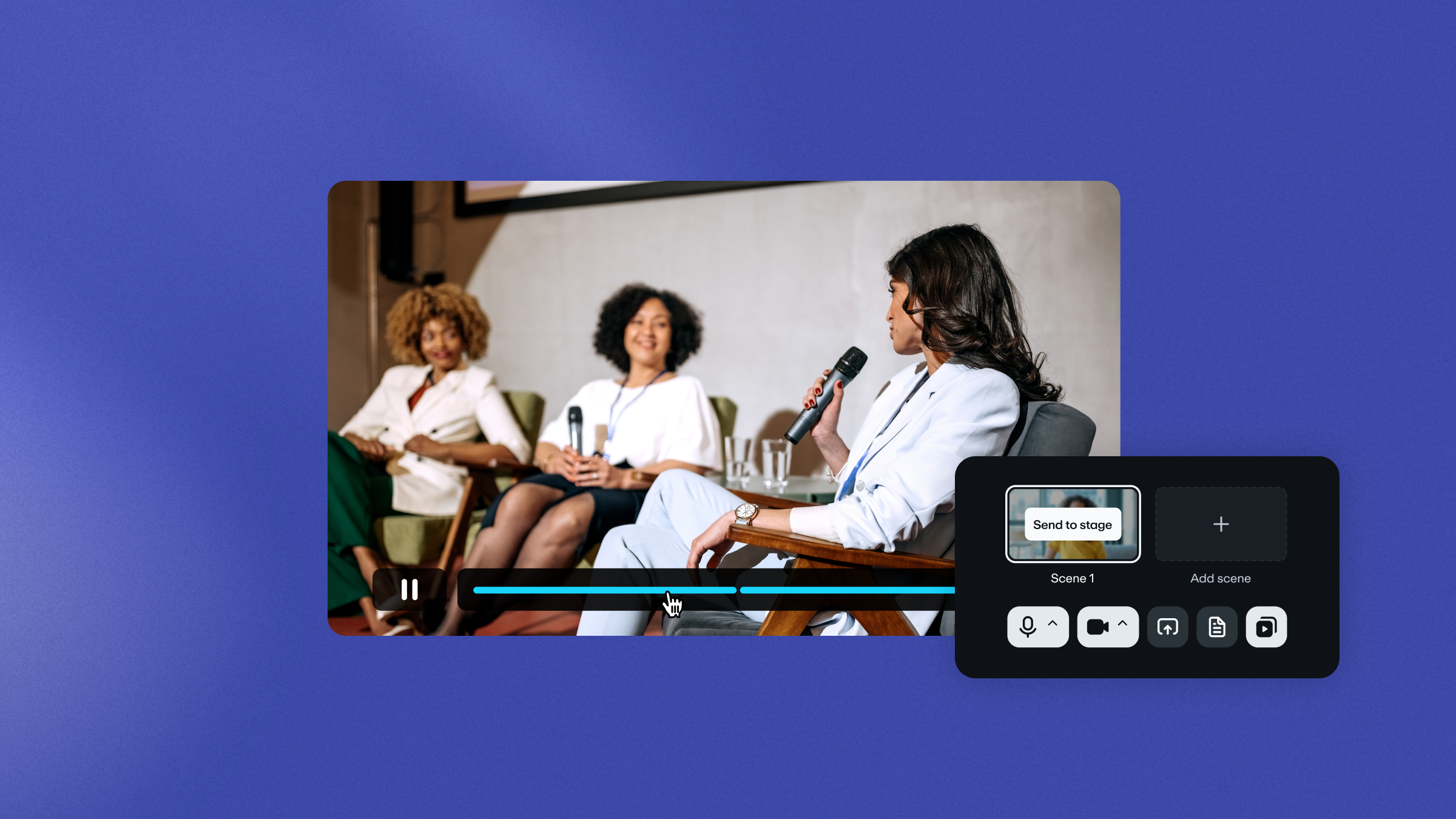
Outside the Frame, Vimeo’s annual video marketing event, brings together experts from across the video marketing world to highlight creativity and innovation.
At this year’s edition, we invited Puno and Rachel Nguyen to share their expert take on the creative process.
Rachel Nguyen is a content creator, art director, and creative consultant who has been creating YouTube videos for over 10 years. Co-presenter Puno, meanwhile, is a fellow content creator and the founder of ilovecreatives, a studio famed for its experimental design creations. Together, they shared insights and advice for designing your creative process.
The importance of the creative process
For Puno and Rachel, the important thing about teaching the creative process is giving people tools for ideating that go beyond the trends of the moment. According to them, understanding how to come up with ideas outside of the trend cycle allows you to create videos that stand out and can be thought of as evergreen.
”Stories constantly need to be told, so I think the true thing we’re trying to teach in this course on the creative process is just how to be more human.”
How to approach generating ideas
With years of experience between them, Puno and Rachel know that the first step of the creative process, idea generation, is where most people tend to get stuck. And that’s where they want to help creators find their way.
Their session offered practical tips on how to generate and focus your ideas.
First, you should clarify what kind of video you want to create. Finding the answer is a matter of simply stepping back and asking yourself, What is my intention?
“Oftentimes, our ideas are jumping around in our heads so much that it’s like, let’s take a step back: Where are you coming from? What’s your perspective? What’s something that’s weighing on you? What’s an idea that needs room to express itself? What are you thinking about recently?”
Trying to figure out what your intention is can help you get rid of those extra critical voices that can shut down ideas from the get-go. Investors’ preferences or audience expectations are important to consider, but not at this initial stage. In the beginning, just focus on gathering sources of inspiration in a notebook, notes app, or folder on your desktop.
Then, “pick one perspective/experience/feeling and grow with that” remembering that “you are your own audience first.”
Once you’ve got your idea, you can begin to create mind maps, actionstorm, and write out your treatment.
Seeking fresh inspiration for your creative process? Watch more Outside the Frame sessions →
And if you're a creator, explore Vimeo’s offerings for video creators, including tools for creating, editing, hosting content, and video analytics. Elevate your videos with features like music integration, resizing tools, and more.