What’s motion design?
Motion design is the discipline of applying movement to graphic design elements. Instead of sitting still on a page, these visuals shift to guide the viewer’s eye and carry a message with it. A flat logo becomes an animated logo to give the brand’s personality to life. A block of typography grows onscreen to start raising tension before the video itself begins.
The term “motion graphics” is short for motion graphic design, and many people use motion design, motion media design, and motion graphics interchangeably. Some designers draw a finer line between the disciplines, where motion design is the broader practice and motion graphics are what the audience sees. But all of these terms come from the same core skill: deciding where and how to use movement to bring visual interest and impart more information.
Motion design vs. animation: What's the difference?
Motion design appears more often in business settings and typically animates graphic elements, such as typography or logos, to convey information or reinforce a brand. It’s often a flourish or added element to a video, not part of its core approach.
Traditional animation is more likely to take center stage, and typically includes character-driven storytelling with a narrative arc. Motion design can also tell a story, but it’s typically in service of a business goal instead.
Where is motion design used?
Motion design shows up across many digital and video formats. A few places it appears most often include:
- Title sequences and opening credits: Film and TV title sequences use motion graphic animation to set a project's tone before a single scene plays, often through animated typography that builds and dissolves as the credits roll (such as the famous Star Wars opening scrolling text).
- Animated logos: A static logo turns into an animated logo that plays before or after a video, adding a beat of brand identity-establishing personality without extra dialogue.
- Explainer videos and product demos: Motion design turns a written explanation or series of data visualizations into a sequence of moving graphics and typography that walks a viewer through a concept step by step. It also provides extra value for visual learners.
- Social media content: Animated posts, Stories, and Reels use short bursts of motion graphic design to stop a scroll, since moving content is often more likely to catch a viewer's eye than a static image.
- UI and UX animation: Loading screens and app transitions rely on small, precise animations to signal that a system is loading, not frozen.
- Corporate presentations and internal communications: Slide decks and internal corporate videos often use animated charts, graphic design elements, and lower thirds to make dense content easier to follow.
Whatever the format, the goal stays the same. Motion design can make information easier to follow than static graphics and dense walls of text, and it can hold a viewer's attention long enough for the rest of the video to share that information.
Motion design for business and brand videos
Film credits and app interfaces get most of the attention when people talk about motion design, but it shows up just as often in the video businesses produce.
Brand video intros and outros are some of the clearest examples of video branding in motion design. An animated logo reused at the start or end of every video gives every piece of content a consistent, recognizable bookend without needing to build something new for each video.
Product and feature explainers work the same way. Motion graphic design turns a feature list into a sequence a viewer can follow by animating a product interface or icon set to show how something works instead of just describing it. Similarly, animation applied to charts, org structures, or process diagrams makes an internal update easier to sit through than a speaker reading off a slide.
Marketing and ad content lean on animation for a different reason: speed. Animated typography and graphic elements help an ad make its point in the first few seconds before a viewer scrolls away.
In each of these situations, motion design does the same job. It gives brand and marketing video a visual identity that stays consistent from one moment to the next, built once and reused rather than reinvented for every project.
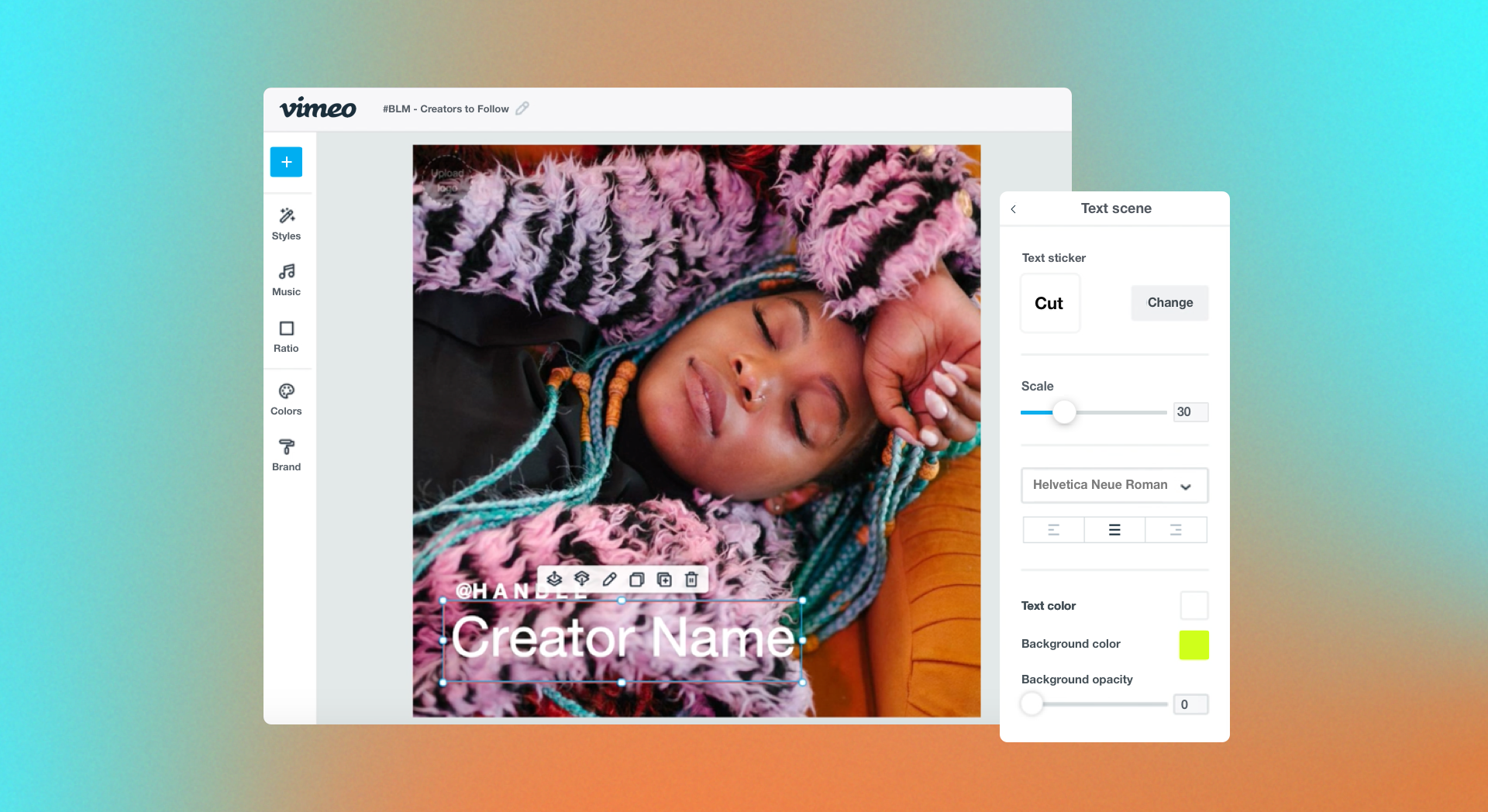
Bring everything together in Vimeo's video editor →
Motion design tools: What software do designers use?
Motion design work tends to move through a handful of common programs, though the exact stack varies by budget and specialization. It sits inside a larger video production process, often toward the end of editing after major edits like sound syncing and transitions are done.
Here are a few of the most common programs motion designers use.
Adobe Illustrator and Photoshop
These two Adobe products typically come first in a motion graphic designer’s process, since they usually need to start their work from static assets. Illustrator handles vector elements like icons, shapes, and logos, while Photoshop covers raster-based assets like textures and image composites.
Adobe After Effects
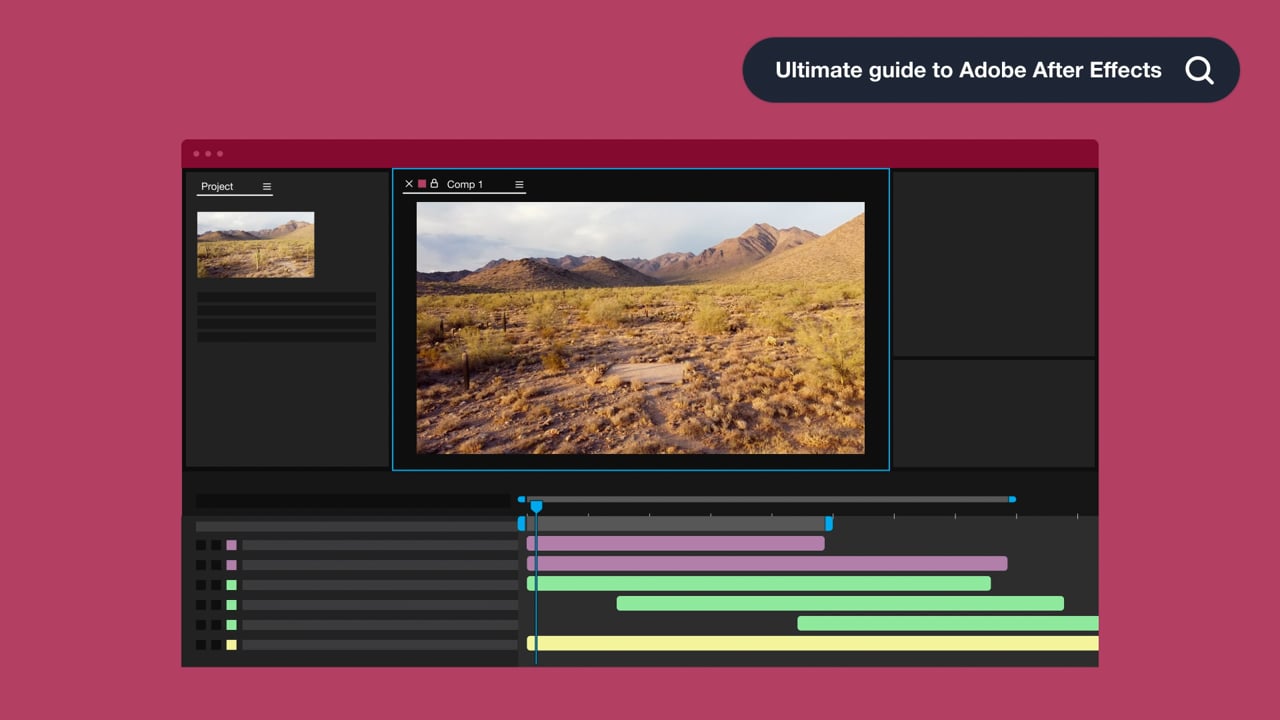
Once static assets exist, they often move into Adobe After Effects, which is a leading tool for 2D motion graphics, compositing, and visual effects. Motion designers and animators use it to add movement and timing to flat image files.
Cinema 4D
Cinema 4D is a common choice to use for 3D motion graphics. It’s a powerful program for 3D motion design and modeling, and is often paired with After Effects in hybrid 2D and 3D workflows.
Blender
Blender is a free, open-source alternative to Cinema 4D, as it was also built for 3D motion design, modeling, and rendering. Its price makes it accessible to designers without the budget for Adobe's paid tools (which can get expensive quickly), but its 3D toolset is powerful and intuitive enough to draw its own following independent of cost.
FAQ
Can an animated GIF be considered a motion graphic?
Yes. A GIF that animates any kind of graphic element fits the definition of motion graphics. The format itself is more limited than rendered video, with smaller file sizes and reduced color depth. That’s why GIFs tend to work best for lightweight web or social media use rather than high-fidelity delivery.
How does motion design improve the website experience?
Motion design can make a website feel more responsive. Small animations give a visitor immediate feedback that an action (like a button press or a form submission) worked instead of leaving them uncertain whether a click registered. When used sparingly, motion can also guide attention toward a specific element, like a call-to-action button that slowly blinks instead of sitting static on the page. Use it too often, however, and the same technique can distract from the content instead of supporting it.
Can animated branding elements fit motion graphics?
Yes. Animated branding elements are one of the most common applications of motion graphics. An animated logo, a color transition within brand graphics, or a piece of typography that builds onscreen all count, since each one applies movement to an existing graphic design element to reinforce a brand's identity.
Bring your motion design to life with Vimeo
Video work doesn't end once motion design and other late-stage edits are complete. Brand intros and marketing content built with motion design still need to be hosted somewhere that a client or team can check at full quality before the video goes live.
When a client needs to review a cut, Vimeo can create private links so team members can share the video without making it public. Team collaboration tools let a client or colleague leave feedback directly on the timeline instead of it being in a separate email thread. Then, Vimeo's AI-powered editing tools handle trimming and refining without a trip back into After Effects for small changes. And Vimeo’s video hosting capacity preserves fine detail in animated typography and layered graphics, so the exported design doesn't lose quality on its way to a viewer.
Once a project wraps, Vimeo's video library keeps every motion design asset organized by project, so past work stays easy to find instead of buried in a folder of exports.