
Beautify your WooCommerce storefront with high-impact product videos
The Vimeo for WooCommerce and WordPress plugin enables you to build more compelling web experiences by creating, uploading and embedding Vimeo videos from within your WordPress site and WooCommerce product pages. One plugin, endless video possibilities.
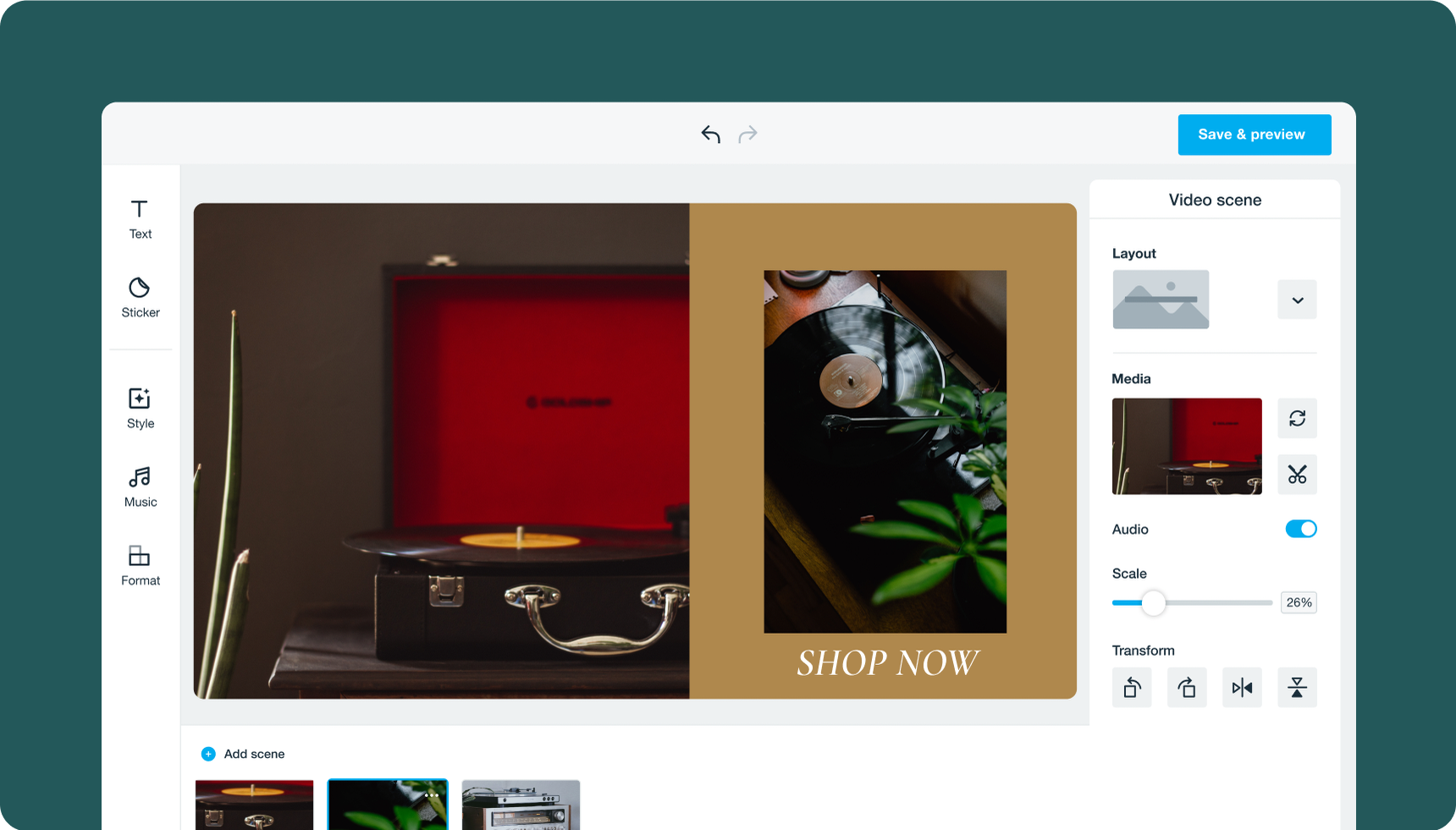
Creating a video from scratch requires time and skill, but Vimeo’s smart, AI-powered video editor can do all the heavy lifting for you. Simply select images from your WooCommerce storefront for Vimeo to automatically create a product video for you.
Keep product visuals simple and high-quality
If you’re going to be using product photography in video, it’s important to have high-quality shots. Video footage of your products should be consistent to build trust and make the product look as good as possible.
Opt for a flat lay or white background, and keep lighting consistent throughout. Even though golden hour is awfully pretty, we recommend studio lighting. Natural lighting can change and shift super quickly, which isn’t ideal for a product shoot. Don’t splice together images from wildly different shoot locations. This might confuse your potential customer.
Feature your products in action, from multiple angles
It’s best practice to show off your items from various angles. This will give the viewer a sense of scale and the ability to picture your products, goods, or services in their life. Make a quick explainer video demonstrating your product’s USPs (unique selling points) and how to use it.
You could tease a new drop, showing only parts of your new product until launch day to take anticipation up a notch. The sky’s the limit when it comes to creative direction for your next product video.
Facebook users often scroll quickly through their news feeds, so capture your audience’s attention quickly – within the first few seconds of your videos – to compel them to stop scrolling and keep watching. Adding a custom thumbnail and using an attention-grabbing first frame are key to captivating your audience’s interest immediately.
Repurpose your videos to distribute on different platforms
Content has been king for a while now, but for small ecommerce businesses, content creation can be expensive and time-consuming with little return on investment. Skip costly outsourcing and go for a DIY-feel instead. It’s what makes native-looking videos on platforms like TikTok and Instagram so successful.
For consumers today, authenticity trumps glossy, big-budget advertising. Opt for lower budget, higher impact videos that you can repurpose into cutdowns for social ads. Take advantage of UGC and consumer reviews in your video content, which you can also post on your organic social feeds.
