
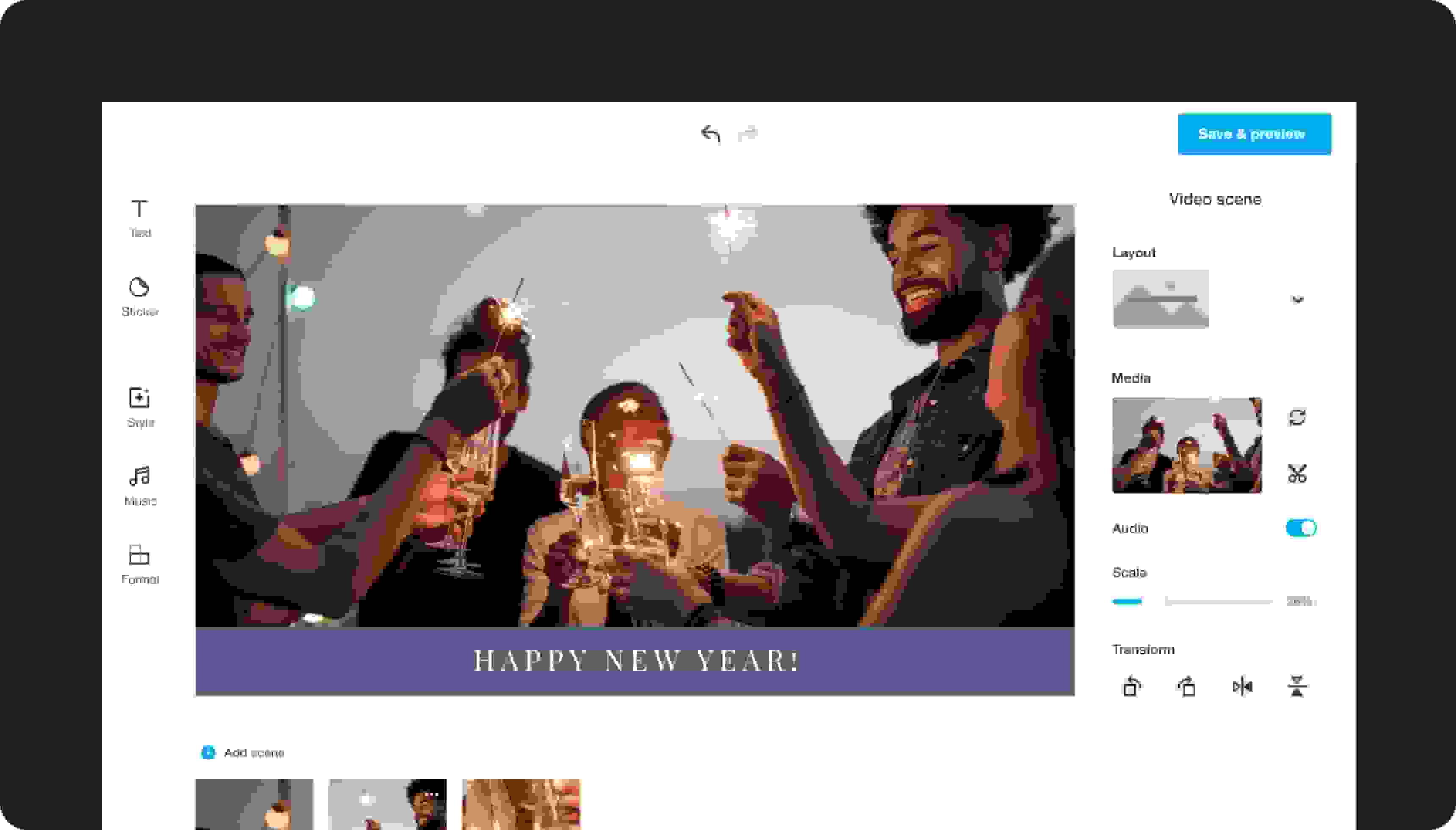
Make stunning New Year's videos to commemorate a wonderful year
Whether you want to make a New Year’s video to reminisce with your favorite memories from the past year, share memories with friends, or thank your customers for another great year, Vimeo Create’s free New Year’s video creator can help. Here are a few pointers to make your video stand out.
Go the chronological route
Sharing photos from the past year is easy with Vimeo’s free New Year’s video maker. To help bring your memories to life, try to add them in chronological order. This is an excellent way to showcase your best memories to friends and family while preserving them for you to watch years down the road. Use Vimeo’s editing tools to click and drag photos and video clips to set up your video this way.
Get personal
If you’re sharing a New Year’s video with friends, family, or clients, don’t be afraid to get personal. Let them know your best memories from the past year and how glad you are that they’ve been a part of it. Share some challenges, milestones, and new goals to ring in the brand-new year with those closest to you. Add some Happy New Year video effects to make it even more spectacular.
Don’t forget to add music
Music can add pizzazz to your video, especially if your New Year’s video is a slideshow of photos and video clips from the past year. You can find royalty-free, public domain, and Creative Commons music to use for free, and add your track using Vimeo Create. If you talk in your video, be sure to lower the music’s volume during your speaking clip so it doesn’t drown out your message.
