Best practices for creating informative tutorial videos
Tutorial videos help you showcase your best DIY projects or tips and how-tos to deliver more value to your audience. These expert tips and best practices will help you create informative, engaging tutorial videos to show your viewers how to make delicious recipes, Pinterest-worthy craft projects, impressive DIY projects, and more.
Choose a functional recording location
Choose a recording location with minimal background noise, good lighting, and good acoustics. The wrong location can result in echoes and distracting background noise that lower the quality of your production and make it difficult for viewers to follow along. Be mindful of the background, too. Remove any personal effects or items with visible sensitive information and create an aesthetically pleasing backdrop for your tutorial video.
Use a time lapse to cover lengthy stepse
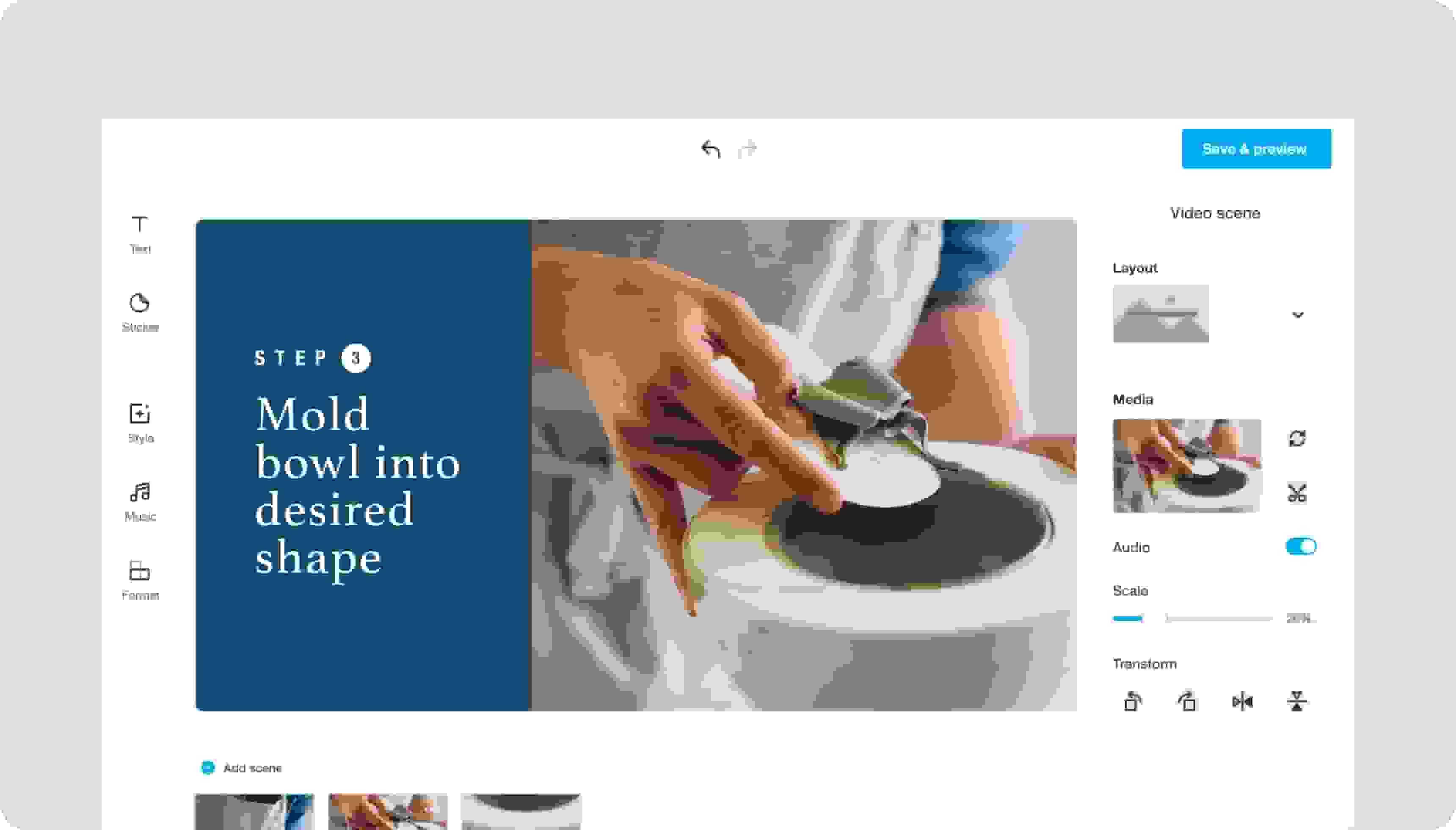
Some recipes, crafts, and DIY projects have a few time-consuming steps that aren’t necessary for viewers to see — like waiting for a pie crust to bake or glue to set. Vimeo Create makes it easy to trim out the unnecessary parts to keep viewers’ interested. If your project includes tedious, time-consuming steps, such as painting a base layer to a DIY project or mixing together a series of ingredients, a time lapse is the perfect way to make the boring parts go faster for your audience. Learn how to make videos with a time lapse.
Use text and static images to convey important points
Use Vimeo Create to add text to your tutorial video and break it up with static images to provide closeups of specific steps, ingredients or supplies, and, of course, the finished masterpiece.
