Turn your PowerPoint presentation into an animated slideshow video
Slideshow videos can be powerful storytelling tools. These expert tips and best practices will help you create a professional-looking slideshow that engages your audience.
Keep slideshow videos short
Whether you’re creating a slideshow video to share with friends or a slideshow ad for Facebook or Instagram, a slideshow should contain short video clips. Short and concise video clips are best for keeping your audience’s attention, particularly if there’s a lot of other content to accompany your slideshow, such as an oral presentation or other written content. For a longer slideshow that contains a mix of photos and video clips, aim to keep each video clip at 20 seconds or less and screen each photo for three to five seconds.
Create a storyboard to plan your slideshow video
To make a slideshow with video clips, your images, clips, and other content should all work together to tell a compelling story. If you’re making a video slideshow with music, you’ll also want to ensure that your video clips and still photos match the beat and underlying feeling of the music.
When you’re working with multiple images and video clips, however, it’s not always easy to visualize how well it all flows together. A storyboard can be a helpful tool to plan your video and choose the right elements.
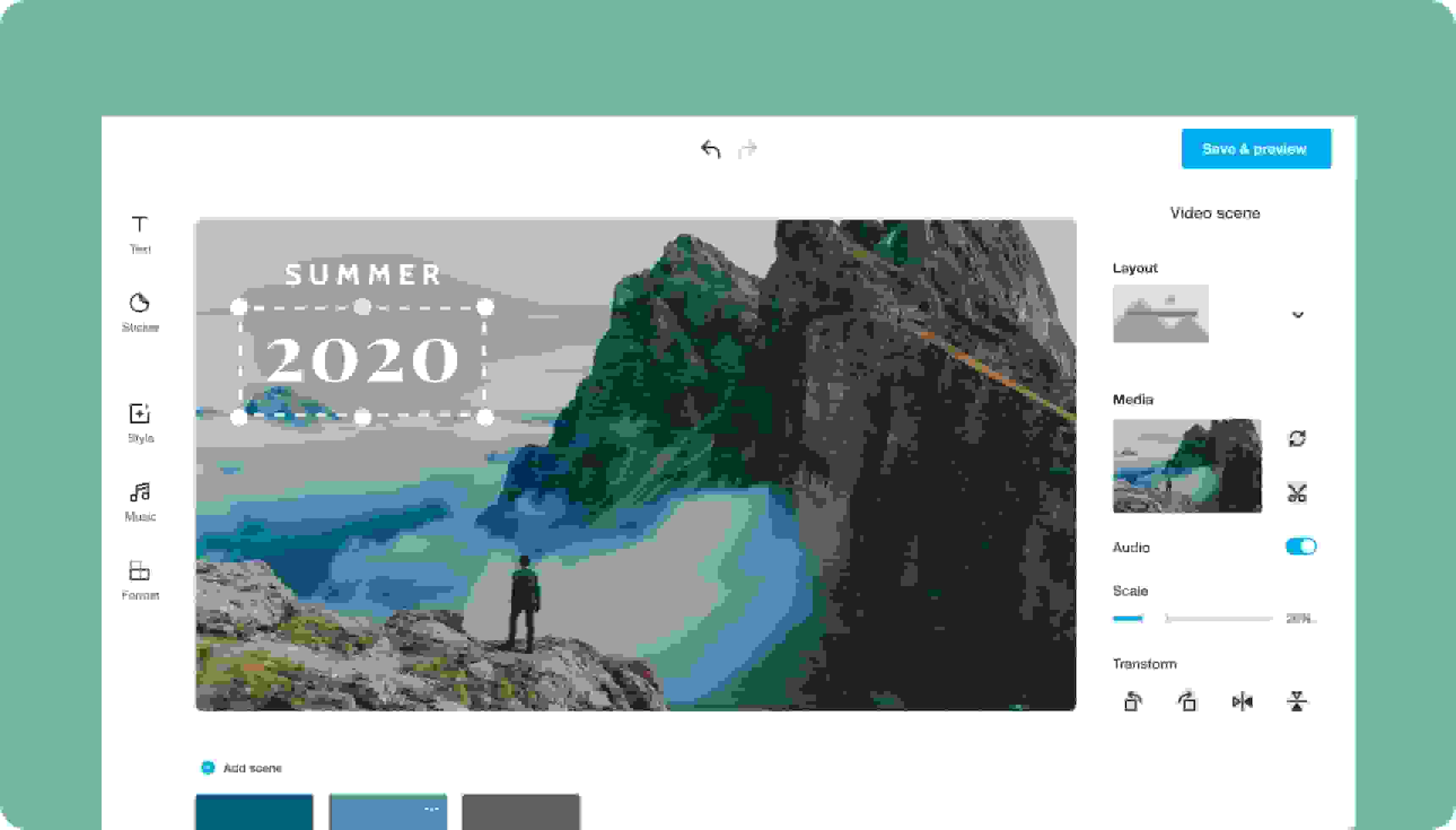
Create a storyboard or outline to plan out your content and develop a logical order for presenting each video clip, photo, and text. Then, use Vimeo’s slideshow editor to add all your video clips, images, and other elements, add text, customize colors and fonts, and fine-tune your project to create a professional slideshow that flows seamlessly and tells a compelling story. You can share your slideshow online to your preferred social media channels with our built-in distribution tools or save it to share or embed it on the platform of your choice.
Add text to videos and images to convey your message clearly
Use a slideshow video maker with text features (like Vimeo Create) to enhance your images and videos with captions and other text to highlight important points or reinforce your key messages. If you’re creating an animated slideshow for social media, keep in mind that many users browse social media with their sound off, so they won’t hear your voiceovers, music, or other audio unless they turn their sound on. To motivate them to hit the unmute button, you need to really capture their attention and spark their interest within the first few seconds, so make your slideshow introduction count with a captivating hook that they just can’t resist.