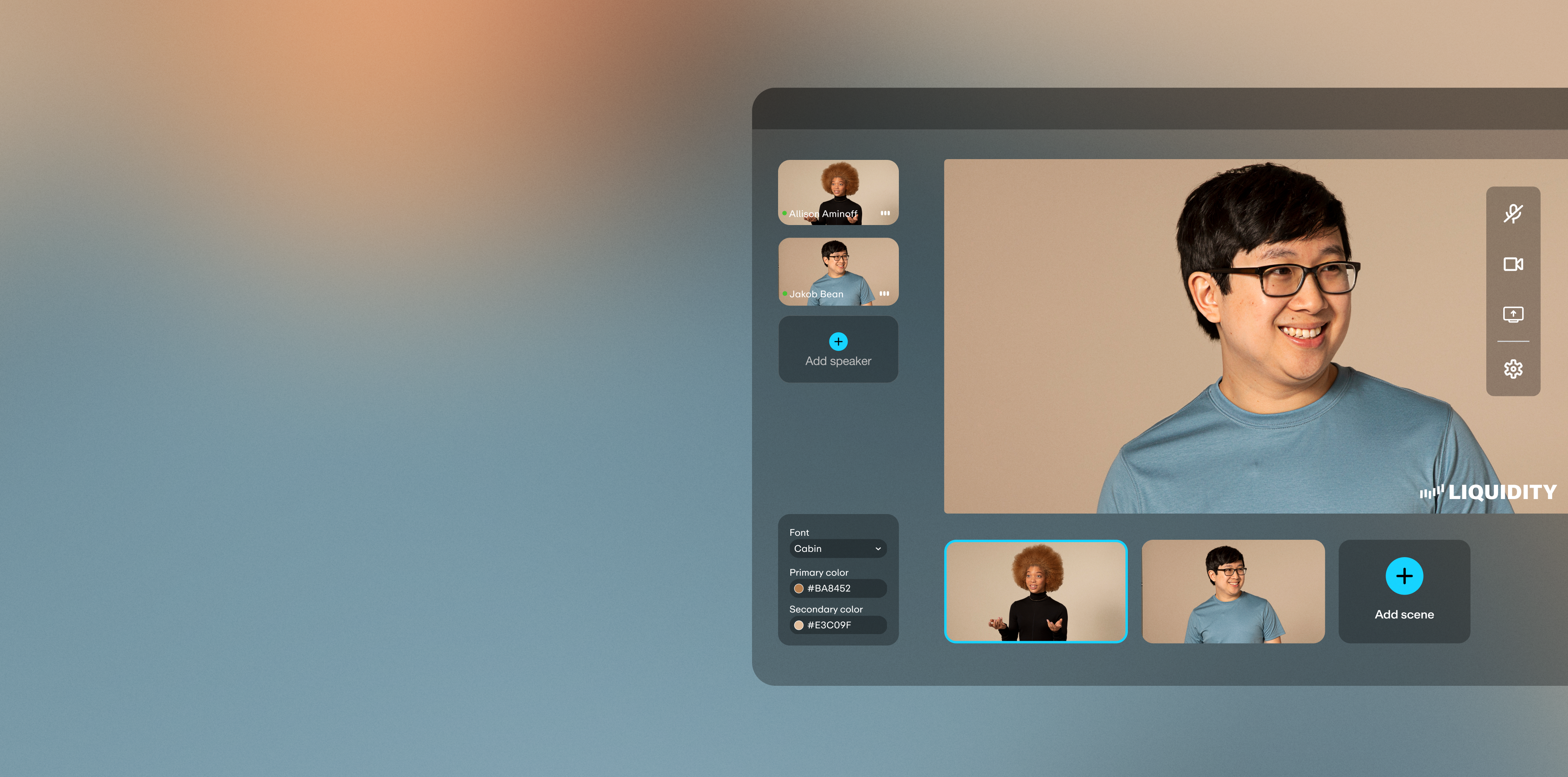

Just bring your browser
Reliable quality
Actually engaging
Drive quality leads
How to host a webinar with Vimeo
Hosting a professional webinar doesn't require extra software or a production team — with Vimeo, you can plan, host, and follow up on live, pre-recorded, or hybrid webinars entirely from your browser.
Step 1: Choose your format and schedule your webinar
Decide whether to host live, go simulive with pre-recorded content, or blend both, then schedule your webinar directly in Vimeo.
Step 2: Set up registration and invite your audience
Create a branded landing page to collect attendee details upfront, and send branded invite and reminder emails automatically. Add speakers or co-hosts as guest speakers so they can share video, audio, and their screen alongside you.
Step 3: Prepare your presentation and test your setup
Upload your presentation, add your logo and custom graphics to stay on brand, and do a quick run-through of your screen sharing setup before you go live — no separate conferencing software or downloads required, since Vimeo webinars run entirely in the browser.
Step 4: Engage attendees during the webinar
Once you're live, keep your audience engaged with moderated chat, polls, surveys, and interactive Q&A — turning a one-way presentation into a two-way conversation attendees want to stick around for.
Step 5: Follow up and put your webinar to work
After the event, use registration data and engagement analytics to follow up with your hottest leads — sync directly with your CRM (Marketo, HubSpot, Mailchimp, or via API). Then repurpose the recording: trim it, add chapters, or cut it into shorter clips for future marketing.
Silky smooth webinar software
Host however you want
Host however you want
Run your event live, stitch together pre-recorded videos and schedule in advance with simulive, or go with a mix of both. Stay on brand by adding your logo, custom graphics, and lower-thirds descriptors.Delight your audience
Delight your audience
Amp up engagement with moderated chat, polls, Q&A, and clickable links. Make things more accessible with automated closed captions for recurring events.
"I love all of the options you get with Vimeo. Their live streaming platform is the highest quality - live events that used to take a team of 5 can now be done with one person and a computer."
When your event ends, the real fun begins
Hook high-quality leads
Hook high-quality leads
With emails collected from your event's registration form, you can follow up with branded emails, or even integrate info with your CRM (Marketo, Hubspot, MailChimp, or use our API). Leverage your event's analytics to learn how to keep people coming back for more.Repurpose your events
Repurpose your events
Turn event recordings into bite-sized content for your website or marketing. Trim recordings, edit clips, add chapters, and even create GIFs. Convert poll results into content for future events, blog content, or even product development.
Choose a plan that fits your needs
Select a plan, or get started with our free plan