15 essential color editing terms, defined

Amy is a contributing writer. Vimeo commissions pieces from a variety of experts to provide a range of insights to our readers, and the views and opinions expressed here are solely those of the author. All content and any external links are provided for informational purposes only.
Amy Horton

More from the Vimeo blog

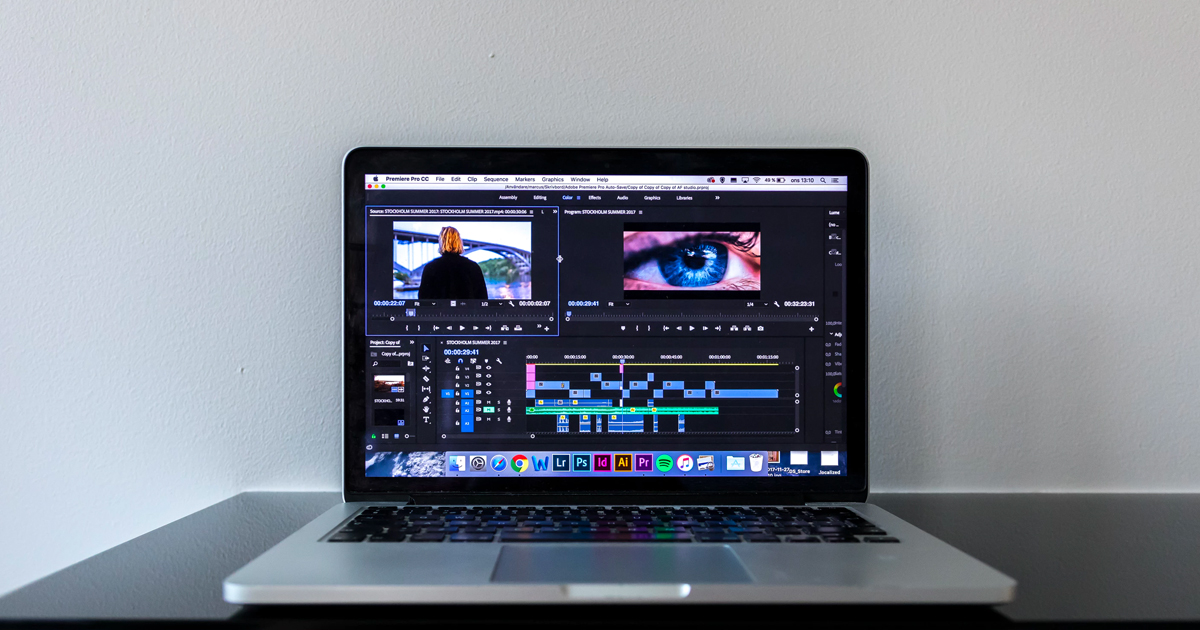
Editing video on a laptop

How to fade in and fade out of video clips for smoother transitions

Virtual event speakers on a screen within the Vimeo video platform

Virtual event management: How to plan, host, and engage your audience effectively

Corner of laptop screen showing Vimeo Review UI, marked approved

8 best video resizers for repurposing your digital content

Image of three men in the short film Lavender which received recognition from Sundance and SXSW

Discover 10 of the best LGBTQ short films on Vimeo

Google Drive logo above a woman on her laptop looking at an import from drive button

10 essential Google Drive integrations to supercharge your workflow

 4K video resolution

Understanding 4K video resolution, from pixels to clarity: a complete guide

Google Slides supports embedding videos, which can captivate audiences during presentations. Here's a step-by-step tutorial that shows you how to easily add a video to a slide using a Vimeo link, Google Drive, or YouTube.

How to embed a video in Google Slides in 3 easy ways

Instagram carousels are so 2020. We’ve put together a guide on how to make a slideshow video, including tips, templates, and step-by-step instructions.

How to make a slideshow video