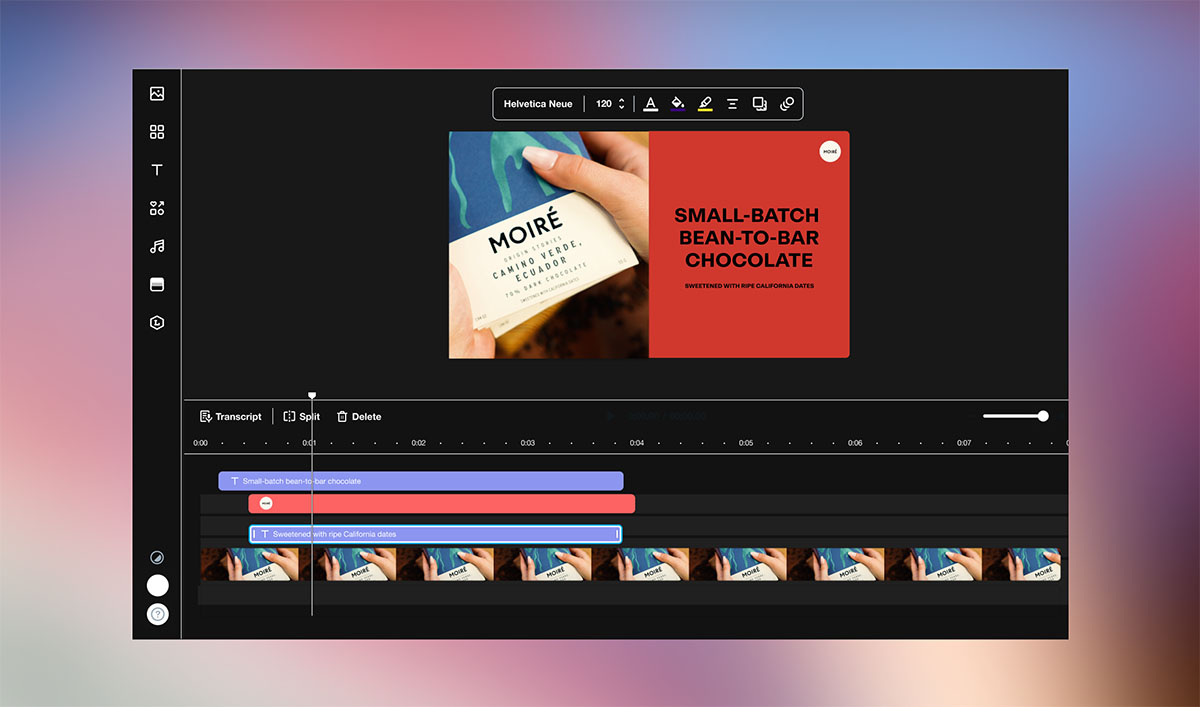
We've given your embeds and video player a major upgrade.
You now have tighter, faster control over your embeds, and the video player gives your viewers a cleaner, easier-to-navigate experience.
Here’s what’s new.
You get more control over your embeds
Hide the share button on any embed
Released July 10, 2026
You can now turn off the share button and right-click menu on any embed—so you can prevent unwanted resharing of your videos. To do it, go to Appearance → Embed from your video page.
Set defaults for autoplay and audio settings
Released July 6, 2026
You no longer have to configure autoplay and audio settings separately for every embed. Pick your defaults once, and Vimeo applies them to all your embeds.
Turn on looping from your embed settings
Released June 29, 2026
You can now easily toggle looping for embedded videos straight from your embed settings—no need to edit the embed code.
Your viewers get a cleaner experience
Viewers pick their subtitle language from the CC menu
Released June 23, 2026
When a video has multiple subtitle tracks, they now appear directly in the CC menu, so viewers can easily find captions in their language, without navigating through the gear menu.
The CC menu only shows when captions are available
Released August 7, 2026
If a video doesn’t have captions, the CC button no longer appears in the player, so viewers only see what they can actually use.
Playback speed lives in the main controls
Released July 7, 2026
Playback speed now lives in the main control bar—no need for viewers to open the gear menu to change it.
We’re making Vimeo more simple, stable, and intuitive—one improvement at a time. You can follow all these improvements at vimeo.com/product-updates.
See you in the next update!
Will from Vimeo