Chromecast + Vimeo for iOS = video viewing magic

Vimeo Staff
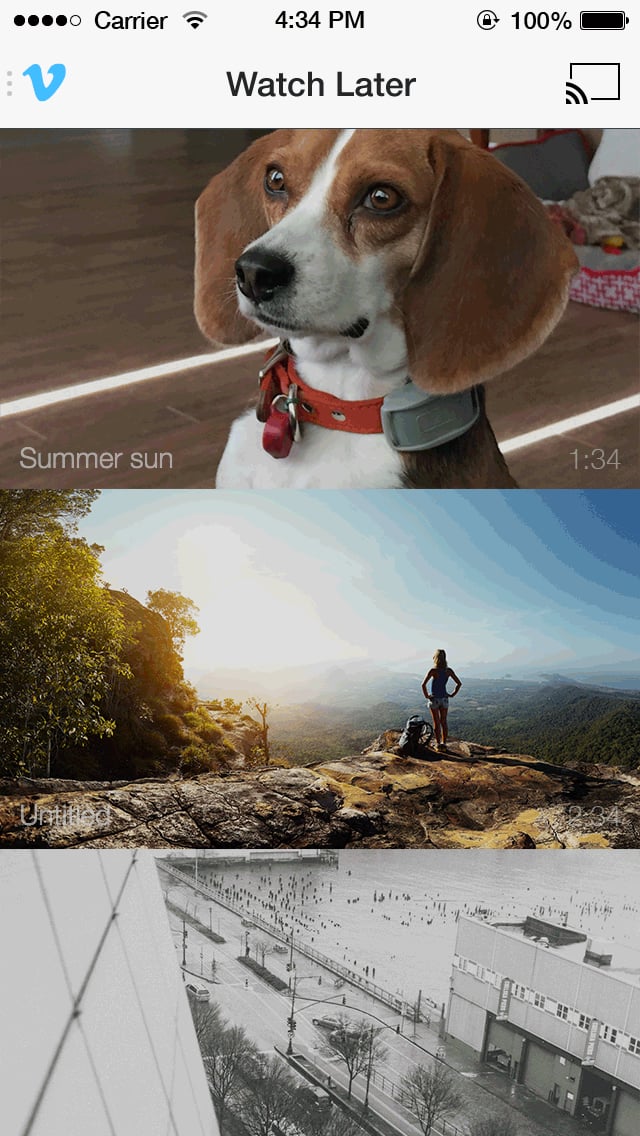
As lovers of Couch Mode and Watch Later already know, there are tons of ways to watch Vimeo videos on your TV. And now we've added another! More

As lovers of Couch Mode and Watch Later already know, there are tons of ways to watch Vimeo videos on your TV. And now we've added another! More specifically, the one you've been waiting for. Even more specifically, Chromecast.

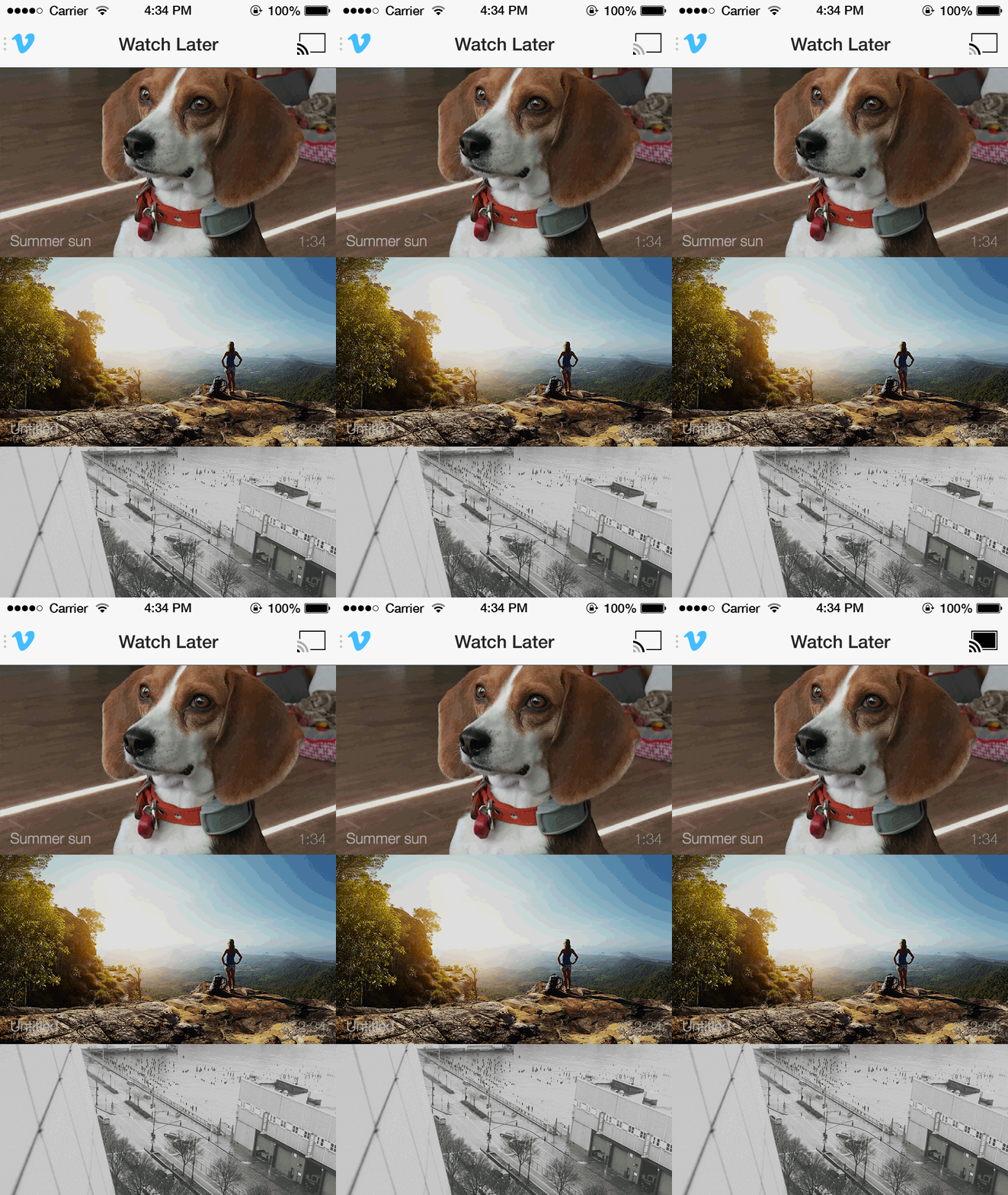
Thanks to our most recent iOS update, you can now cast videos from your iPhone or iPad directly to your TV screen — all you need is a Chromecast receiver and the free Vimeo app, which acts as the remote.


Ready to cast? Here's how:

  • Grab a fishing reel. (Juuuust kidding.)
  • Download the most recent version of the Vimeo iOS app from the App Store.
  • Open the app on your iPhone or iPad.
  • Choose a video to cast, enter fullscreen, and tap the Chromecast icon.
  • Gaze at gloriously big Vimeo videos on your gloriously big screen.
  • Bonus: while a video is playing, you can continue to browse for more via your iOS device.
Video hosted on Vimeo

Vimeo + Chromecast is only available on iOS for now, but we're working to bring it to additional devices in futuretimes. Thanks for patiently waiting with us. Until then, feel free to continue streaming videos via Apple TV, Roku, Xbox, Amazon Fire TV, and more of your favorite streaming TV thingamabobs.


Get more product news

Vimeo also offers creators tools for video hosting, a text-based video editor, timeline editing features, video graphics capabilities, and an image-to-video converter.

Filed under:

Photo of Vimeo Staff

Vimeo Staff

More from the Vimeo blog

Pop up on a screen saying that this is a private video that only you and your team can view

Compare these top private video hosting services to upload and protect your video content

Why the unthinkable might actually be the right move for your business, and when to take the plunge.

How to delete a YouTube channel, and four alternatives to consider instead

Vimeo is committed to trust and transparency in the ever-changing landscape of generative AI. As such, creators must label meaningfully manipulated content.

Introducing AI-Generated Content Labeling on Vimeo

Asana’s Head of Brand Marketing discusses increasing brand engagement in a new and relatable video campaign.

Asana Talks Creative Risks For Its Video Campaigns

We caught up with the motion flicture curator to find out how his new horror short came together.

Get an inside look at George Jeff curating "TRiiiX" starring Odell Beckham Jr.

Creating an Apple TV app shouldn't require any coding. Learn to develop an app on Apple TV in just a few simple steps.

How to Create an Apple TV App (No coding required)

Looking for a new domain for your online video website? Consider using a .TV domain instead. Here are the pros and cons.

Should You Use a .TV Domain for Your Video Business?

Audiophiles meet crisp, clear audio files. Adobe's Parametric Equalizer, polishes your vocals in no time, and this article breaks down how to use it.

How to fine-tune your audio with Adobe's Parametric Equalizer