Great filmmakers should never let a lack of funds get in the way of an epic project. If you’re searching for a piece of equipment to give your film a polished edge, look no further than your garage. A car can supply that extra professional look without costing extra professional dollars.
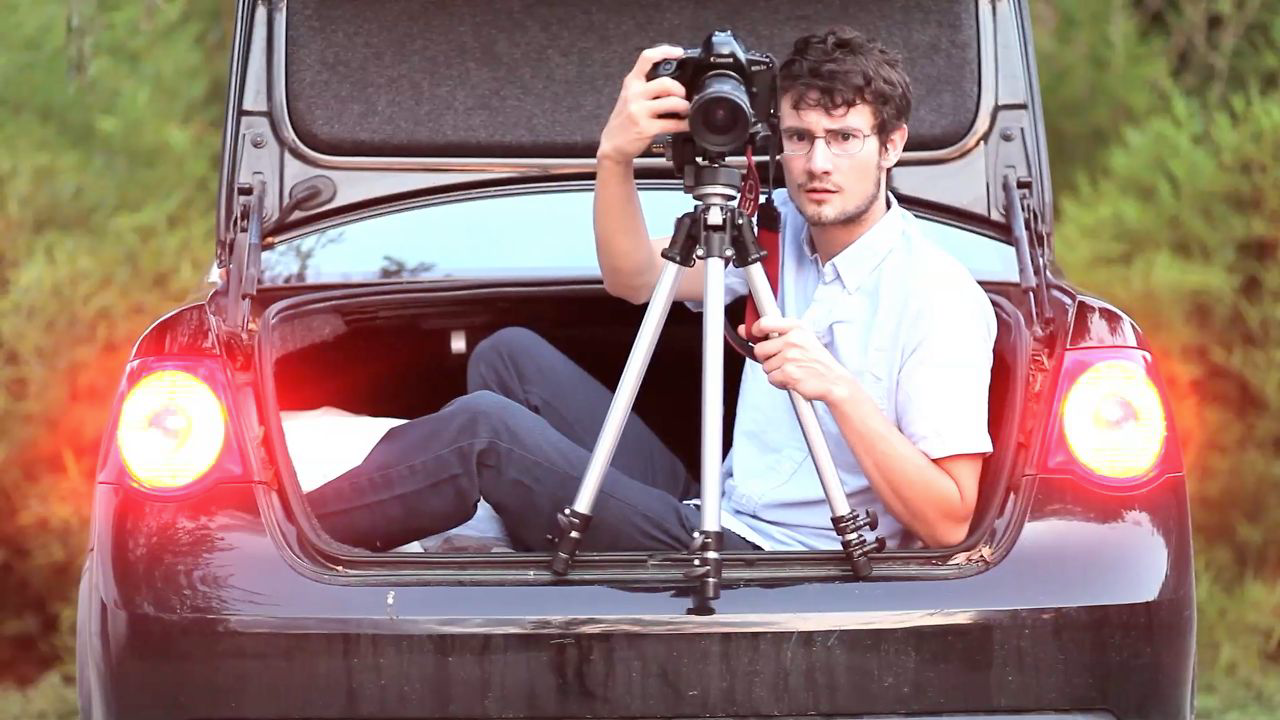
Joining us today are Vimeo Video School guest professors, Neko Neko Films, a small indie film group hailing from Texas.  Using Your Car as a Dolly From the Trunk By filming out of the trunk, it’s easy to achieve a smooth tracking shot without renting expensive equipment. All you have to do is pop open the trunk and set up your tripod! To keep your shot steady, try putting some heavy sandbags around the legs of the tripod. From the Side Window Just as you did when filming out of the trunk, use your tripod in the backseat to get a smooth side-dolly shot. If you don’t have a tripod, we recommend using a bag of rice to rest your camera on the bottom of the car door’s window frame. By doing this you can avoid some of the bumps that could come with resting the camera directly on the car door. From the Front Filming out of the front can be a little tricky. Basically, you want to tilt the tripod head sideways (to level the shot) and rest the legs of the tripod on the car door. Once it’s safely mounted, frame your shot so that the front of the car isn’t seen.
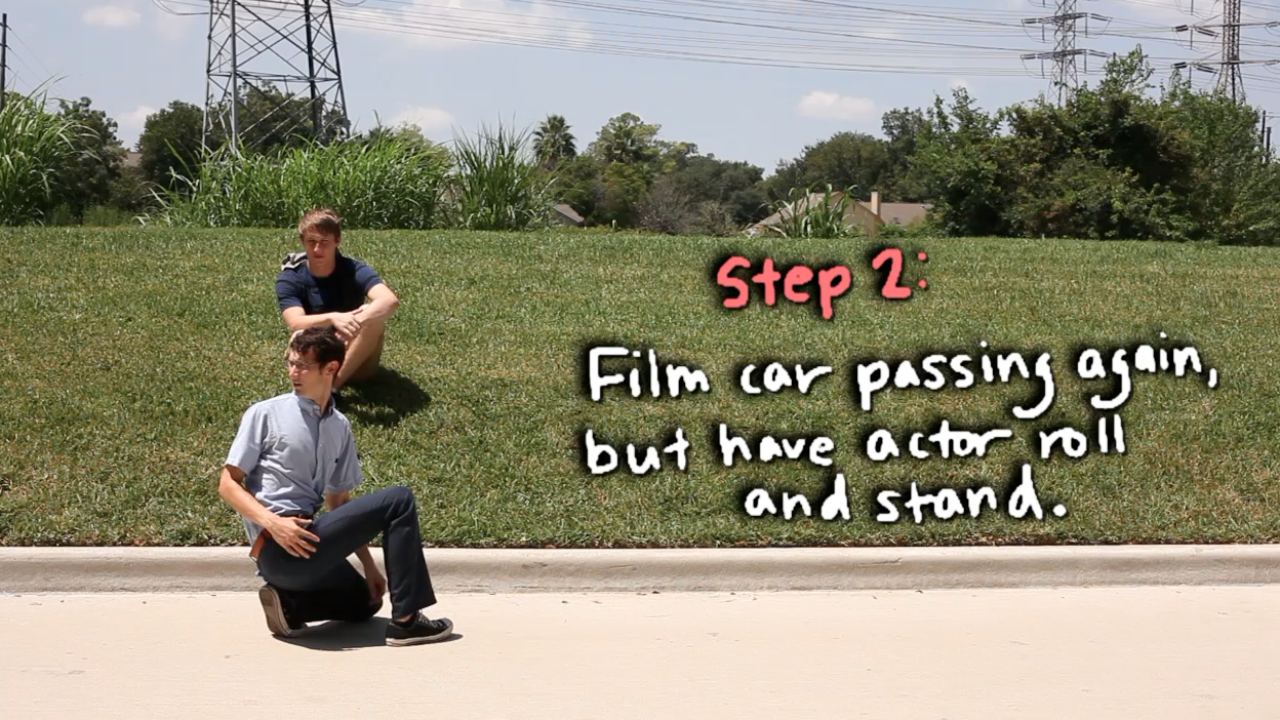
  Out of Body Shot It might be easier to recreate this effect if the vehicle you are working with is a truck. The basic idea is to shoot out of the back of the car with the actor in center frame. Make sure to keep the car out of the shot, if it’s seen, it could ruin the effect! Using Your Car for Practical Effects Fake Driver Have your actor sit in the backseat on the drivers side of your car. By giving your actor a circular prop to act as a steering wheel, you can frame your shot to make it look as if your actor is driving. Now, your actor can safely recite lines without having to watch the road! Ditching Your Car To achieve this effect without breaking some serious bones, you want to first film a car passing by, then, without moving the tripod, have your actor get in position on the far side of the street. As the car passes, have your actor roll and stand. Cut these two clips together at the right time, and it will look like your actor just ditched his car. Cut to a shot of a car door opening for a finishing touch!
  Crashing Car into Person Place your actor in a post-crash state and then slowly inch the car backwards. As the car reaches the actors mark, have them slide off the hood and stand up. As long as you reverse it, speed it up and add some crash sound effects, you should be able to achieve the effect! Now that you know the tricks of the trade, go get those engines revving and put your car to use – Vimeo even has a car promotion video tool to ease some of these processes. And of course, don’t forget to buckle up!
If you're a creator, Vimeo empowers creators with tools for producing, sharing, and managing their projects. Features include screen recording software, a teleprompter tool, and detailed analytics.