A jump cut is a film editing technique that skips forward in the action, making a person or object appear to suddenly move from one moment or position to another. These cuts create a noticeable visual effect for the viewer, and filmmakers can use them to pick up the pace or just remove unnecessary footage.
Learn what a jump cut is, how it works, and how to create or hide one in this guide.
How does a jump cut work?
To create a jump cut, editors remove part of a continuous shot and join the remaining footage. Because the framing stays similar while the action moves forward, it can look like the subject has abruptly shifted to a different position or moment in time.
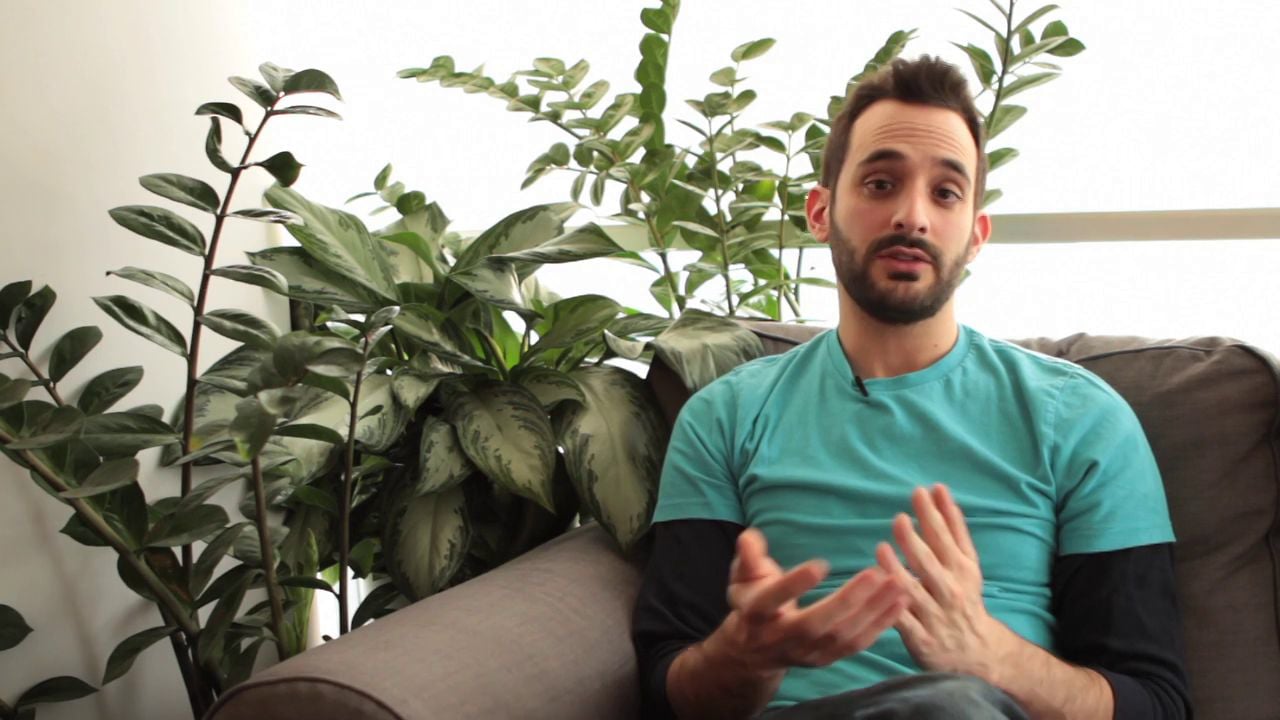
You might notice a jump cut in a talking-head video if the editor cut out a pause. The speaker stays in roughly the same place, but their posture or expression suddenly changes between frames.
Instead of hiding the edit, jump cutting breaks the smooth flow associated with continuity editing. It draws attention to the change in time or movement, making it a form of discontinuous editing.
Other types of film cuts can create continuity. A match cut, for instance, connects separate shots through a visual or thematic similarity rather than creating an intentional break in continuity.
Why do editors use jump cuts?
Jump cuts give editors control over how quickly a scene moves and what the viewer pays attention to. Sometimes the goal is simply to remove footage that doesn't add anything. In other situations, filmmakers use the noticeable break as a stylistic choice.
Compress time and speed up pacing
A jump cut can skip over parts of an action that the viewer doesn't need to see. Instead of watching someone cook an entire meal, for instance, a series of jump cuts could move the scene from preparation to cooking to the finished dish in seconds.
You can also use jump cuts to build a montage, where several jumps forward can show progress or the passage of time without slowing down the story.
Change the scene’s energy
Because jump cuts interrupt the expected flow of a shot, they can change how a scene feels. Quick jumps can give a montage more energy, while an unexpected cut (especially a large one) can make a moment land with more comedic effect.
Filmmakers can also lean into the disruption. Repeated jump cuts can make a scene feel fragmented or disorient the viewer, which can reflect the narrative more effectively when a point-of-view character is confused, anxious, or under pressure.
Tighten conversations
Jump cuts are also a practical way to clean up dialogue-focused videos, so they’re common in interviews, tutorials, and vlogs. An editor can remove a mistake or a part of the conversation that wanders off topic without reshooting the entire take.
The resulting cut may be visible, but when the pacing feels natural, viewers may not mind because they’re more interested in what the speaker is saying.
Jump cut examples in film and online video
A jump cut in film can serve a very different purpose than one used in an online video. Filmmakers have used them to deliberately disrupt continuity, while modern creators rely on the same technique to tighten footage and keep a video moving.
Breathless and the French New Wave
Jean-Luc Godard's “Breathless” (1960) helped popularize jump cuts as a deliberate stylistic choice. In one well-known sequence, the camera remains focused on the character Patricia as she rides in a car, but the background changes abruptly as Godard cuts into the conversation.
Visible edits were a major departure from the smoother continuity editing audiences were used to seeing. This technique helped Breathless become a landmark of the French New Wave film movement, and its stylistic jump cuts remain closely associated with Godard's unconventional approach to editing.
Compressing time in a montage
In “Schindler's List” (1993), the protagonist searches for someone to hire, and the scene cuts rapidly between candidates. The abrupt jump cuts in this sequence move viewers through the process quickly while tying in to the stressful energy, shaping the scene’s pacing and narrative. This same approach can be used whenever an editor wants to show progress or the passage of time without making the viewer sit through the entire process.
Talking-head videos and YouTube vlogs
Jump cuts have also become common in YouTube vlogs and other talking-head videos. In a typical jump cut video, a creator might cut out a pause or remove a mistake, then join the remaining footage without trying to hide the edit.
The speaker may shift slightly between cuts, but that visible jump lets the creator tighten what they're saying and maintain the video's pace. In this context, the jump cut is often less about creating a dramatic effect and more about keeping the conversation moving and viewers watching.
Review videos with your team →
How to create or hide a jump cut
Making a jump cut is a matter of deciding what the viewer doesn't need to see. Maybe there's a long pause in an interview, or someone takes ten seconds to do something you can show in two. Tightening that footage can improve the viewer’s experience, so they stay engaged with your content for longer, whether you leave the cut obvious or smooth it over.
Creating a jump cut
Bring the clip into your video editor and cut on either side of the part you want to remove. Once the clip is removed and you close the space between the two pieces, you'll see the action jump ahead.
Don't assume the first cut is always the right one. As with most video editing tips, the real test is how the edit plays back. Watch the footage again after you make the cut, and adjust where the two clips meet if the jump feels too early or too late. If someone is speaking, listen for words that slip together or a general change in the room’s sound.
Making a jump cut less noticeable
There are times when you need a shorter cut but don't want to see the jump. If you have B-roll footage, put it over the cut and let the original audio continue underneath. An interview, for instance, could briefly cut away to footage of the place or subject the person is talking about.
To make things easier during editing, change camera angles and shot sizes while you’re filming. If you only have one shot to work with, you can sometimes crop in for a closer view after the cut for the same effect. Either way, a change in the picture helps cover the missing footage with video transitions instead of drawing attention to it.
Create polished cuts with Vimeo
Jump cuts can help a slow conversation pick up the pace and give a video a style of its own. What separates a smooth jump cut from an awkward one is knowing when you want the viewer to notice the cut and when you'd rather keep the edit out of the way.
Vimeo gives you a place to experiment and apply those decisions. You can trim footage on a timeline, move clips around, and add audio or graphics in the browser-based editor to find the perfect pace before you share the finished content. For talking-head videos, Vimeo’s text-based editing tool can also help you find and remove pauses, filler words, and sections of dialogue you don't need.
Once you know what you want to keep, the rest comes down to the cut.
FAQ
Can jump cuts work in professional or branded videos?
Yes. Jump cuts can give branded videos a quicker pace, especially well when the content has a polished, conversational style. They can also shorten interviews and product videos by cutting out moments the viewer doesn't need to see, like pauses and stumbles.
What’s the difference between a jump cut and a match cut?
A jump cut skips forward within the same shot or between two very similar shots, but creates a noticeable break in continuity. A match cut connects different shots through something they have in common, such as shape, movement, and composition.
Why do jump cuts feel noticeable or disorienting?
Your eye expects movement to progress via subtle changes within a continuous shot. A jump cut removes part of that movement, so the subject may suddenly change position while the framing barely changes. That break is what makes the edit stand out and, when used intentionally, can create a disorienting effect.