When it comes to live video, audience engagement is the number one concern for most filmmakers and marketers. And live streaming can be a powerful tool to fully capture attention and drive brand growth. But if you’re not well-versed in the strengths and weaknesses of live video, your event could suffer, and your viewers will find more than enough distractions to capture their attention.
That’s why we built Vimeo Live — and that’s why we’re diving into some of the best ways you can use live video to appeal to your audience.
Mind “the 5 Ws”
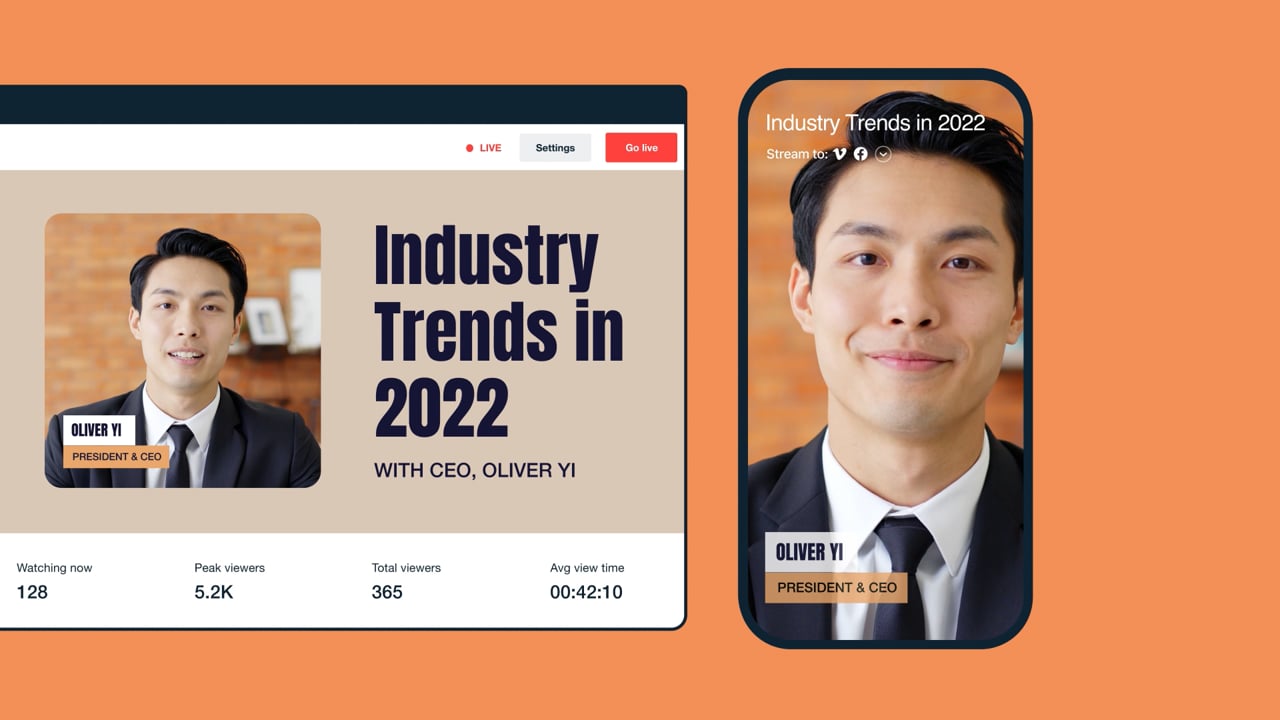
In journalism, you’re taught to present the key Ws: the who, what, when, where, and why for every story. The world of creative filmmaking and brand marketing is no different. Not only does this formula help you provide all the necessary information upfront — including any promotions leading up to an event — it also helps to reiterate the context of the live event throughout.And remember, not every viewer starts watching an event at the beginning. So be sure to reiterate key points of the five Ws every 30–45 seconds, for those who are coming in and out of your event. This can be done by having lower thirds or on-screen text reappear occasionally, or by simply having a thoughtful host to re-introduce event details during any momentary lapses so that your audience stays informed and engaged.

Play with camera angles
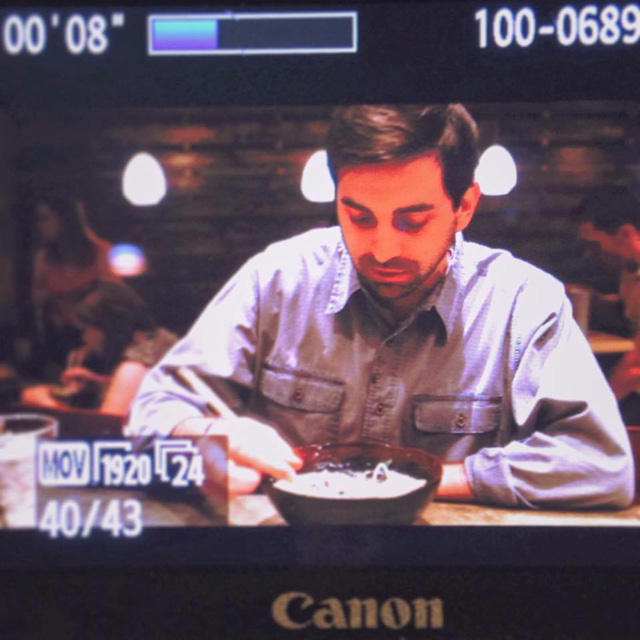
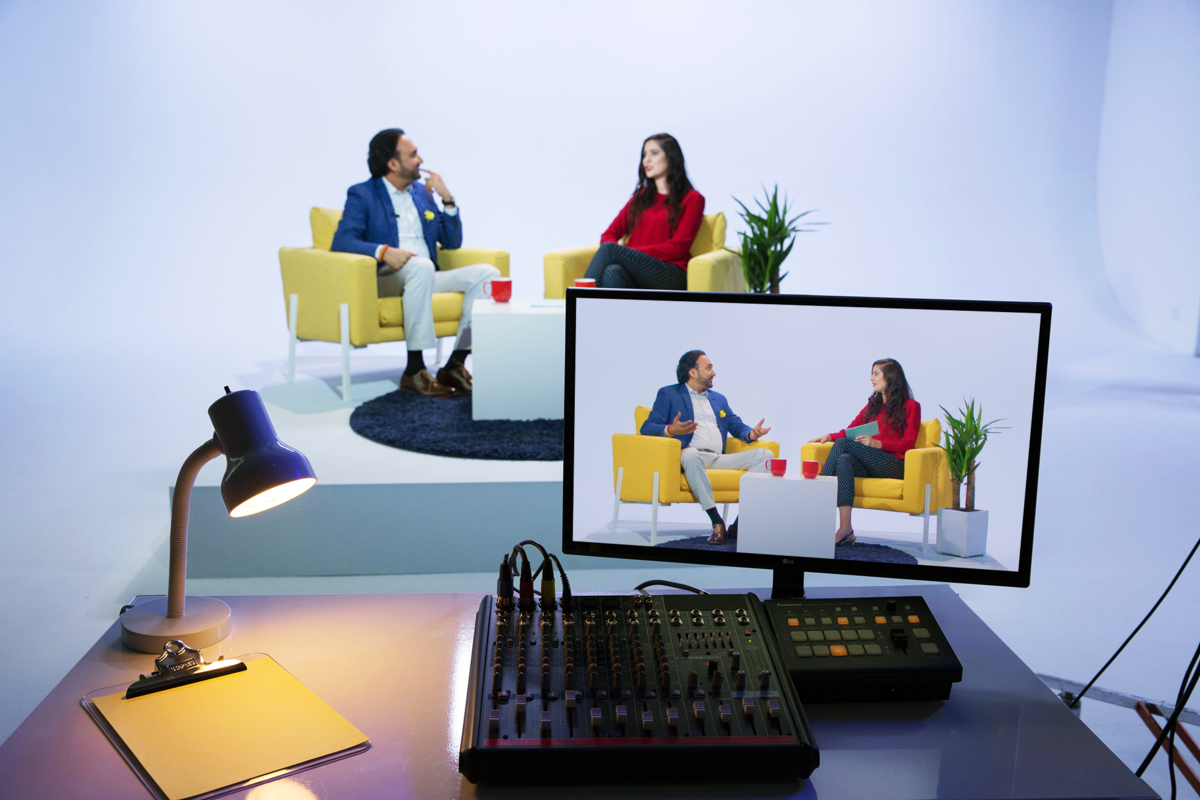
One common misconception about live streaming is that the camera should always be set in a static spot. While this might seem like the the easiest and most common setup, it isn’t always the best option. Especially for driving engagement. There’s plenty of gear — think drones, dollies, or cranes — available to help you move your camera while keeping your live stream smooth and professional. You don’t need award-winning techniques. Finding creative ways to change angles, provide better coverage, and give your live stream more depth can lend your audience a greater understanding of the space — and pique their interest for that much longer.
Consider audio and music
While any video pro will tell you that bad audio will ruin a video from the get-go, even “adequate” sound can still cause audiences to gradually disengage. Strong audio presentation can eliminate distracting background chatter, adding energy and focus to even the most specialized subjects. If your budget allows for some music and sound mixing, it could be worth your while. And even if you’re on a tighter budget, you can make use of online banks of royalty-free background music and sound effects. It’s an incredibly common technique, and there are ample resources available to help you pick the right sounds (we’re big fans of PremiumBeat, Filmstro, and Musicbed).
Build a strong call to action (CTA)
At the end of the day, you’re trying to maximize audience engagement for a purpose — whether that’s getting clicks, selling your product, or racking up more likes and follows. And a strong call to action is always the best way to maximize and define your event’s success. While you don’t need to bury your lede (you can put CTAs in everything from the promotions, to the opening, to the sign-offs), it doesn’t hurt to be mindful of what action you want viewers to take, and spend some time to find the strongest ways to present it. With Vimeo Live, you can easily include CTAs before your event begins, which helps generate leads. Business Live members can add email capture to the player — so fans can sign up to watch an event with their email address — and then easily sync emails with services like MailChimp, Constant Contact, and more to follow up with viewers after the event. End screens also allow you to choose what displays when the live stream is complete, making it easy to include more personal branding or drive viewers to new destinations. 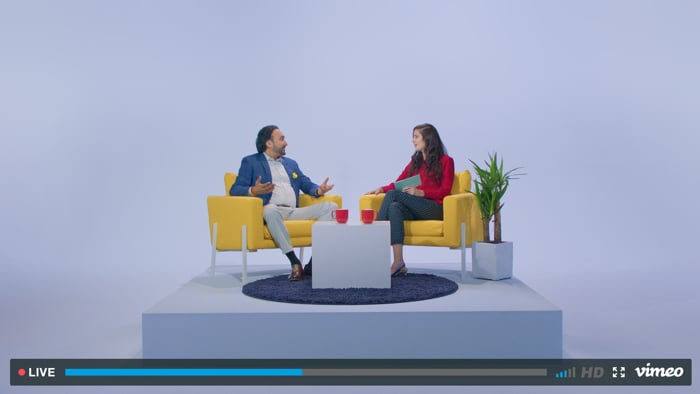
Live video, for all its nuances, is really one of the strongest mediums available to fully capture a viewer’s mind and attention. If you plan accordingly and incorporate some of the tips above, you can create consistency, which keeps downtime to a minimum, limits distractions, and maximizes audience engagement from start to finish.