A thumbnail is like your video’s billboard, meant to catch a potential viewer’s eye and get them to interact with your video. Most of the time, they’re the only chance a video gets to earn a click, and even a well-made video can go unseen if the thumbnail representing it falls flat.
A few best practices for video thumbnails change that. Get the fundamentals right, and viewers have a clear reason to click on your content instead of scrolling past, raising your click-through rate overall.
In this guide, we’ll explore core design principles of good thumbnails and the technical specs for the most popular social media and video hosting platforms, as well as some strategies to test and refine which thumbnails your audience resonates with most.
What makes a great video thumbnail? Design principles and examples
Common design principles separate video thumbnails that hook potential viewers from ones that get scrolled past. Apply them thoughtfully, and viewers will start to recognize your content before they even read the title.
Some of the best practices for video thumbnail design include:
- Deliberate color choices with high contrast: Pair colors that sit far apart on the color wheel, like blue and orange, so the thumbnail stands out in a crowded feed. Bright colors can also visually differentiate your design, but contrast between elements matters more than any single color choice.
- Text that is short, large, and easy to read on mobile: Since most viewers are coming across your content from a mobile device, a few bold words in a large font hold up better than a full sentence in a thin one. A viewer who can't read the text at a glance scrolls right past it.
- A tone that matches the video: A thumbnail that promises something the video doesn't deliver can hurt viewer trust and retention over time, since viewers who feel misled are less likely to give you another chance.
- Recognizable branding: Repeating a logo placement, font, or color palette across a series is one of the most reliable vlog thumbnail strategies, as it helps viewers recognize a new upload before they read the title. That said, a style refresh makes sense when your audience or platform changes.
- Faces and emotions, when they fit the content: A close-up shot with a clear expression, like surprise or excitement, often emotionally hooks potential viewers by giving them a reason to wonder what will happen. This can feel like clickbait for some kinds of content, though, so use big emotions sparingly. Some formats, like tutorials and product demos, work just as well with a clear product shot or on-screen text instead.
A cluttered thumbnail with clashing colors, a full sentence of text (or more), and no consistent branding forces your audience to figure out what the video is about on their own. Since clarity can raise click-through rate, potential viewers need to understand what your video offers at a glance.
Thumbnail best practices by platform
Video thumbnails work differently depending on where they’re posted. Video hosting platforms like Vimeo and YouTube have different core audiences and best practices than social media platforms like Instagram and TikTok. Within those categories, each platform sets their own technical rules, and each gives a thumbnail a different job.
Here are some thumbnail tips on what to prepare for each of those four major platforms.
Vimeo
Vimeo lets you upload a custom thumbnail for any video, or you can select a frame directly from the footage. For custom uploads, Vimeo accepts JPEG, PNG, GIF, BMP, and TIFF files. The thumbnail looks sharpest when the image matches your video's exact dimensions, regardless of what a good thumbnail size is generally, since Vimeo compresses uploads slightly during processing.
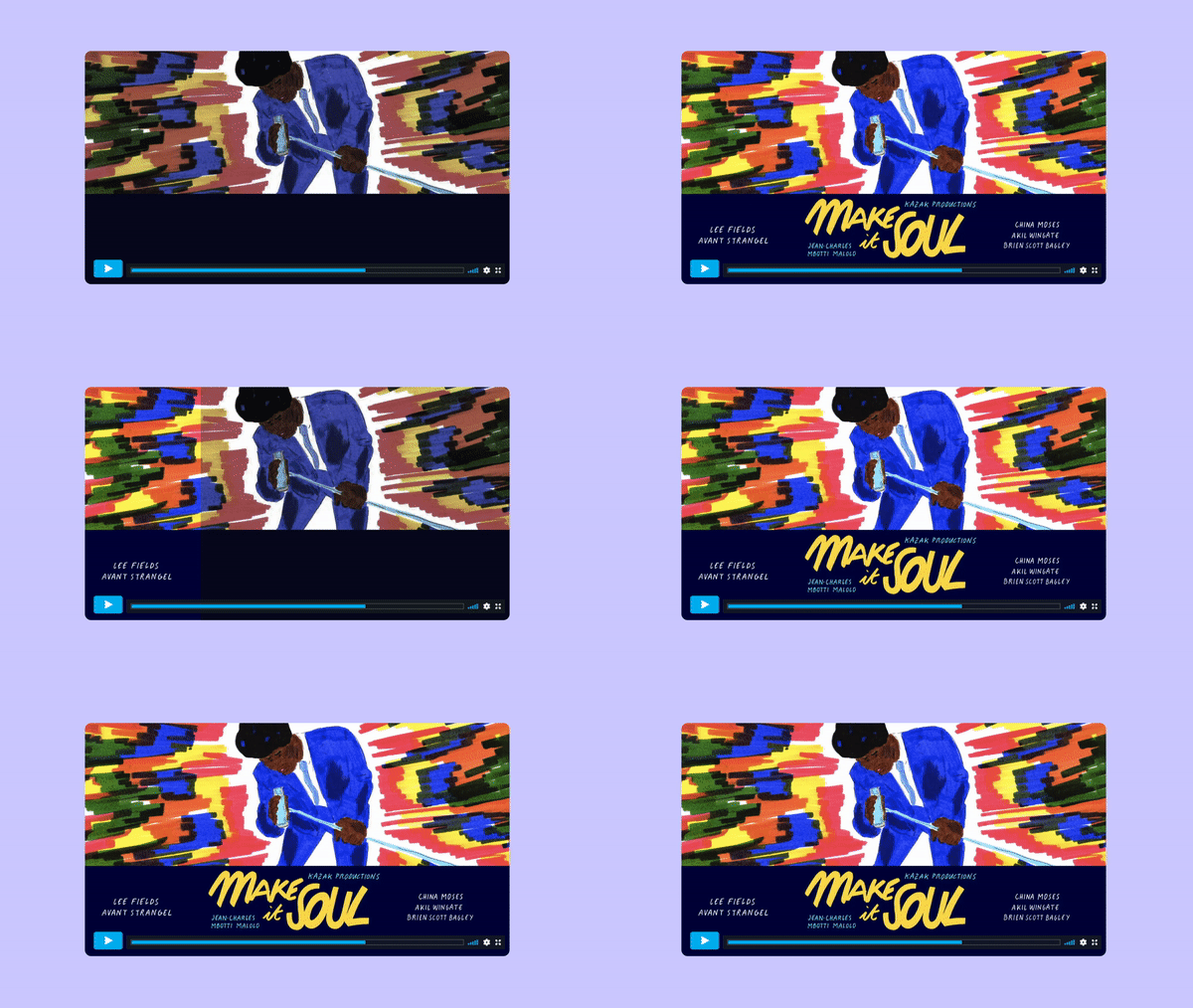
A thumbnail matters most when a video lives outside a social feed, whether it’s embedded on a website, shared with a team over Slack, or posted to a professional platform like LinkedIn. In that setting, a thumbnail rarely competes with other clips in a crowded scroll. Instead, it represents your brand or your work to someone about to make a decision, so it needs to look professional and communicate the video's value at a glance. Vimeo’s thumbnail customization options give every brand the capabilities it needs to properly represent itself.
YouTube
YouTube gives channels that have a verified phone number the option to upload a custom thumbnail alongside the three frames it generates automatically from the video. The best YouTube thumbnails follow YouTube's own technical specs: 1280 x 720 pixels in a 16:9 aspect ratio, a minimum width of 640 pixels, and a file under 2 MB in JPEG, PNG, GIF, or BMP format.
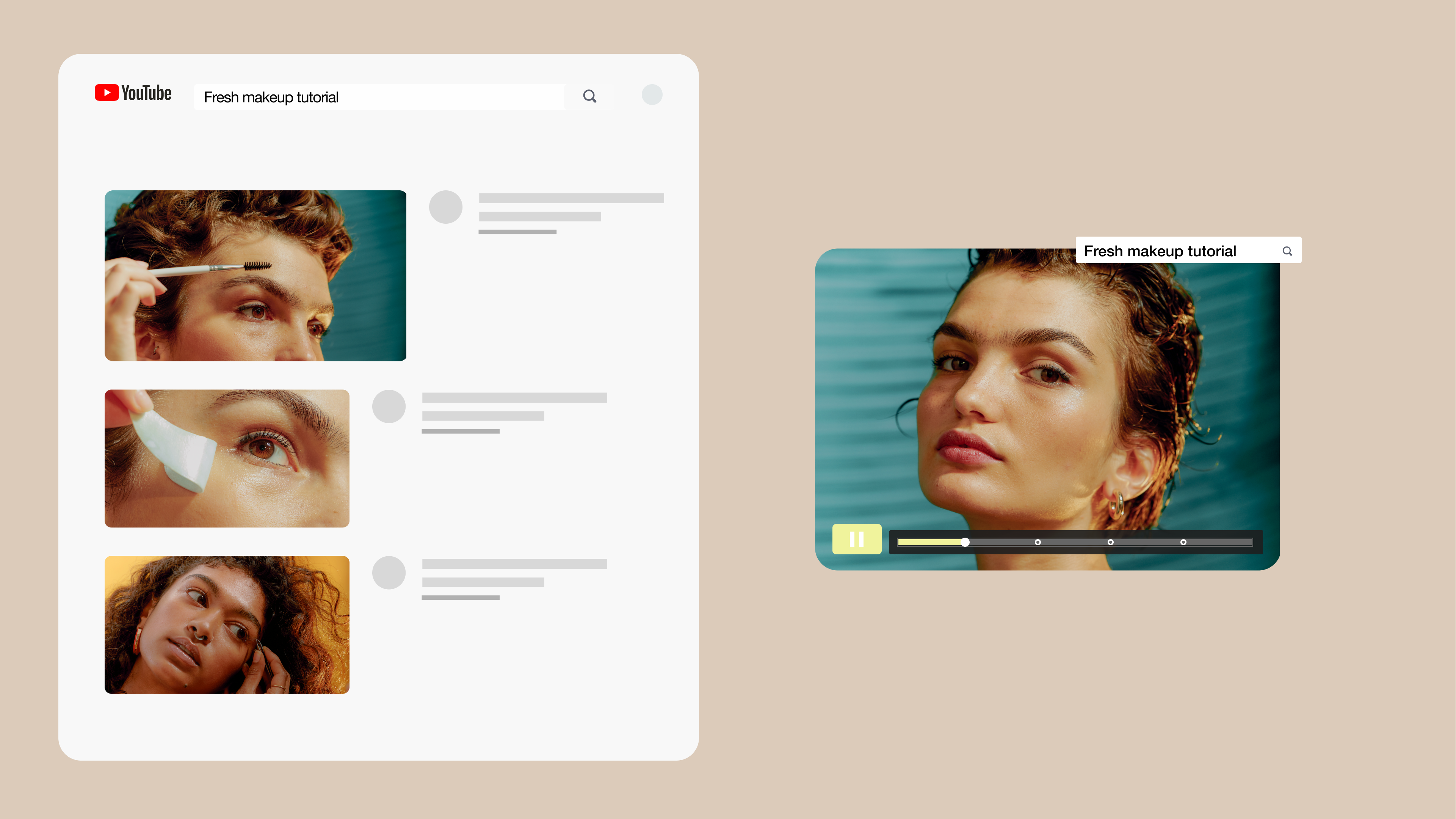
YouTube also overlays the video's duration in the bottom right corner of every thumbnail, so keep text, faces, and logos out of that corner or they'll be covered. Since thumbnails appear next to a title and channel name in search results and suggested videos, viewers often decide whether to click before they read either one. That visibility connects to how video SEO works more broadly, since a thumbnail is one of several signals search engines and platforms weigh when ranking a video.
Compare Vimeo and YouTube →
On Instagram, you can pick a still image from the Reel or upload a separate cover image from your Camera Roll, sized at 1080 x 1920 pixels to match the Reel itself, as a JPG or PNG. You can update the cover any time after a Reel goes live, making it easy to swap in a new look or A/B test without reposting.
Because Reels are displayed as full vertical frames in the Reels tab but are cropped into a square on your profile grid, you should keep faces and text in the center of the frame. That way, nothing critical gets cropped out in either view.
TikTok
TikTok's For You feed auto-plays videos without showing a cover first, so a TikTok thumbnail almost exclusively appears on your profile grid and search results — not in the main feed where most views happen. You can create thumbnails by selecting a frame from the video, and in many cases, you can also upload a separate cover image. The image needs to be 1080 x 1920 pixels, or a 16:9 aspect ratio in a vertical layout, and uploaded as a JPG, PNG, or WebP file.
Since the cover crops to a narrow rectangle on your profile grid, center the focal point of the image so it survives the crop.
How to test and improve your thumbnails over time
Thumbnail performance can change over time as audience expectations, trends, and competition shift. Here are a few ways to make sure your thumbnails stay up-to-date and keep pulling new viewers long term:
- Track click-through rate as a primary signal: Click-through rate shows how often viewers click a video relative to how often it's shown, making it a strong signal of thumbnail performance.
- Compare thumbnails across your own library: Look at which of your video thumbnails consistently pull in more viewers, then note what qualities they share, like color choice, text length, or an expressive face.
- Update thumbnails on older videos: Swapping a weak thumbnail on a video that's already published is one of the fastest ways to lift performance without recording anything new, and it's a direct way to get more video views on content you've already made.
Explore Vimeo Analytics →
FAQ
Can I change my video thumbnail after it's been published?
Typically, yes. Most video platforms let you replace the thumbnail after a video goes live without re-uploading the video file itself. On Vimeo, for example, you can open a video's settings and select a new thumbnail image or video frame at any time.
How can I add a custom thumbnail to a video?
On most platforms, you’ll upload a custom thumbnail from the video settings menu or during the upload process, either by selecting an image file or choosing a frame from the video itself. Vimeo, for instance, accepts JPG, PNG, GIF, BMP, and TIFF files. Be mindful of the image size, too: Thumbnails look sharpest when they match the video's exact dimensions.
How should a thumbnail complement the video title?
A thumbnail should add something the title doesn't already say. If the title names the topic, the thumbnail can show the result, the reaction, or a visual detail from the video, giving viewers two distinct reasons to click instead of one repeated message.
Manage your video thumbnails with Vimeo
Thumbnail design is one part of video optimization, and it's often the most visible one. Every principle plays out differently depending on where a video lives, but the goal stays the same everywhere: give viewers a reason to click before they read a single word of the title.
Vimeo uses that goal to make your daily thumbnail management as practical as possible. You can upload a custom thumbnail for every video in your library, so every video matches your visual branding standards. There are no complicated steps you need to follow; that upload happens in the same workflow where you host, edit, and share your videos.
With Vimeo, you don’t have to keep switching tools to create a consistent look across hundreds of videos. High-resolution hosting keeps thumbnails sharp instead of pixelated. Privacy controls let you share a thumbnail preview with a client or team member while keeping the underlying video private. Getting this right feeds directly into a broader video content marketing strategy, since a design choice this small still shapes whether a new viewer clicks at all.